Blank Screen When Trying to add Site Icon

Hello,

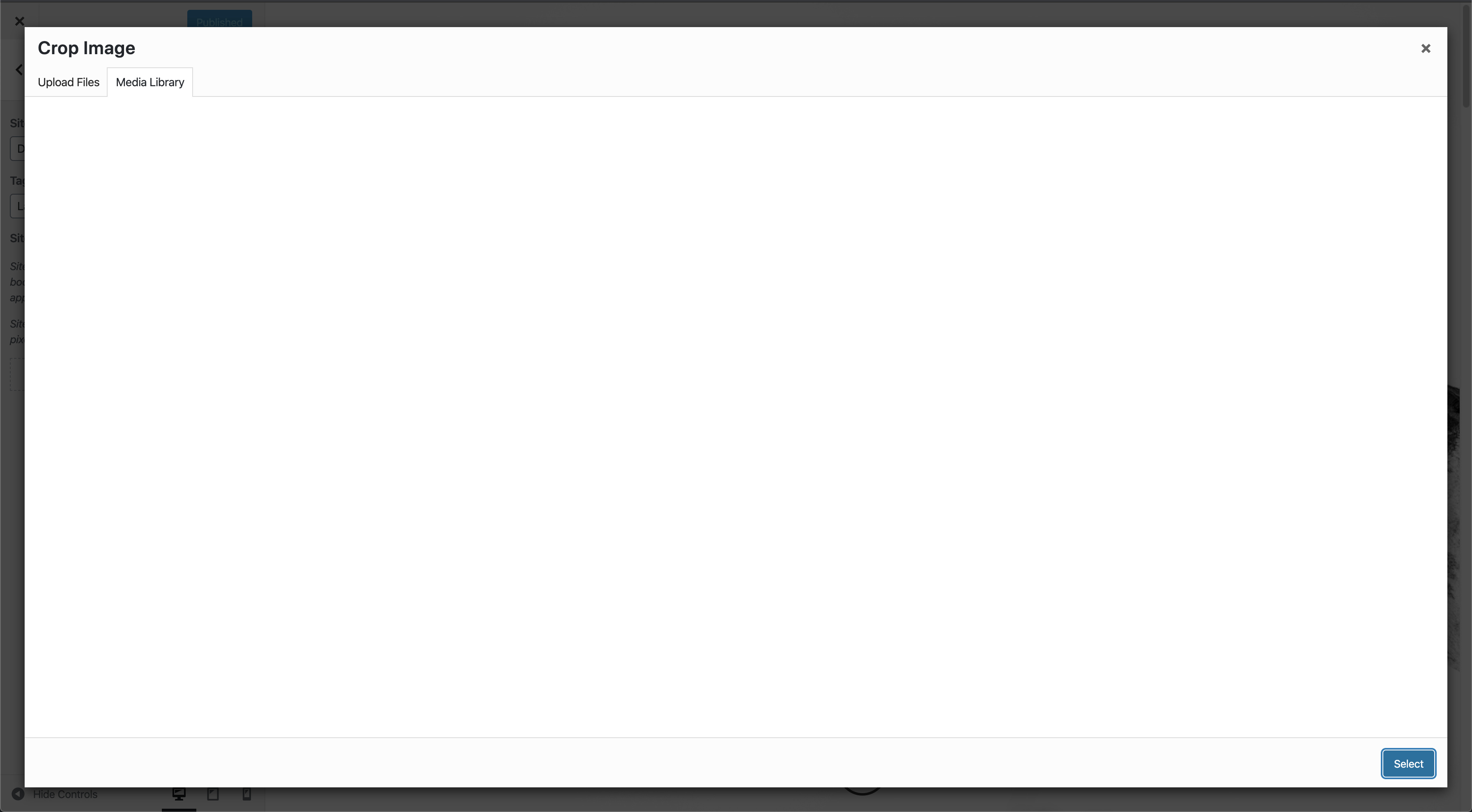
I’m trying to add a site icon to my site by going to appearance > customize > site icon. When I do that, and then select the image from my media library that I want to use for it, I’m able to select the image but then the screen goes blank when it gives me the option to crop and I can’t select and save anything. The image I’m trying to use is a jpg, it’s 600px by 600px (it is the most recent image in the media library). Any suggestions? I’ve attached login info in a secure note.

Thanks!
Dave
Hi Dave,

Thank you for writing in and thank you for the credentials but which of your site is having the issue? There are multiple sites associated on your account.

In the meantime, please do testing for a plugin conflict. You can do this by deactivating all third party plugins, and seeing if the problem remains. If it’s fixed, you’ll know a plugin caused the problem, and you can narrow down which one by reactivating them one at a time.

And try increasing your PHP Memory Limits.

Troubleshooting: PHP Memory Limits

Let us know how it goes,
Cheers!

Hi @friech,

Sorry about that! It’s for the davidgaiz.com site. I tried testing for a plugin conflict and that didn’t give me anything, I had the same issues.

Thanks,
Dave

Hi Dave,

I tried to add the site icon and found this error:
backbone.min.js?ver=1.4.0:1 Uncaught TypeError: Cannot convert undefined or null to object
I then search about it and then found this thread.. Based on the thread the root cause is Enhanced Media Library plugin. Please try to disable it and try again.

Hi @Lely,

That fixed it, thank you very much for your help!

Dave

Hey Dave,

You’re welcome!
We’re glad @Lely were able to help you resolve the issue.

Cheers.

This topic was automatically closed 10 days after the last reply. New replies are no longer allowed.