Hello,
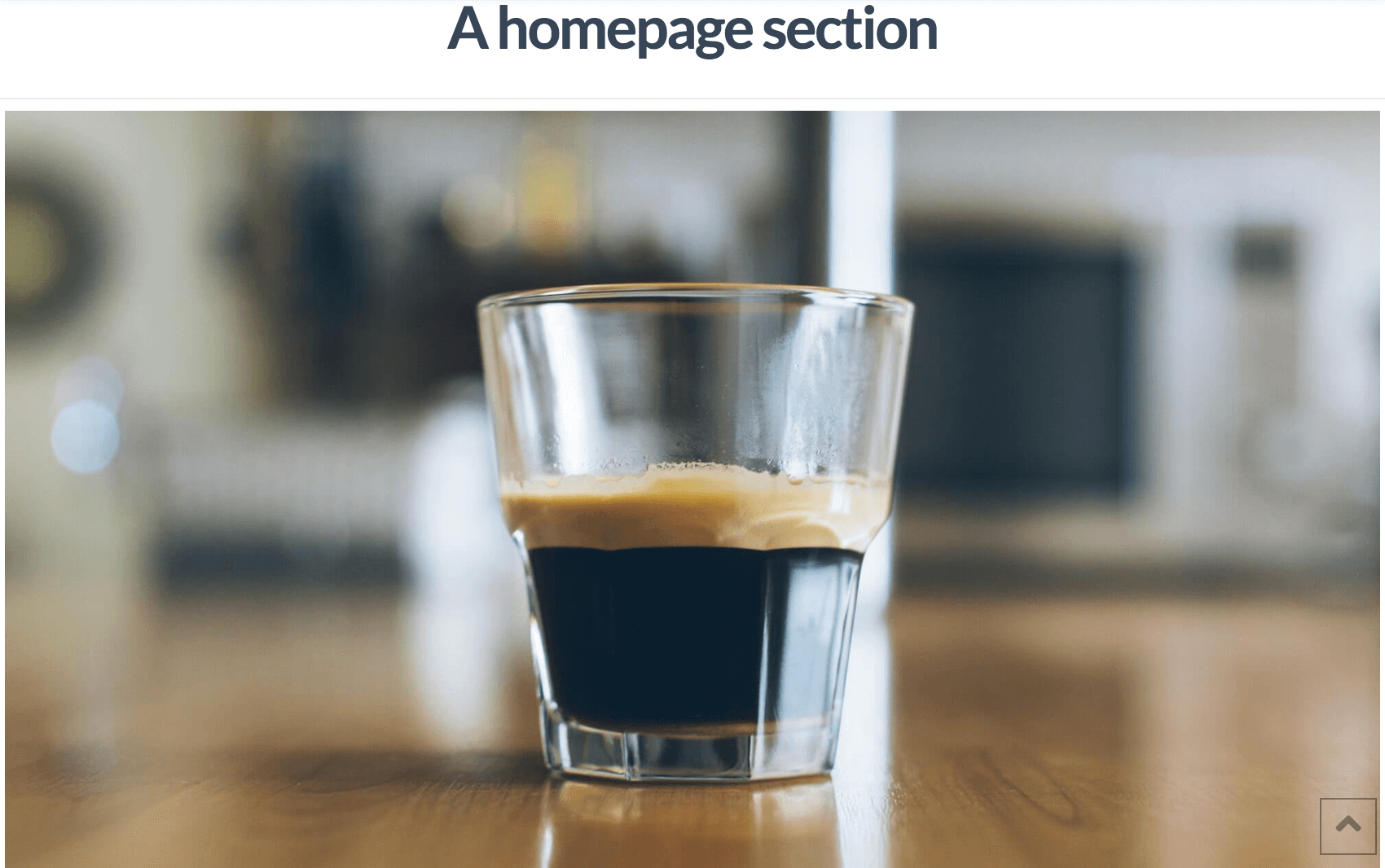
I know I’m missing an option settings somewhere but basically I love the “A Homepage Section” content block as it’s all fill in the blanks. But, when I set my reading to Static -> “A Homepage section” I get this giant coffee mug and header above that says “A Homepage Section”. How do I remove that so it starts at the first section “Introduction”? Also, how can I edit my nav section to set up the links and make it so my nav doesn’t scroll to the right on mobile.
Thanks!
