In the development site I’m using Pro with the Integrity layout and the standard Header and Footers (not custom Build versions).
-
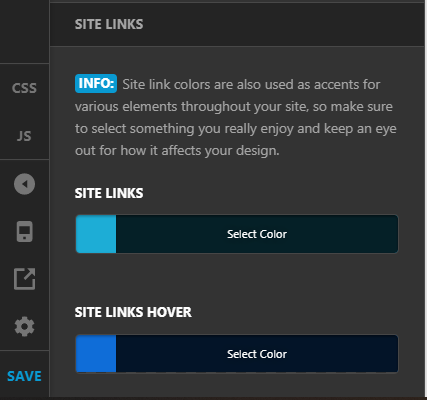
The global primary active link color is Red. Where exactly is this setting as I need to change this please as well as the sidebar link colors?
-
CSS adjustment needed please to reduce the space/padding above a Blog Post or Page Header and the top of the inner page/post border.
-
CSS adjustment needed please to increase the space/padding BELOW the main navigation Bar/breadcrumb bar and the top of the inner page/post border.
-
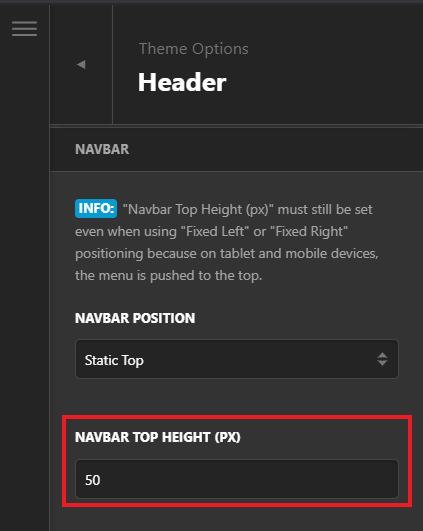
The Main Navigation Bar Height where the main navigation elements are in a horizontal layout, seems to be displaying over the Breadcrumbs Links and Bar.
-
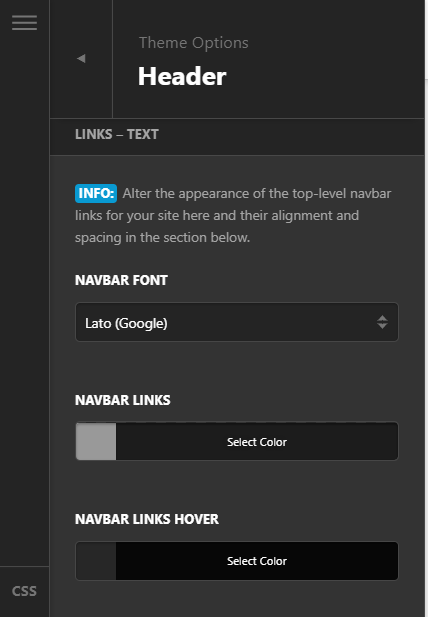
The Main Navigation Bar area - can just this background color be changed?
Thank you