Bar displaying after upgrade to Pro 2.2.5

Hi guys.

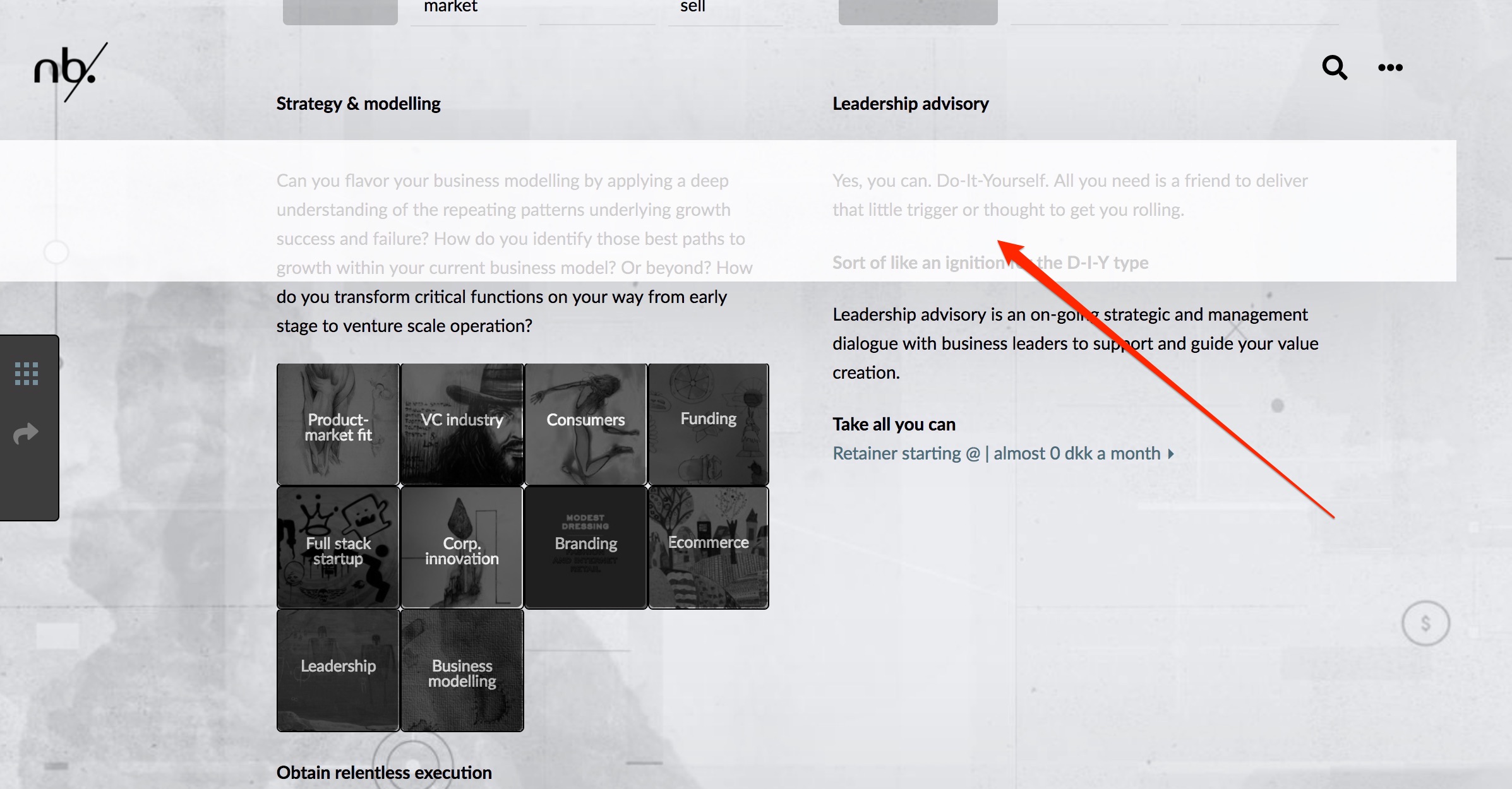
Immediately after the update the top bar displays strangely. At first sight nothing wrong. Upon scroll, however, a white shadow / transparent bar is displayed across the page. I can see the class is

e16002-1 x-bar-content

but unsure how to deal with it. Can you give me a hint, please. See attached. Login credentials in secure note. Thanks.

Ple
Hi There,

Thanks for writing in!

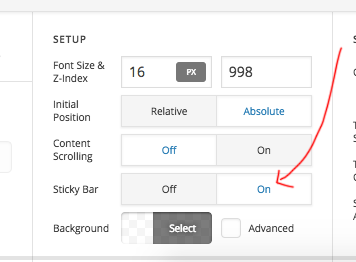
I can see there is a black bar width sticky option active.

Please remove sticky option or you can remove the bar if it’s useless.

Thanks

Hi there.

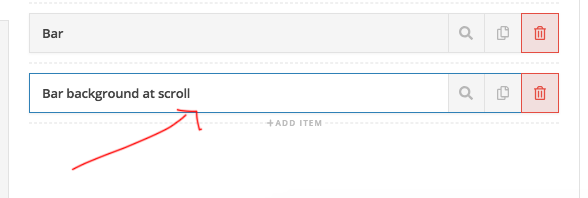
I am using this extra bar as a transparent background once user starts scrolling. Without it the background will be fully transparent. Surely, when I delete that ‘Bar background at scroll’ the problem vanishes. But unless you have other ways of solving this I would still need it.

I have tried the following:

.e20402-7 .x-bar-content, .e20402-7 .x-bar .x-bar-top .x-bar-h .x-bar-absolute .x-bar-is-sticky .x-bar-outer-spacers .x-bar-fixed .x-bar-is-visible {
top: 0px !important;
width: 100% !important;
}

… without luck. I suspect it is my additional css - but don’t seem to find the code that should do it.

Ideas?

Thanks.

Hi again,

Instead of your scrolling bar, try giving the transparent bar a background color when the user scrolls down and remove the scrolling bar you have. To do this just add the following code in the Theme Options > CSS:

.nbwrapheader.x-bar-fixed {
    background: rgba(255,255,255,0.8);
}

Hope this helps!

Hi. Unfortunately, that didn’t do the trick, because there should be no background prior to scroll. I found the root cause, however. For some reason the z-index option in header configuration was unchecked. I am pretty confident that I have not touched the header configuration for quite som time - so I wonder if the unchecked z-index option could be a a result of the upgrade? May sound crazy. Just thought you should know. Thanks.

Hello There,

Glad you have found the root cause of the issue. Though an update should not cause that. Theme update only works on the file of the theme. On the other hand, the content of the header is saved on the database.

This topic was automatically closed 10 days after the last reply. New replies are no longer allowed.