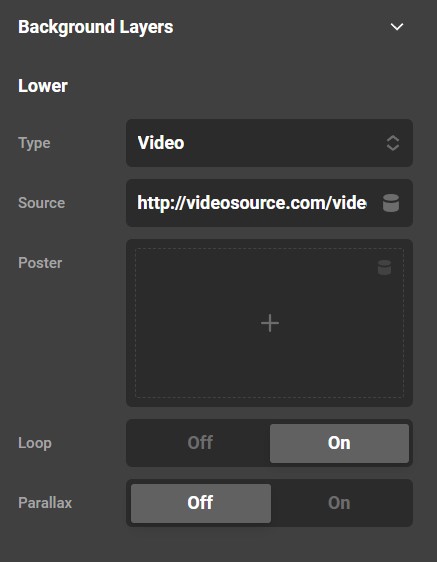
I’m having a hard time understanding how I’d use properly responsive video backgrounds in full-width Cornerstone elements… The image option provides scale and position controls, but they’re absent in the video option. Any ideas?
Hi @Pellbort,
Thanks for reaching out.
You can adjust the position and the size for the Background Image, while that is not possible for the Background Video.
Thanks
This topic was automatically closed 10 days after the last reply. New replies are no longer allowed.