Background image remove or reduce for mobile (the circles)

https://grc.dev-humbird.com/

need to make the circle in the orange bar reduce or not show for mobile.

Can you help with that? The circles are in the background and then I designed a button over the image to create the hover effect.

I can be happy with just showing the button on a mobile.

Hello @TweetyBird2005,

Thanks for asking. :slight_smile:

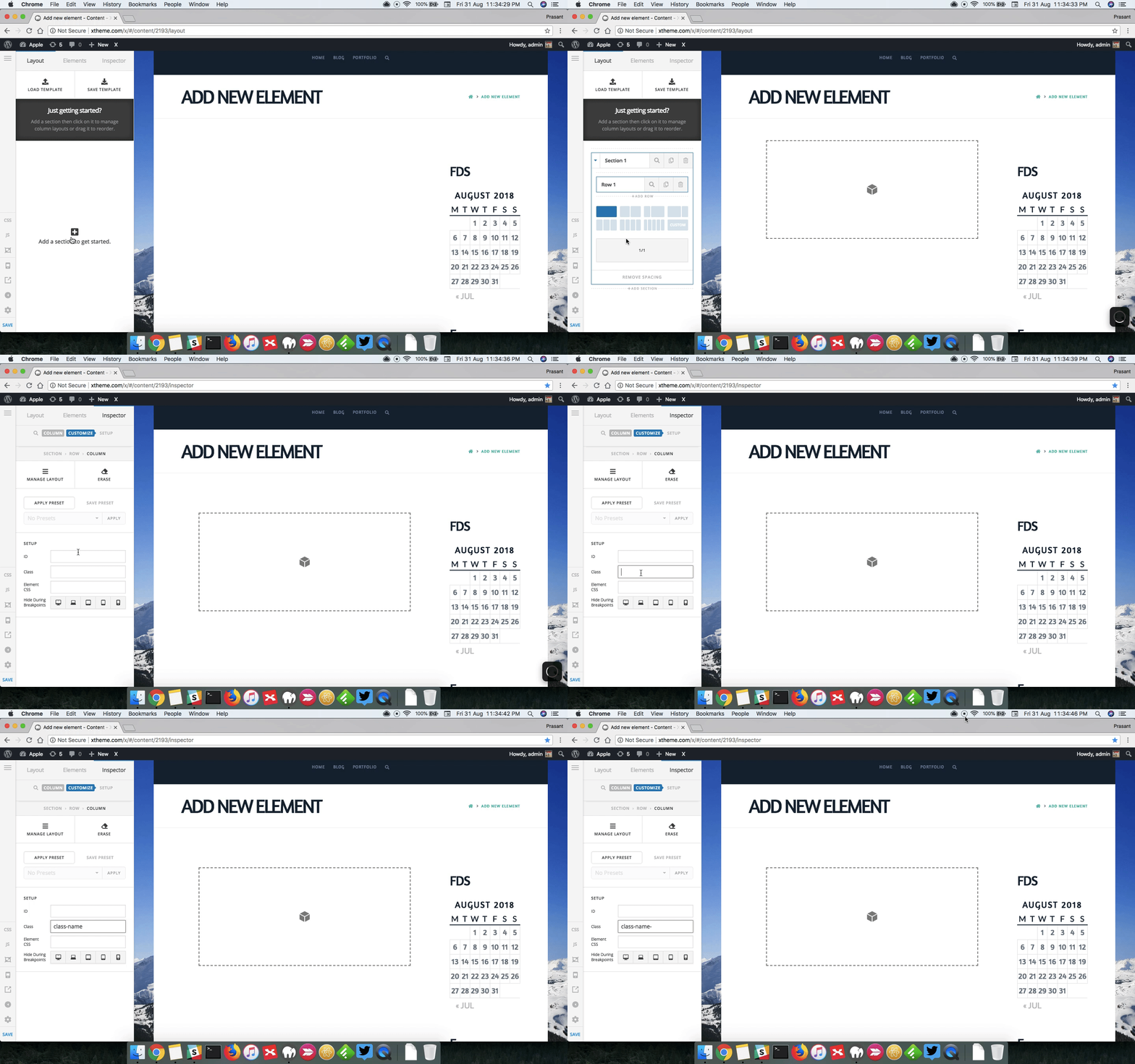
Please add class name into Customize > Setup > Class. After that please add following X > Theme Options > CSS:

.class-name .x-bg-layer-lower-image{background-image: none !important;}

Please replace class name as per requirement.

To add class name, you add can watch following screencast.

I have found the proper CSS code selector using the Chrome browser Developer Toolbar:

For the CSS code itself, I suggest that you get started with this tutorial:

Thanks.

This topic was automatically closed 10 days after the last reply. New replies are no longer allowed.