Background image problem after theme update

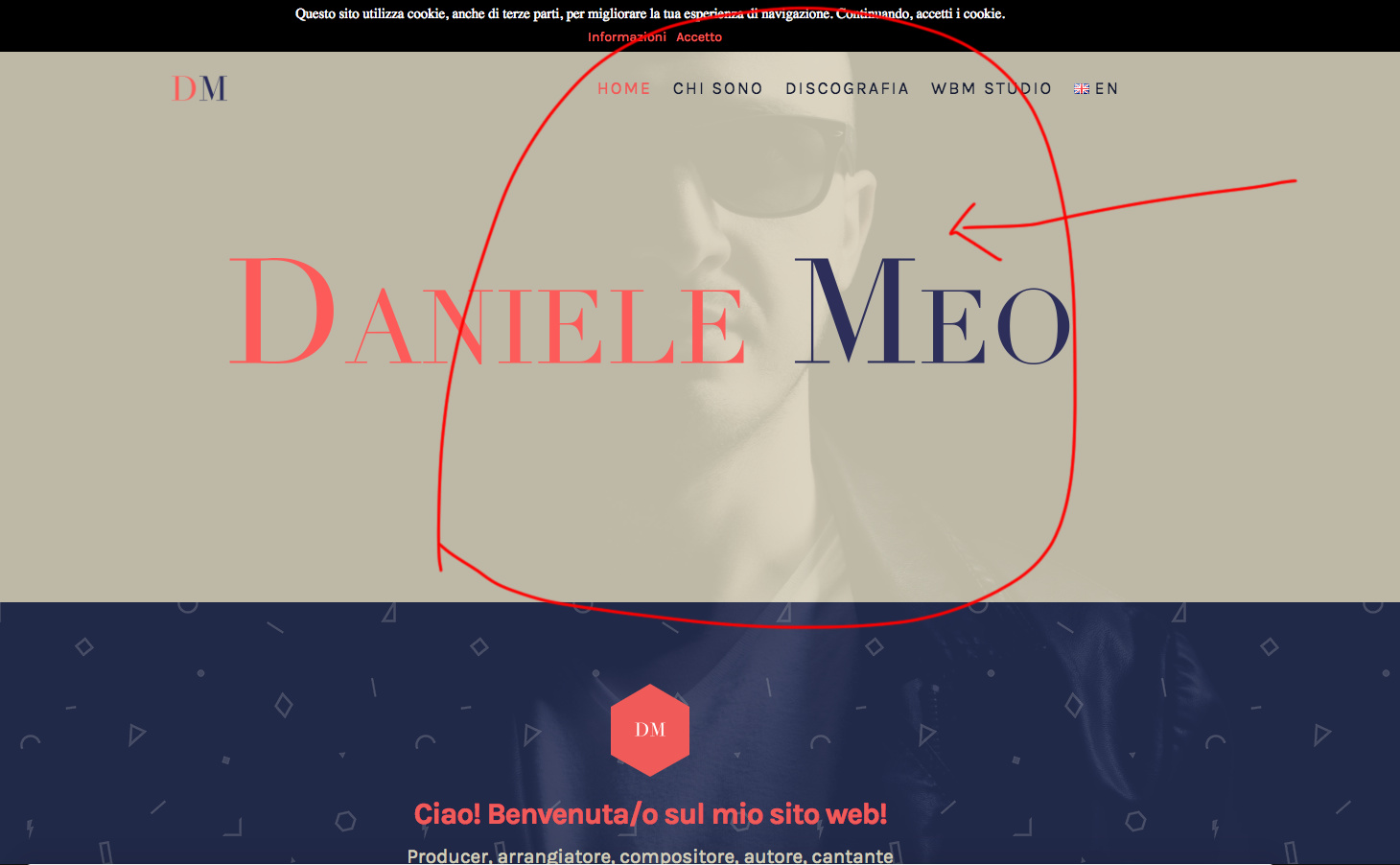
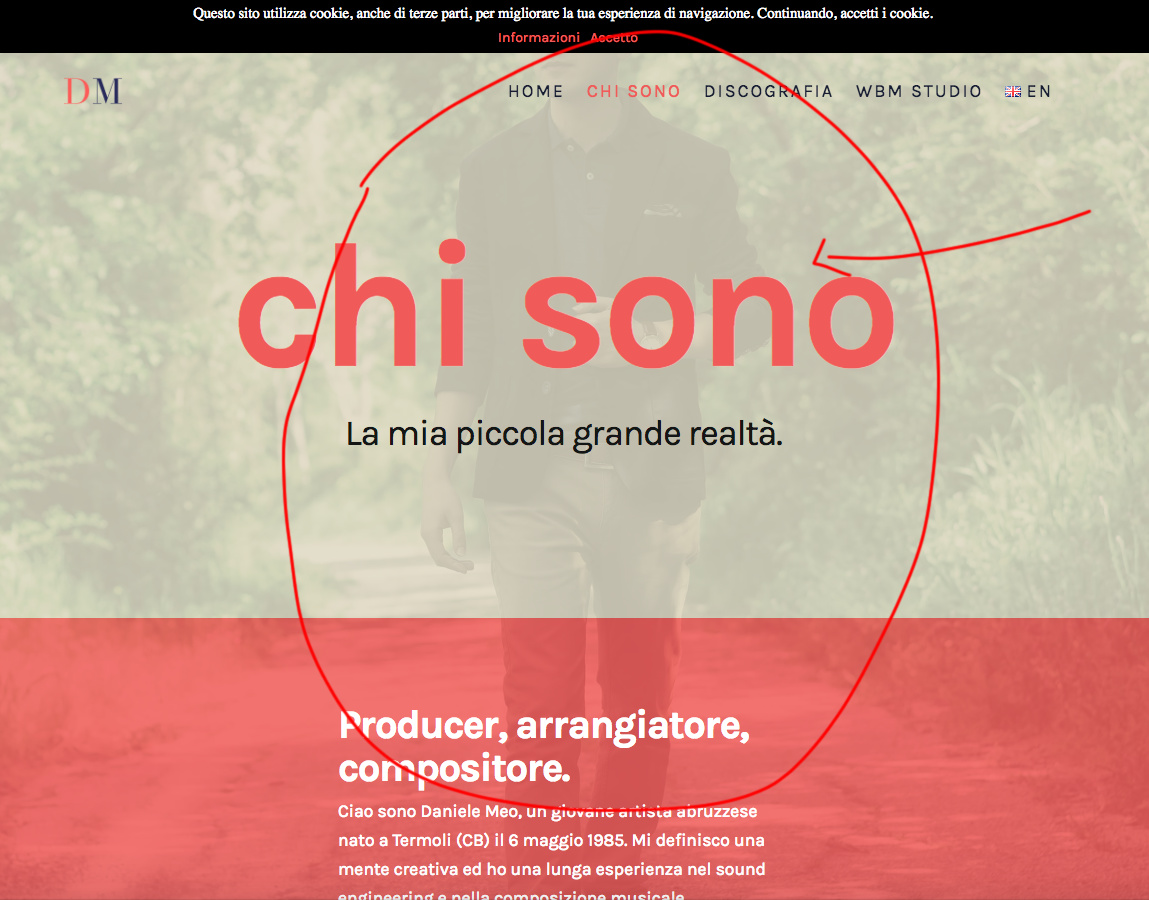
After updating the theme to version 6.1.3, all background images of the pages are no longer displayed in the frontend, although they are saved in the page settings.

For example in the homapage does not display the image as attached photo.
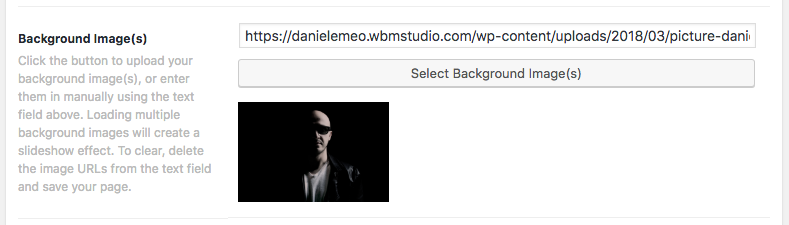
I also tried to clear the cache and reinsert the image but it does not work.

How can I solve the problem?

I leave the login data in the secure note.
Hey Daniele,

This is currently a known bug if you have a background set in the Theme Options as well as in your Page Settings. You can follow the CSS solution here. Just remove once there is an official fix included in the succeeding releases.

Thanks.

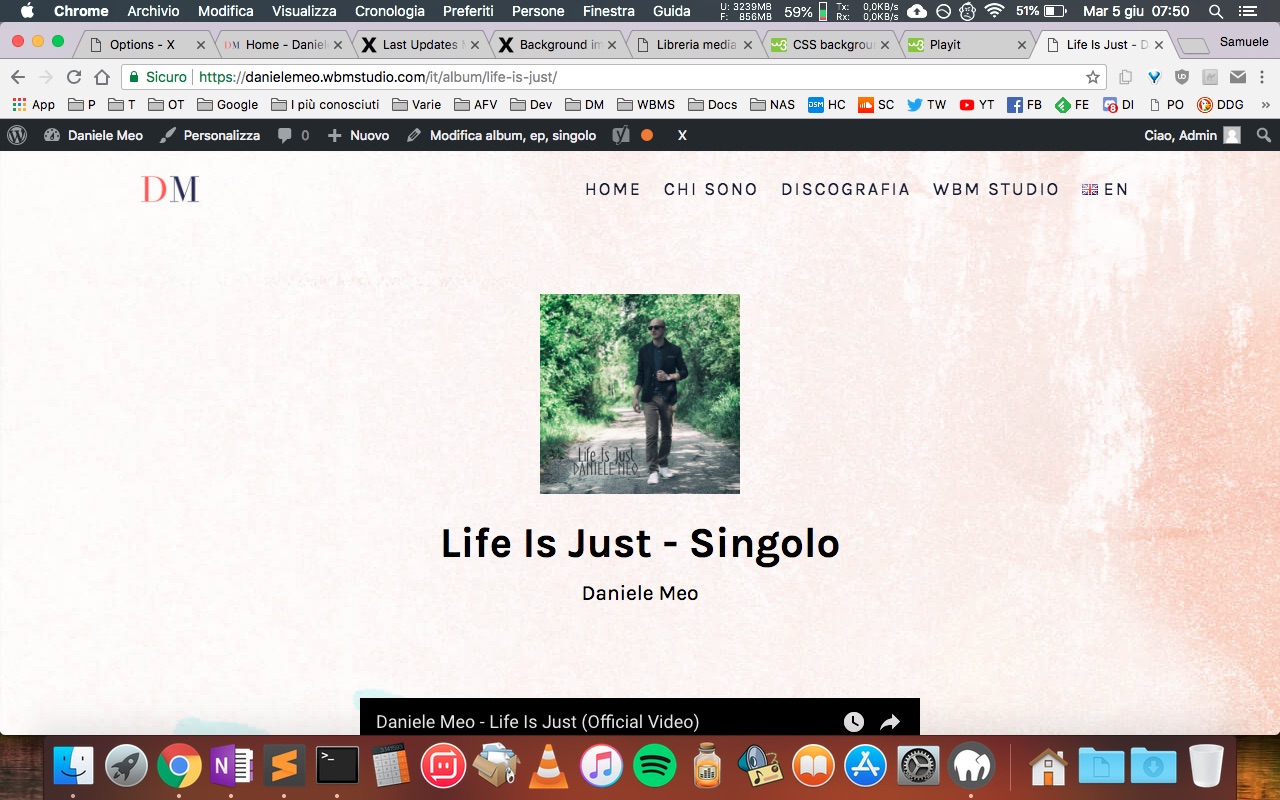
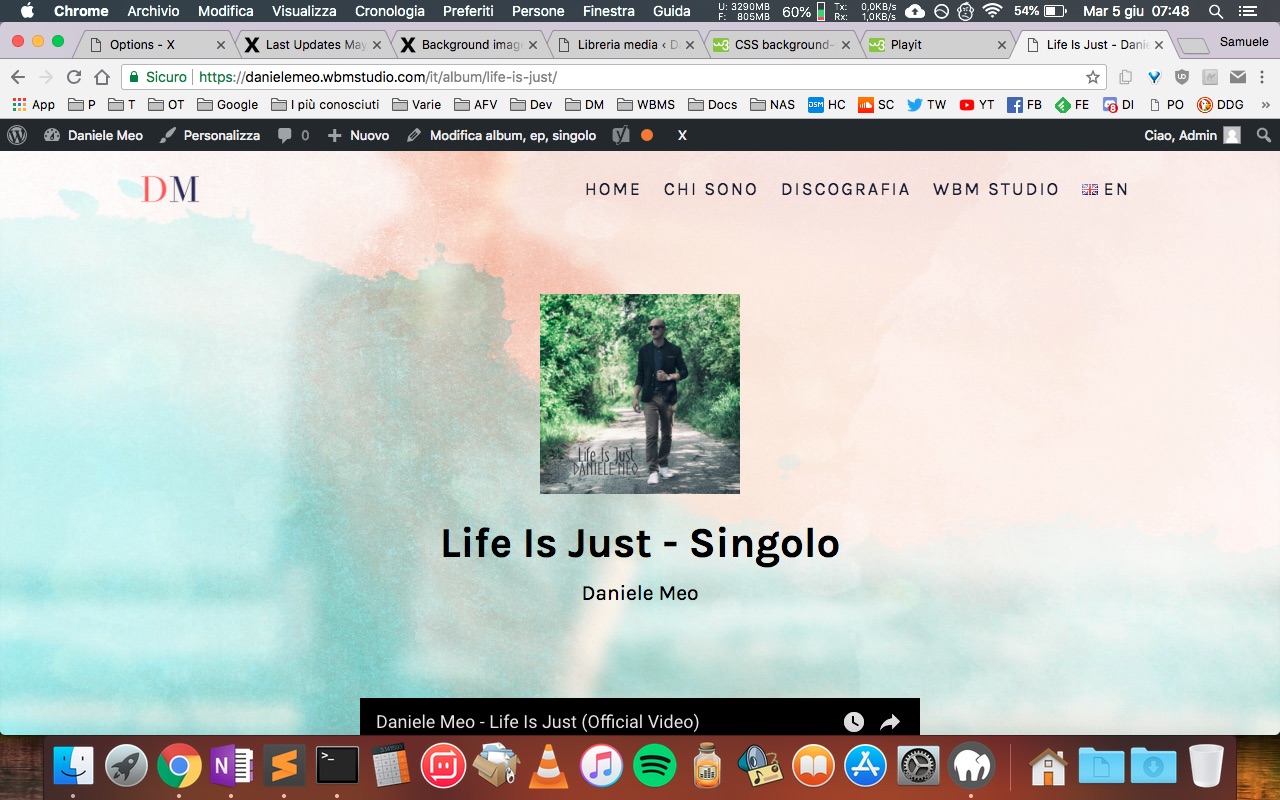
I applied the fix, but the result is not the same. It appears that the image is enlarged.

Before:

Now:

Hi There,

Thanks again for writing in!
I can see the background images are coming fine in the pages, both in home page and internal pages.

Not sure if the issue has been resolved in your end. Can you please confirm?

Thanks

No, the problem is not solved yet.

For pages where the background is set in the page options, it works.

But my screenshot refers to one of the pages with the background set by code as indicated in the post of the fix.
Example: https://danielemeo.wbmstudio.com/en/album/life-is-just/

Hello @danielemeo,

Thanks for updating the thread. :slight_smile:

Well one my end, background is showing up absolutely fine. I just compared with the image you have shared in earlier reply and it seems to be showing up fine. Please see screenshot. Suggest you to please clear browser cache and try loading website again.

Thanks.

I updated the theme to the new version 6.1.4 and now the background is displayed correctly.

Hi Daniele,

Yes, the version 6.1.4 has that specific problem fixed, but please also update the theme to version 6.1.5 and the Cornerstone to version 3.1.5 as there are important fixes there also.

Thank you.

This topic was automatically closed 10 days after the last reply. New replies are no longer allowed.