After I did the update of X on our staging site the background image disappeared. I tried reapplying it but it is still not visible. I have attached a screen shot of our live site (not yet updated) and out staging site (updated) to show the difference. My troubleshooting so far has not identified where the issue is.
Before: 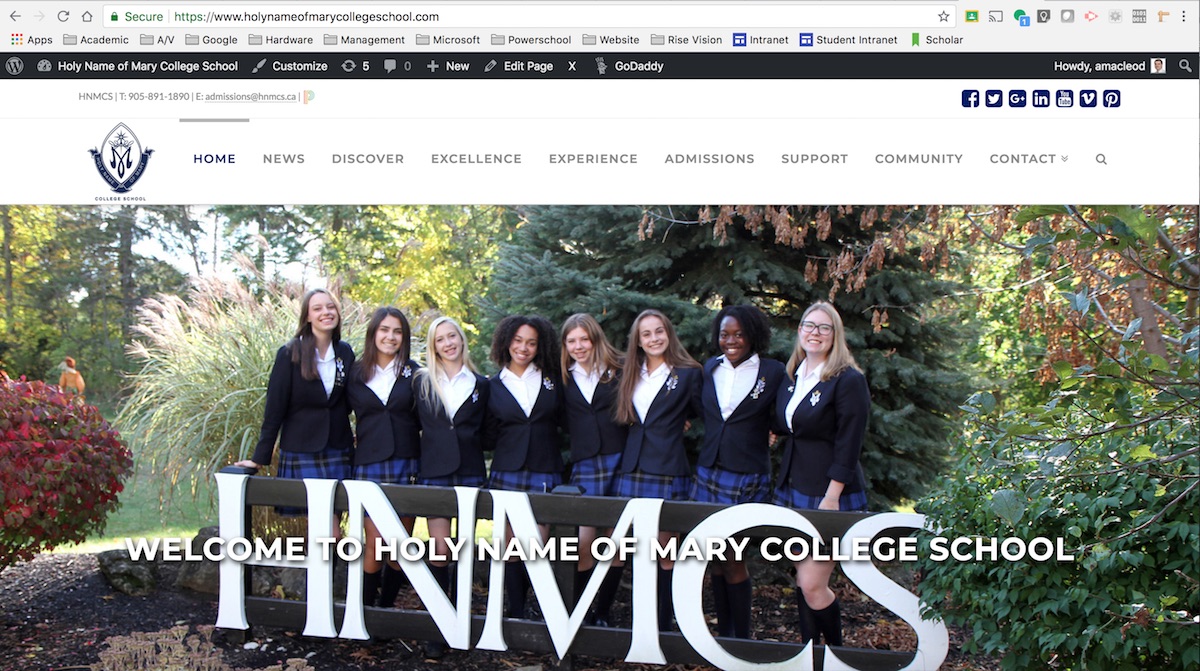
After: 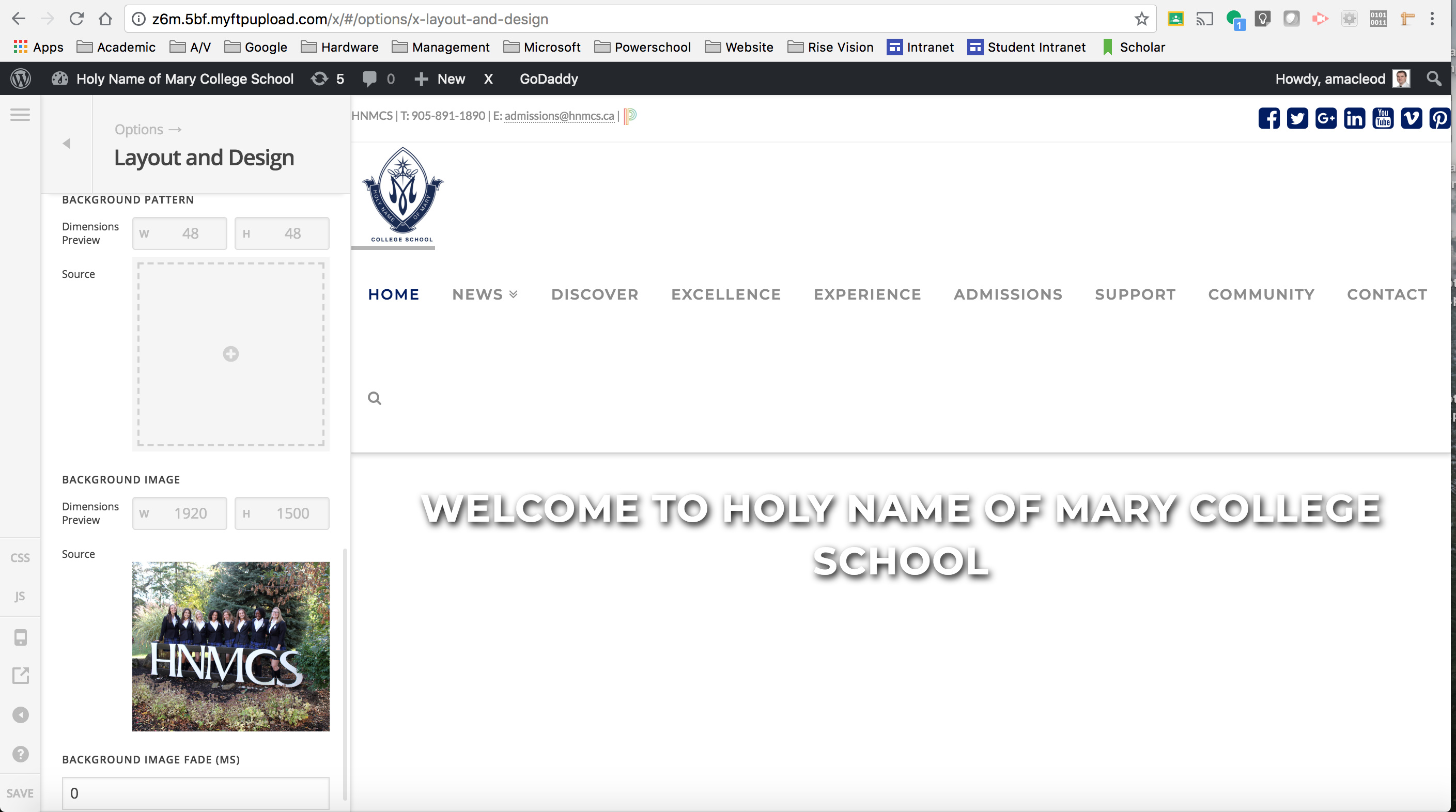
Hello There,
Thanks for writing in! I have checked your staging site and it seems that you haven’t updated Cornerstone. You are still using Cornerstone 3.0.4. Please have it updated as well. Cornerstone 3.1.6 is now available in automatic updates! This release contains fixes for several issues so be sure to check out the changelog (https://theme.co/changelog/). Please do update to the latest version. After doing the updates, always remember to clear all caches when updating so that the code from the latest release is always in use. This will help you to avoid any potential errors.
Please let us know how it goes.
This appears to have fixed the issue, at least on our staging site!
Thanks.
Glad that it works for you!
Thanks
This topic was automatically closed 10 days after the last reply. New replies are no longer allowed.