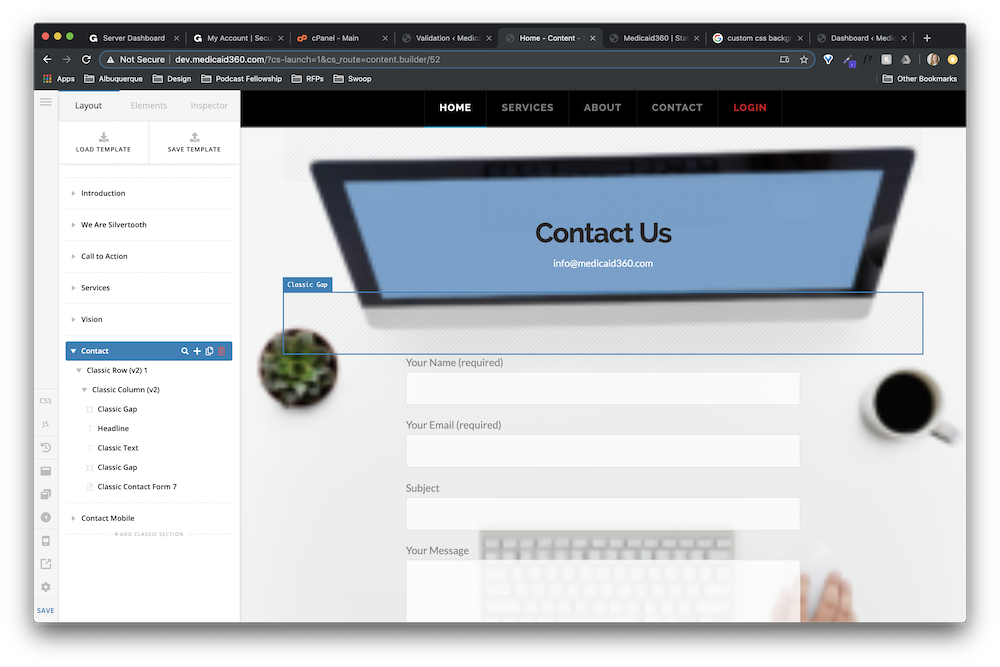
The background image for the section called “contact” is showing up in Cornerstone:
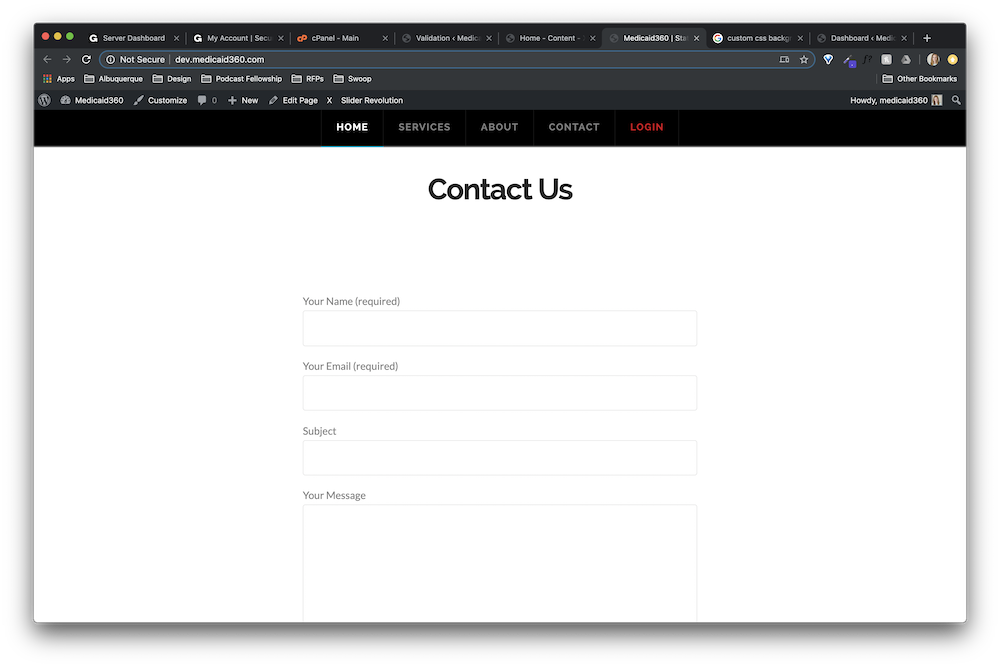
But, not on the actual site (dev.medicaid360.com):
Please help.
The background image for the section called “contact” is showing up in Cornerstone:
But, not on the actual site (dev.medicaid360.com):
Please help.
Hi Jessica,
The background image is loading on the front-end for me. Here’s a short video that shows what I’m experiencing: https://screencast-o-matic.com/watch/cqQOcpunyz.
I’ve tested it in a normal Chrome browser and in Incognito mode. I also tried Safari and it loaded. Perhaps it’s loading on your end already?
All the best,
Ben
I am experiencing the same thing. The images and background videos were showing up, but now they are not displaying at all. I have tried to rebuild those areas and the background is still not showing up.
Site:
Hi @dennisshepherd,
The user you created for us doesn’t have admin privileges or can’t update pages. Can you double check? For the mean time, do you have any caching plugin activated? If yes, can you turn it off and check if the issue is still there?
Just wanted to clarify, is the issue affecting both of you sites https://magpiedm.com/ & dev.medicaid360.com?
Thanks
Hi @albrechtx,
Thank you fro your response. Can you clarify the admin privileges question you had? Are you referring to WP admin or Apex admin?
This is effecting magpiedm.com. I do not have any site associated with dev.medicaid360.com.
Thanks again for your assistance!
Hi Dennis,
Sorry, I thought you were the one who posted this thread.
To fix the background, please update x and cornerstone to the latest version after that please clear or purge cache. If the issue is still there, please provide us with some login credentials in a secure note so that we can take a closer look at your site.
Let us know how it goes. Thanks!
This topic was automatically closed 10 days after the last reply. New replies are no longer allowed.