Hi guys,
I cannot figure out how to change the background color in the integrity stack of the x- theme of the elements that are not sections and not page backgrounds (basically in the frame where the page title is written automatically).
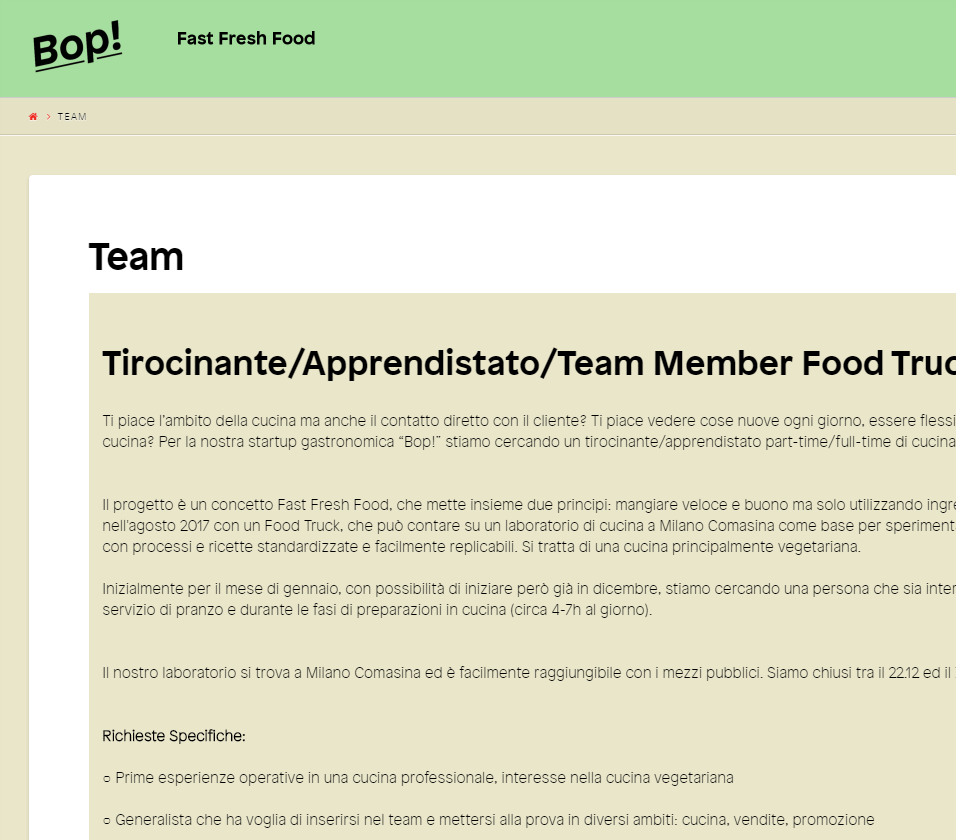
Example:
First, i do not need the white frame: How can I get rid of this element? It creates just borders that I do not need.
If i cannot get rid of it: how can i change the color?
Thanks a lot!
Matthias