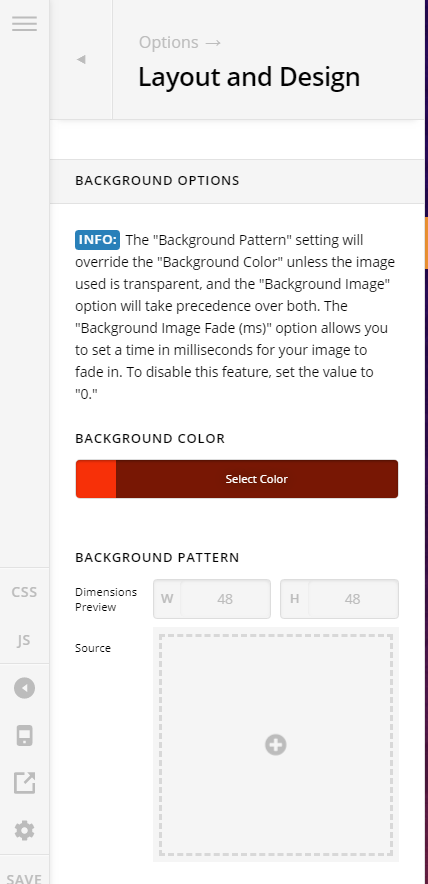
Hello, My apologies for repeating a support question but this topic and the reply were locked. I changed the background color for my Integrity stack to white (#fff). Firefox is displaying the correct background color but neither Chrome or Microsoft Edge (tried it with just these two besides Firefox so far), is displaying an all white background. Do I need to hand code CSS so the other browsers will display a white background?
I cleared cookies, caches, etc. but no change.
Ok, I just entered this css in the Wordpress Customize CSS and the background is now white in Chrome, etc.
.x-root .site{
background: #ffffff;
}
Update: I found out that the X Integrity theme has a default grey background image that I can’t seem to remove. So I used the custom CSS to change the entire background color to white. Unless there is a better option.