Hey Matt,
Sorry for the confusion. Please change the code to this:
/*  default */
.x-recent-posts .has-post-thumbnail .x-recent-posts-img:after {
    opacity: 0.5;
    background: rgba(36, 54, 127);
}
/*  hover */
.x-recent-posts .has-post-thumbnail .x-recent-posts-img:hover:after {
    opacity: 0.5 !important;
    background: red;
}
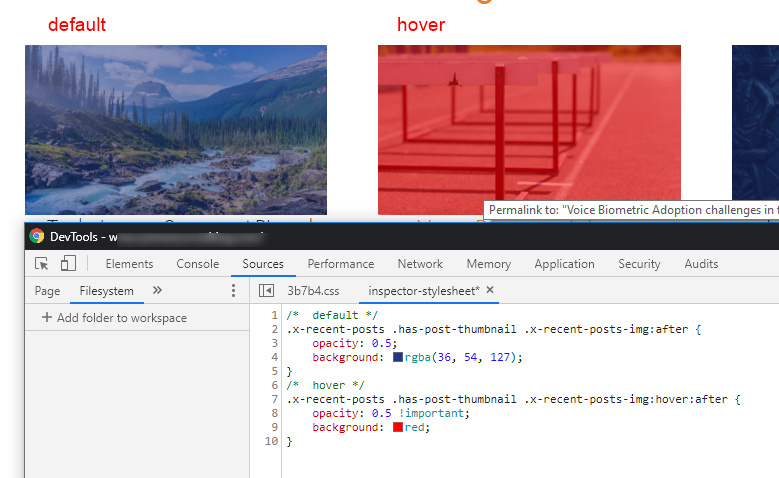
You can edit the properties and values in the sample code. Please just note though that we do not have customization support. In case you need further customization or the sample code causes issues in your site, you’ll need to forward that to a third-party developer.
Otherwise, I’d recommend that you learn CSS from sites like http://w3schools.com/ so you can play around with the property and values.
Hope that helps.
