After doing the latest update to X Pro theme, every time i try to edit a page, header or footer i keep getting the “A conflict on the front end of your site has prevented the preview from loading.” I have tried mostly everything ive seen in the forums.
Hi there @auc.webmaster,
Thanks for writing in! Could you please also include the site URL in your secure note as well.
Thanks!
Hi There,
I am getting this erros when I checked:
{error: true, message: "Xfr request made by preview timed out", ts: "ts15090875586060", params: {…}}
error
:
true
message
:
"Xfr request made by preview timed out"
params
:
{type: "request", origin: "preview", action: "continuity:find", data: {…}, ts: "ts15090875586060"}
ts
:
"ts15090875586060"
__ember1509087555101
:
"ember970"
__proto__
:
Object
I have checked 3 pages. 2 pages are loading fine, 1 page is not: https://screencast-o-matic.com/watch/cb6tijIWij Above is the error. It related to iframe content of the preview not loading. It is working for other page, we cannot say it is IFRAME OPTION problem because other page works. I tried to reload again then it works.
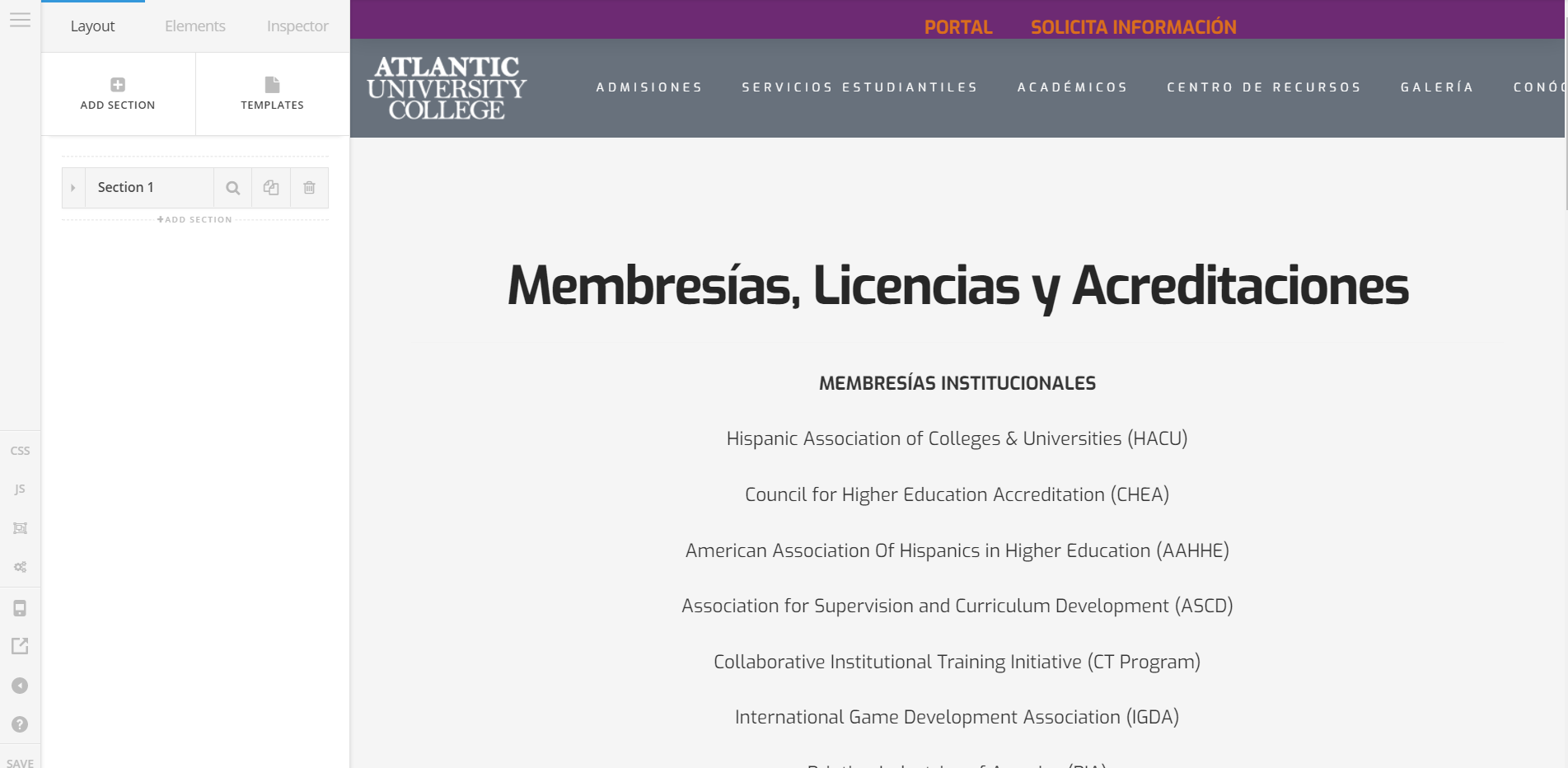
It might be related to memory then.
You can try adding this in your wp-config.php located at the root directory of your site.
define( 'WP_MEMORY_LIMIT', '256M' ); define( 'WP_MAX_MEMORY_LIMIT', '512M' );
You can add it before the line
/* That’s all, stop editing! Happy blogging. */
Hope that helps
Hi @Lely,
I’ve added what you told me to add and i also updated the theme and everything seems to be working as it should be.
Thanks!
On behalf of my colleague, you’re welcome. Cheers! 
This topic was automatically closed 10 days after the last reply. New replies are no longer allowed.