Anchor text issues again

Hello guys, following up on this above mentione thread. I thought I have resolved the issue but I haven’t.

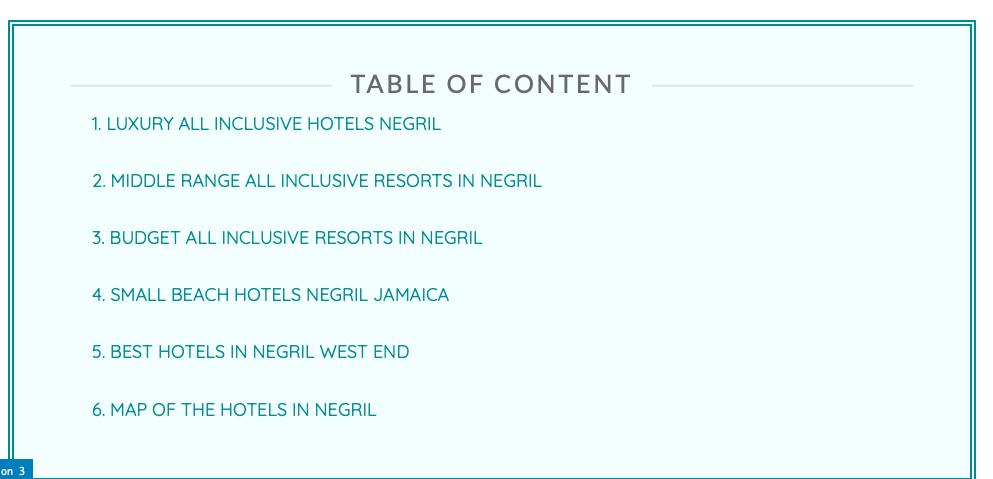
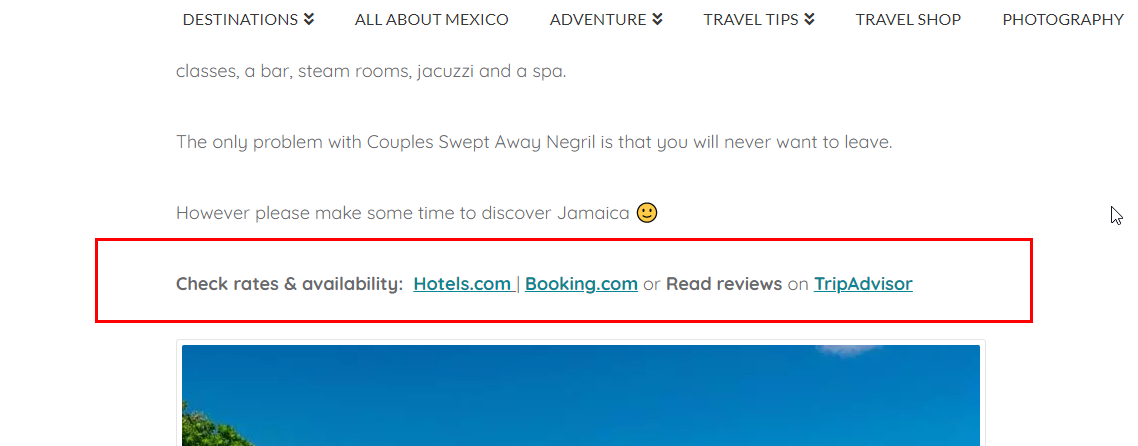
As you can see from the screenshot here below the anchor text doesn’t change color as it should be automatically. I tried to change it manually but it doesn’t work either.

Can you please help? here the original post link
Hi @isa1978,

Thank you for reaching out to us, I checked your site and I see a custom CSS which is changing the color of your links, please find and remove the following code:

strong, b {
    color: rgba(45,45,46,.96);
}

After removing the code make sure to clear all caches including browser cache. If you’re using a CDN, please clear the CDN’s cache as well. Let us know how this goes!

Hello There!

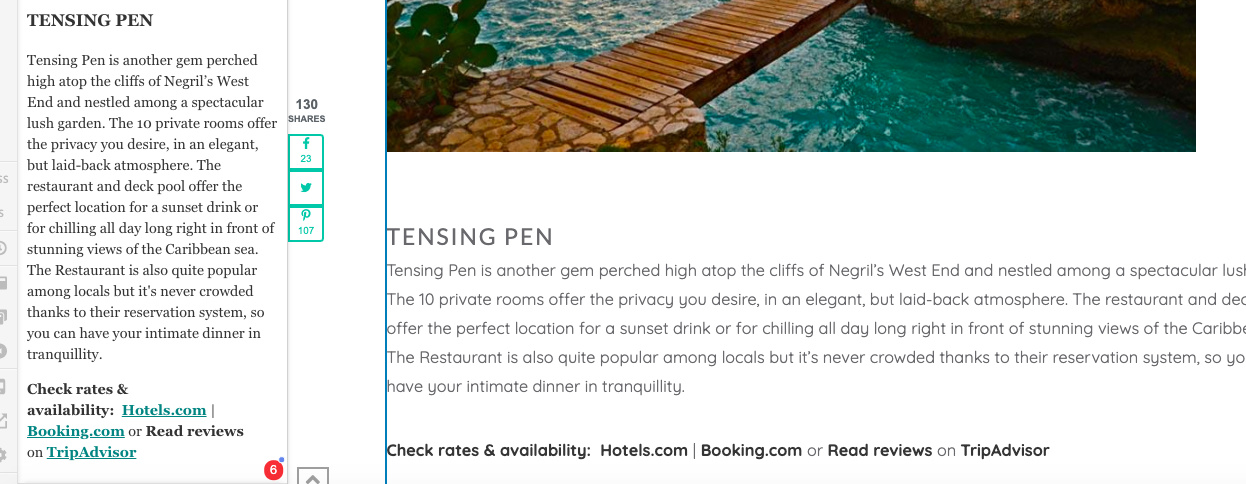
thanks for your help. I did it but it doesn’t work. see screen shot. They are still very much apart.

thanks for your help

Hi Isabella,

It seems your anchor text has the correct color now.

With regards to the Feature list element, you have this custom CSS that adds a bottom padding to each Feature list items.

.x-feature-list .x-feature-box.top-text>div {
    padding: 0 0 2.15em;
}

I could not pinpoint where was this added though because of the site’s caching/minifier feature. Please look for it on Theme Options > CSS and Page > CSS and adjust that 2.15em value.

Thanks,

1 Like

OH MY GOD!
I am sorry. I was looking at something different…

All set. Thanks a lot :slight_smile:

You are most welcome!

1 Like

This topic was automatically closed 10 days after the last reply. New replies are no longer allowed.