Alt Tags and Title Attributes do not appear

On the homepage, I’m noticing that Alt Tags and Title Attributes do not appear.

For example, take a look at this image: https://california.church/wp-admin/upload.php?item=1397
Notice how it has the alt tag of “ranked-1-61”
However, if you view the source (view-source:https://california.church/) on line 691, it shows:
<img width=“459” height=“724” src=“https://california.church/wp-content/uploads/2017/10/ranked-1-61.png” class="" alt=""

Also, see this image: https://california.church/wp-admin/upload.php?item=296
Notice how it has the alt tag and title tag of “e5e5e5-beach”
However, if you view the source (view-source:https://california.church/) on line 695, it shows:
<img class=“x-img ncaag-palmtree x-img-none” src=“https://california.church/wp-content/uploads/2017/07/e5e5e5-beach.png

Why doesn’t X include these?

Hey Phillip,

Regretfully, at this time, I’m not sure what the issue is. Please provide the actual URL of the pages where you see the images having no alt tags.

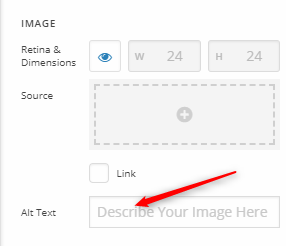
If you’ve added the images using the Image element, you should insert your text in the Alt Text field.

Regarding the title attribute, please also see my explanation in this similar thread.

Visiting the links you gave us only display the media library (see secure note)

Thanks.

Hi Christian,

Where is the disconnect here? I provided the URL: https://california.church

The source page I’m viewing in Chrome also tells you which URL I’m viewing: view-source:https://california.church/

Thanks,

Brandon

Hi Brandon,

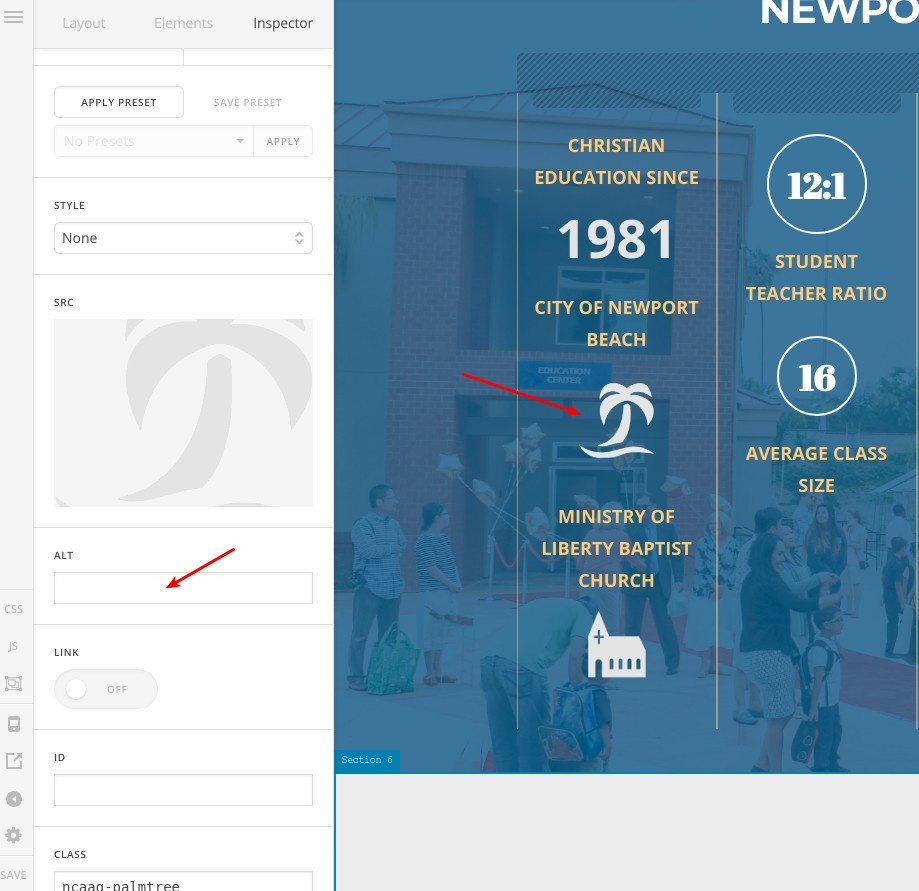
Actually, this is a WordPress issue, it doesn’t render the alt image attribute in the images tags by default, however, in the theme if you provided the alt text in the image element as @christian_y mentioned, it will be rendered correctly, please check this screenshot:

Thanks.

Thanks Alaa. This helps a lot. Would you have any advice on how we could at the title attribute?

And what about the images in the slider then?

Hi @Multiplier

Again, WordPress doesn’t render titles in the images by default, you will need to search for a third party solution to show that or to hire someone to implement this feature on your site, I’ve searched for you and I found this plugin however I’m not sure if it’s working with the latest version of WordPress or with our theme or not:

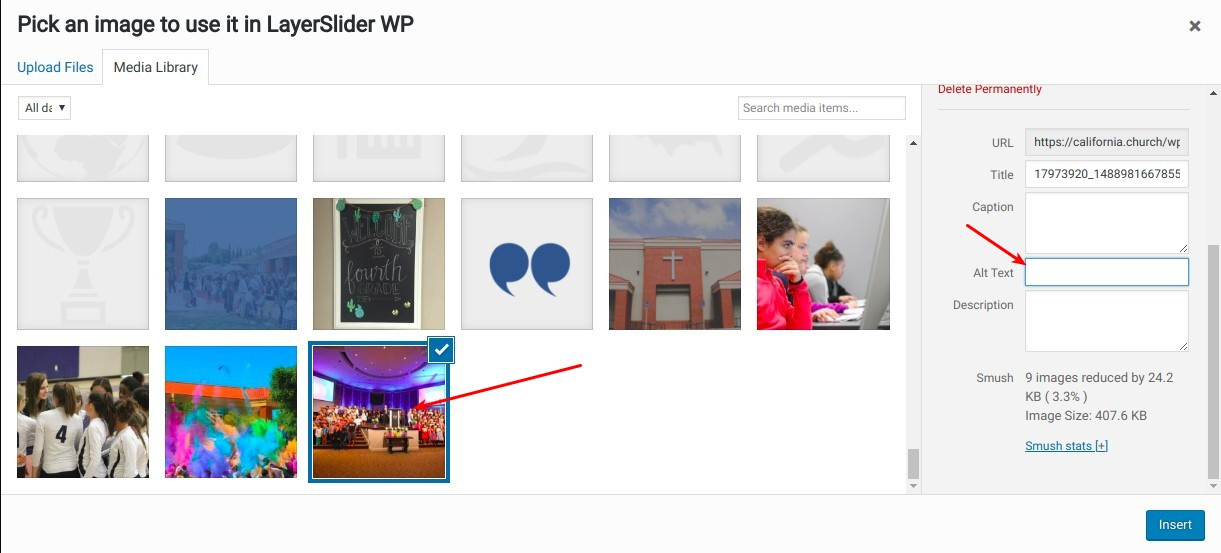
Regarding the LayerSlider background images, you can insert ALT text while setting the image as a layer background, check this screenshot:

Thanks.

Hi Alaa. Perfect. Thank you so much

On behalf of Alaa, you’re most welcome!

This topic was automatically closed 10 days after the last reply. New replies are no longer allowed.