Hi @eutaw,
Thank you for reaching out to us.
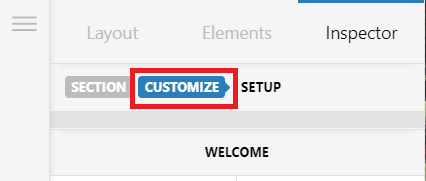
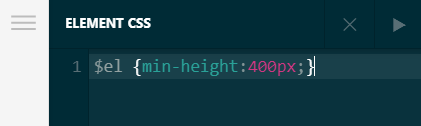
- To reduce the welcome section’s space below the text, inspect your Welcome section in Cornerstone. go to Customize tab > Element CSS section and either remove the CSS code or reduce the
min-height value
- To align the content, first inspect your Text element that contains the “Online Registration” text and remove the
margin-left property:

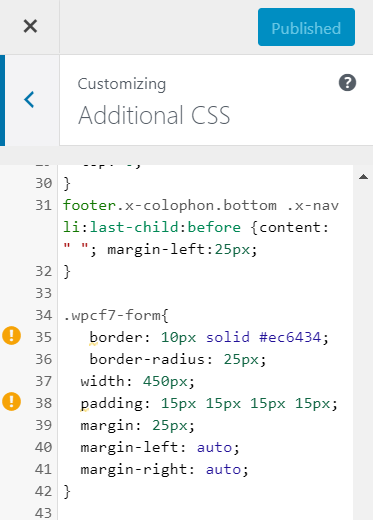
Now from your custom CSS section, find and replace this part of your code:
.wpcf7-form{
	 border: 10px solid #ec6434;
	 border-radius: 25px;
	width: 450px;
	padding: 15px 15px 15px 15px;
	margin: 25px;
	margin-left: auto;
	margin-right: auto;
}
With:
.wpcf7-form {
    border: 10px solid #ec6434;
    border-radius: 25px;
    padding: 15px 15px 15px 15px;
}
Don’t forget to clear all caches including your browser’s cache after making changes. Let us know how this goes!
