Aligning Social Icons in Footer Column

Hello,

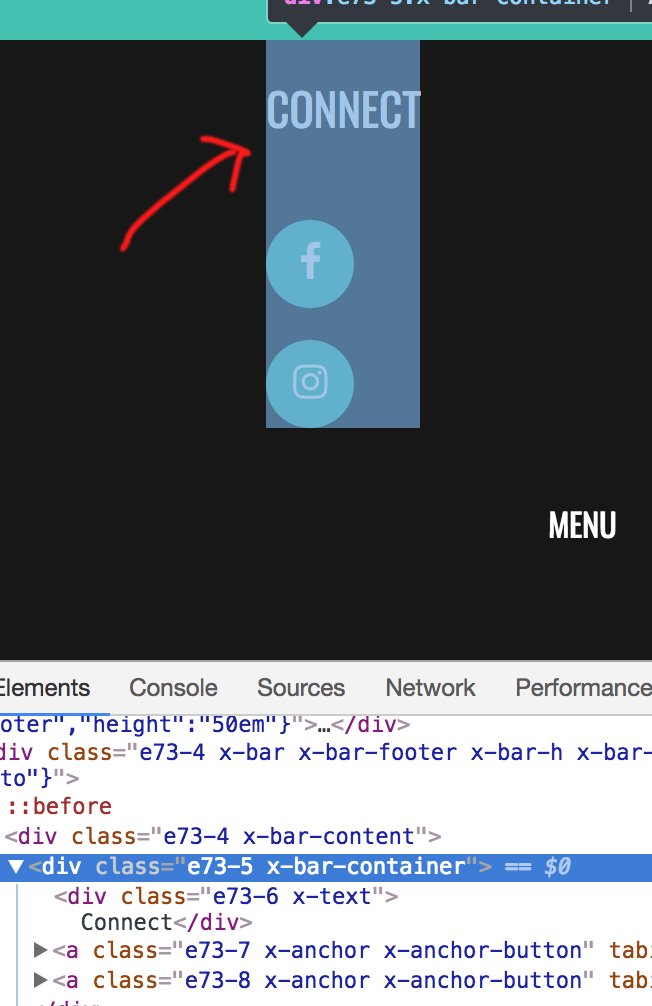
I’m attempting to add social icons to the footer. I’d like the two icons to display next to each other in the left column. However, I have the first container set to a column and not a row, because I need the icons to display below the text that says “connect.”

What’s the best way to get the icons to display next to each other?

Thanks!
Hi There,

Thanks for asking!

Unfortunately your column width taking a small auto width.

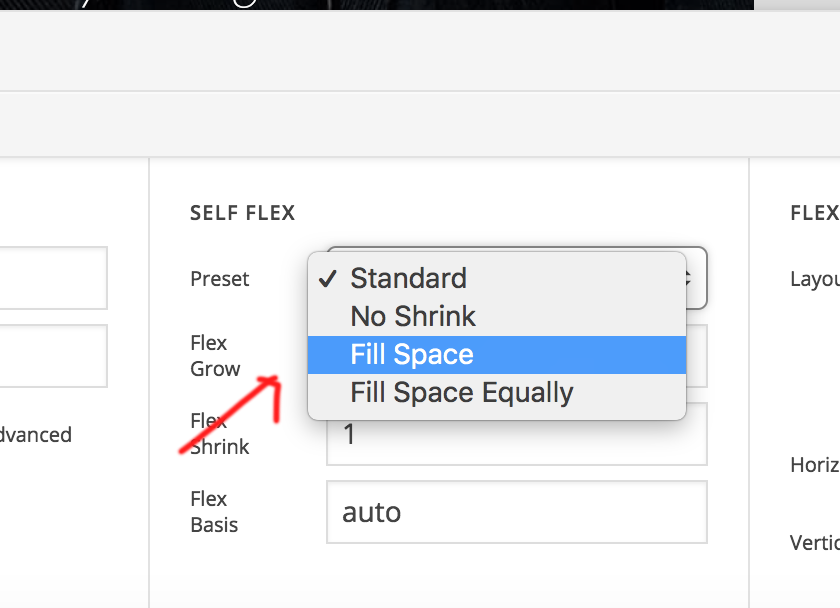
Can you set a width or you can change it to fill the space option.

Let us know if that works.

Thanks

Hi Basanta,

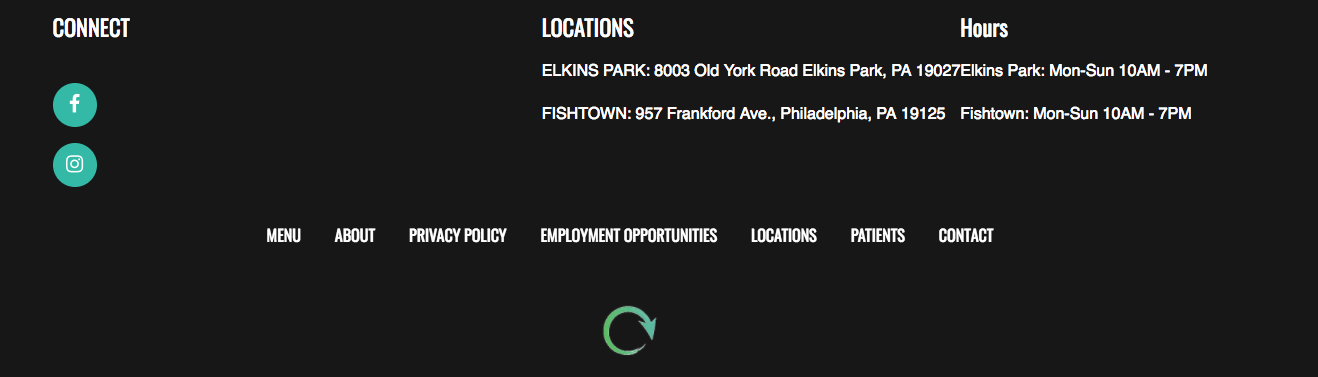
Tried setting the column to “fill space” and this was the result. Looks like it just bumped column 2 over but didn’t affect the social icons.

I also tried setting a higher max width. However, this didn’t fix the issue either.

Hi There,

First, set your Container’s Flex Layout to Row, and check the Wrap Children option and set the Horizontal alignment to start. Then set your Text’s (Connect) width to 100%.

Hope it helps,
Cheers!

Friech,

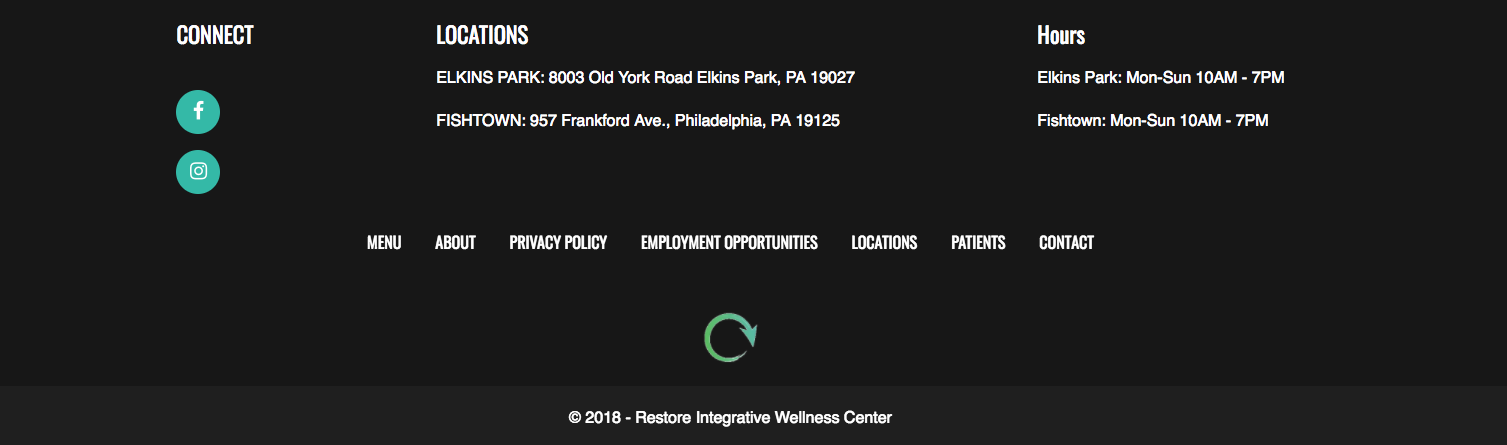
Thanks so much. Worked perfectly.

You are most welcome!
Glad that it works for you.

This topic was automatically closed 10 days after the last reply. New replies are no longer allowed.