Ajax in Essential Grid not working properly

Hi guys,

Just noticed that the Ajax element is not working properly in one of the Essential Grids, and it was working fine before - https://rompskis.com/store/. The grid is called “Store Full Size” and is using “Shop Front” custom skin. An “icon” element is linked to an Ajax function (see attachment below). Any idea why this stopped working?
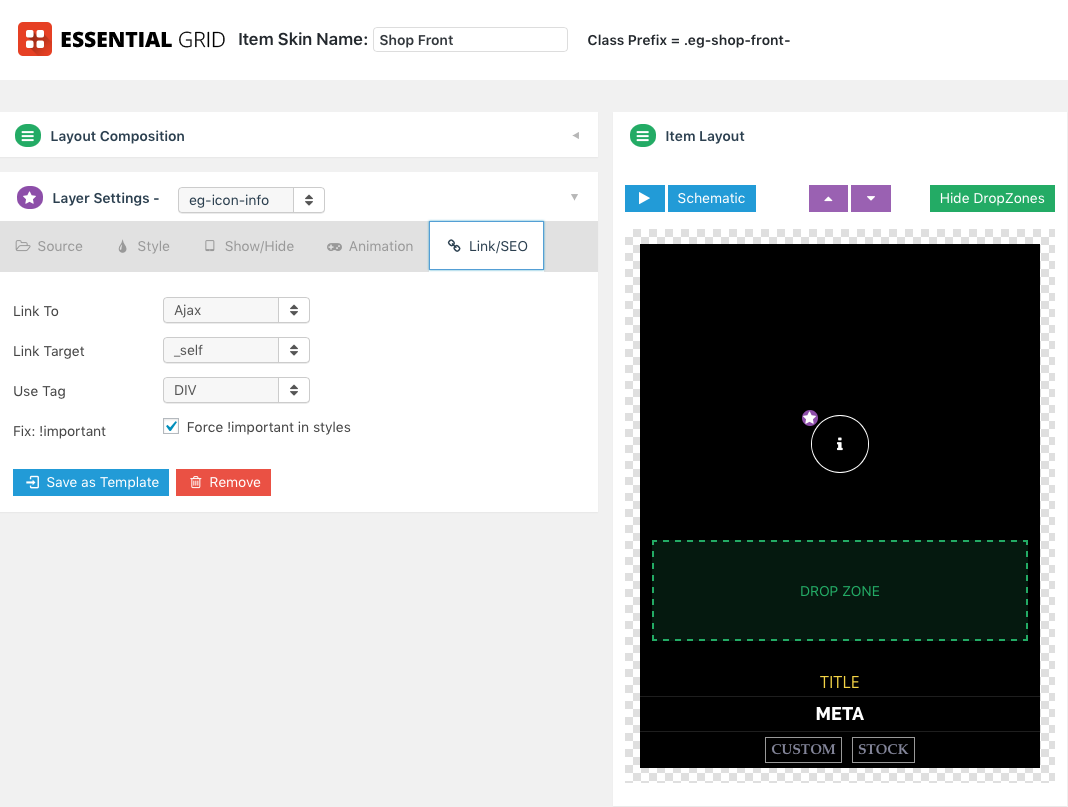
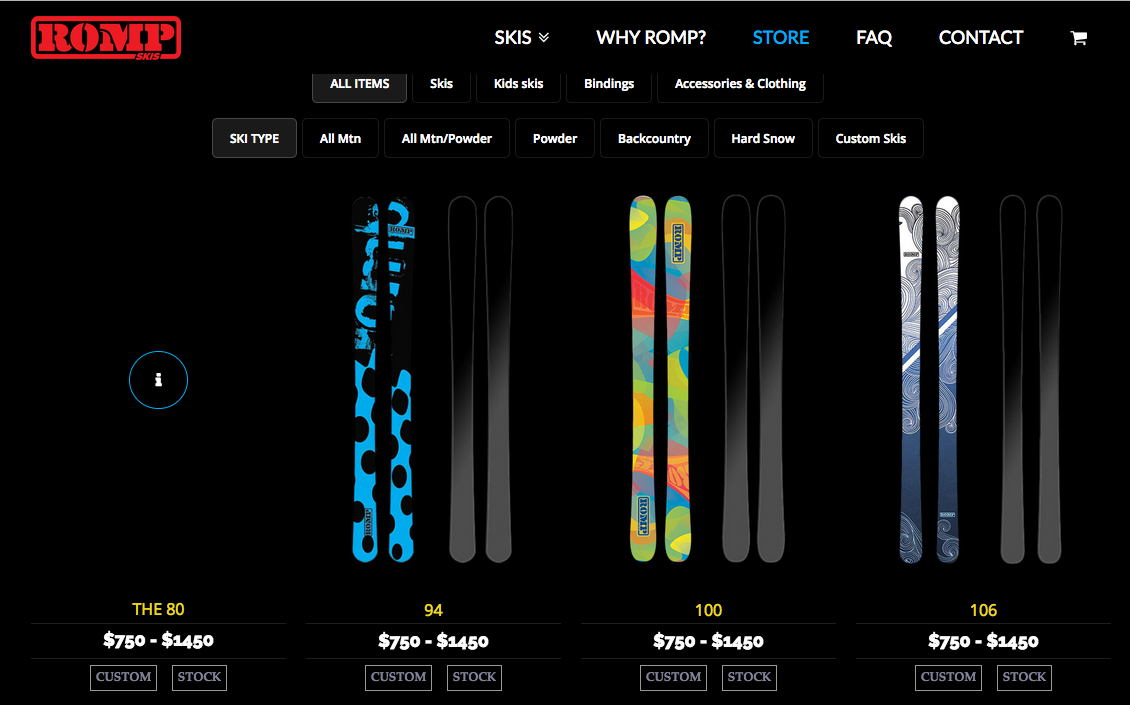
Current JavaScript code:

var myAjaxContainer;

window.myAjaxLoaded = function(data) {

if(!myAjaxContainer) {

myAjaxContainer =  jQuery(data.containerid).esgbox({
 
            maxWidth    : 300,
            maxHeight   : 400,
            fitToView   : false,
            width       : '70%',
            height      : '70%',
            padding     : [10,10,10,10],
            autoSize    : false,
            closeClick  : false,
            openEffect  : 'none',
            closeEffect : 'none'
 
    });

}

myAjaxContainer.click();

}

Hi There,

It sounds like you might be having an issue with a custom script. Regretfully, we cannot provide support for third party plugins or scripts due to the fact that there is simply no way to account for all of the potential variables at play when using another developer’s plugin or script. Because of this, any questions you have regarding setup, integration, or troubleshooting any piece of functionality that is not native to X will need to be directed to the original developer.

Thank you for your understanding.

Thank you for the quick response! Actually this script was provided by you guys and the thread is here: https://theme.co/apex/forums/group/archive/ but cannot search for it since that forum has been closed…

The script provided in the past might not work with recent updates. Also, we do not support and maintain custom scripts given in the forum. Those only serve as a guide and not a complete solution and also it is the user’s responsibility to maintain it.

Thank you for understanding.