Adwords tracking code - conversions

Hi,

Apologies, as I’ve actually asked this before but this time, I needed to place the conversion code on a specific page.

In the new Google Ads experience, I’m required to add 2 snippets of script. One, global one, which I’ve added via the customiser and in the JS area. The other one is the snippet required to be place on the actual page I’m tracking - in this case it’s this one - https://fieldgateflowers.co.uk/submission-success/ - which I’ve added via the JS area on that page.

When I check the tagging in Chrome, I only see the Analytics one. What have I done wrong?
Hi Loren,

You are not allowed to add code with <script> tags in global and page JS area.

For page specific code, please remove <script> and </script> in Cronerstone JS.
You only need to add this code.

gtag('event', 'conversion', {'send_to': 'AW-986779400/yxj8CLO5oHsQiJ7E1gM'});

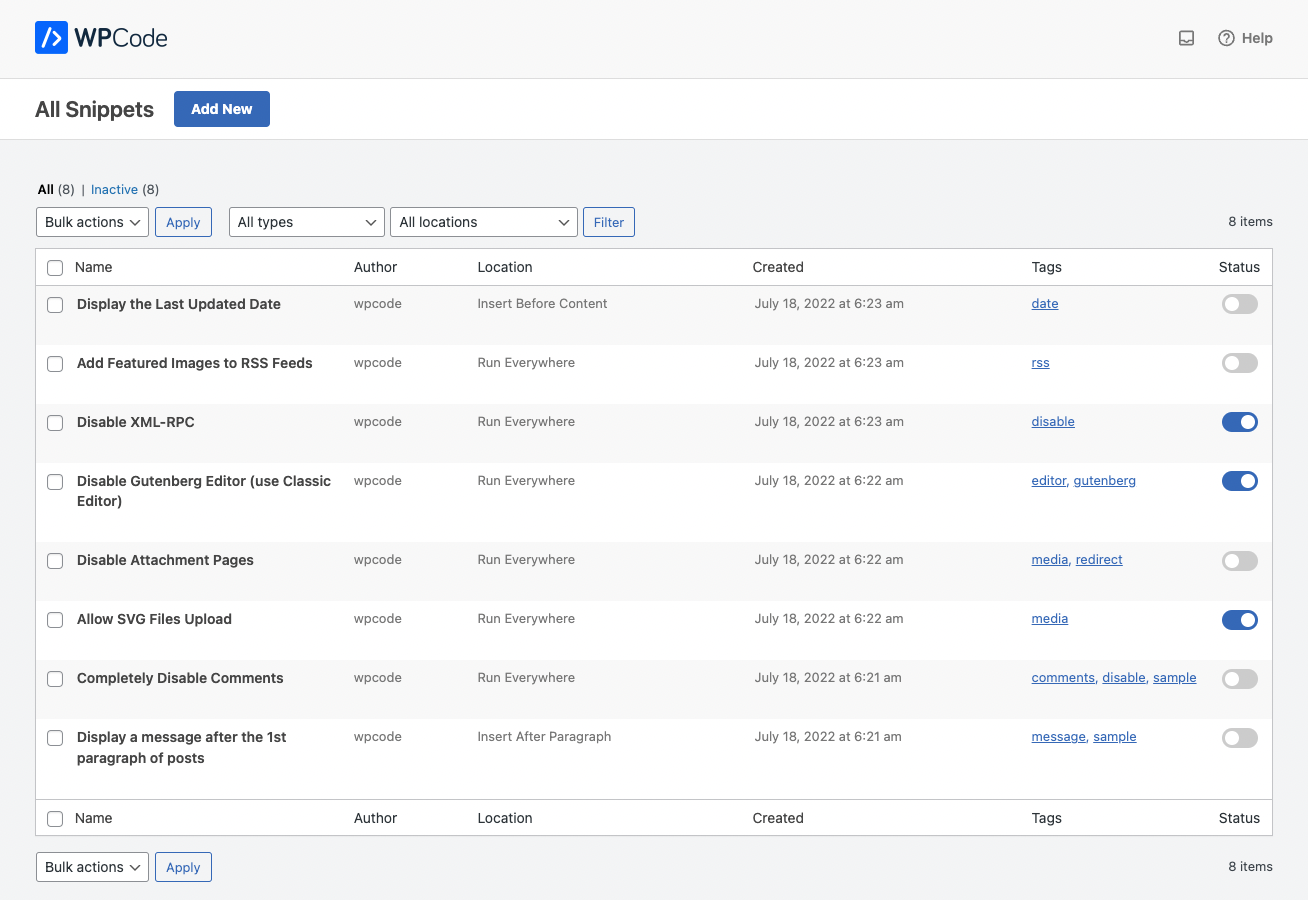
For your global code, you may install this third party plugin.

Then add your code in Scripts in Footer

Hope that helps

That seems to have fixed it. Thanks.

You are most welcome. :slight_smile:

This topic was automatically closed 10 days after the last reply. New replies are no longer allowed.