Admin site now broken after update!

I have traced the problem of this issue. I disabled the convertplug plugin via FTP and i can now get into my admin. However - I need this plugin?? Also please see original post - which I can’t solve - from yesterday as it seems like random sections of my site are suddenly faltering.

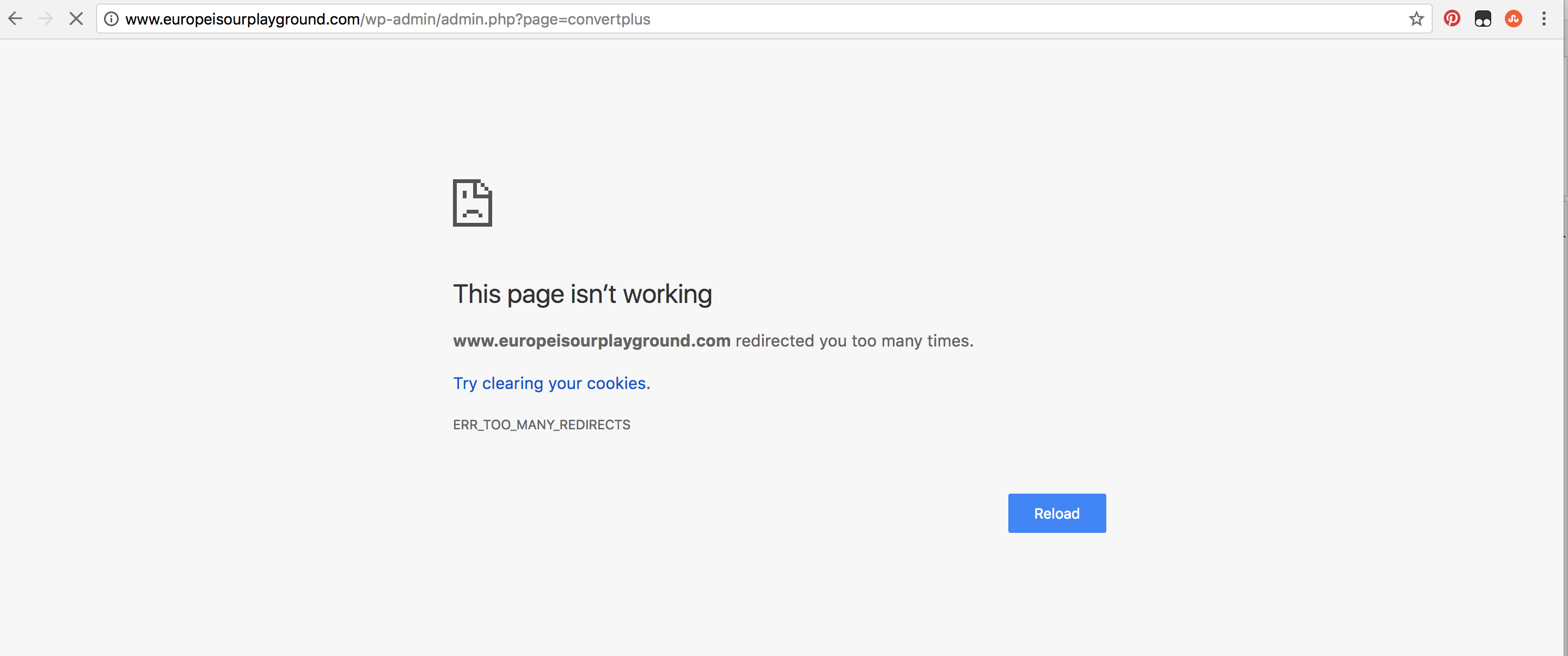
My admin site now redirects to this url: http://www.europeisourplayground.com/wp-admin/admin.php?page=convertplug
and doesn’t load at all.

Can you please help with both issues?

Site info is in the note in the other post.

Thanks,

Nick
Hello Nick,

Thanks for writing in! When Convertplug is active, is there any error message? Please enable the debug mode in your site. You can do this by opening wp-config.php and adding define( 'WP_DEBUG' , true ); just above /* That's all, stop editing! Happy blogging. */

For example:

define('WP_DEBUG', true);

/* That's all, stop editing! Happy blogging. */

When you revisit your admin page, you should have some error output describing the issue in more detail when ConvertPlug is active.

Please let us know how it goes.

Hi thanks for your reply.

I’ve tried this but ConvertPlug literally just crashes my connection resulting in a ‘This page Isn’t working - too many redirects’ error.

The only way I can get it to work afterwards is by deleting the plugin via my ftp. I’ve also searched for conflicts with no luck.

Can you do anything to help?

Thanks,

Nick

Hi Nick,

If you have installed a redirection plugin, try disabling it. Then head over to Settings -> Permalinks section and select Postname and save the changes. Head over to Settings -> General section and make sure your site URLs are similar using www or without www. Also make sure that you’re running at least PHP v5.6.x to avoid any incompatibility issues.

Hope that helps.

hi,

I’m not using any redirection plugins…I’m running php 5.6 and my URLs are all the same.

Is there anything I could try?

Thanks,

Nick

Hey Nick,

I tried checking your site but it isn’t accessible at all on my end. If you’ve the access to your site then try this, don’t delete the convert plugin but just rename it and this will disable the plugin, now move to the WordPress plugins section and uninstall it from there. Make sure you’re fully updated theme and plugins and then install a fresh copy of the plugin via extensions section.

Hope this helps!

Hi sorry for the late reply - I was away.

I’ve done as you asked. I renamed via ftp and then deleted via Wordpress. Updated everything that needed updating and reinstalled Convert Plug/plus. Same happens - see the screenshot.

My site should be fine now - it was down with Dreamhost.

Can you take another look, please?

Thanks,

Nick

Hi Nick,

Would you mind providing us with login credentials so we can take a closer look? Please provide following information:

Set it as Secure Note

  • Link to your site
  • WordPress Admin username / password

Thanks!