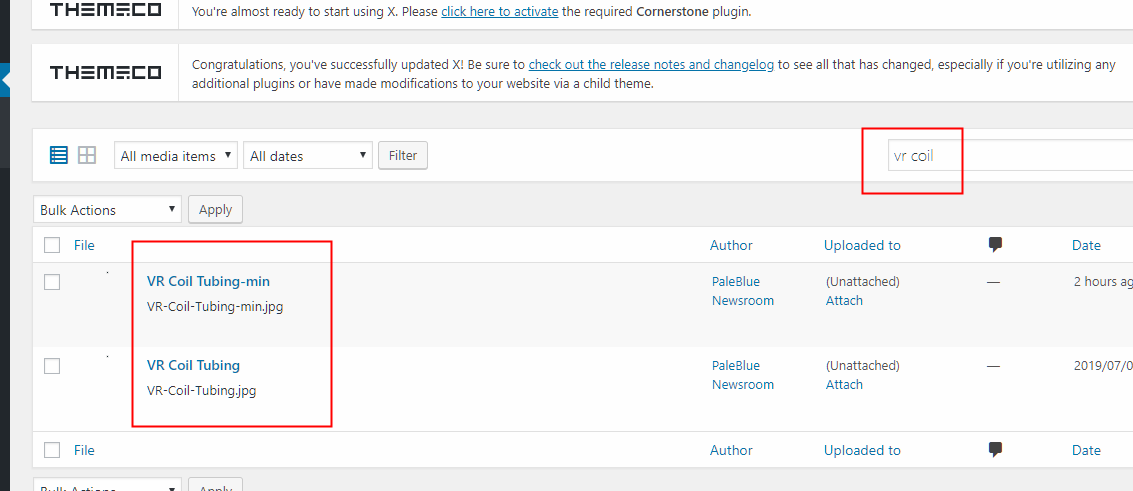
The search bar in the back-end of our Wordpress page is not working.
- We are going to the Search feature both on the image and the page section.
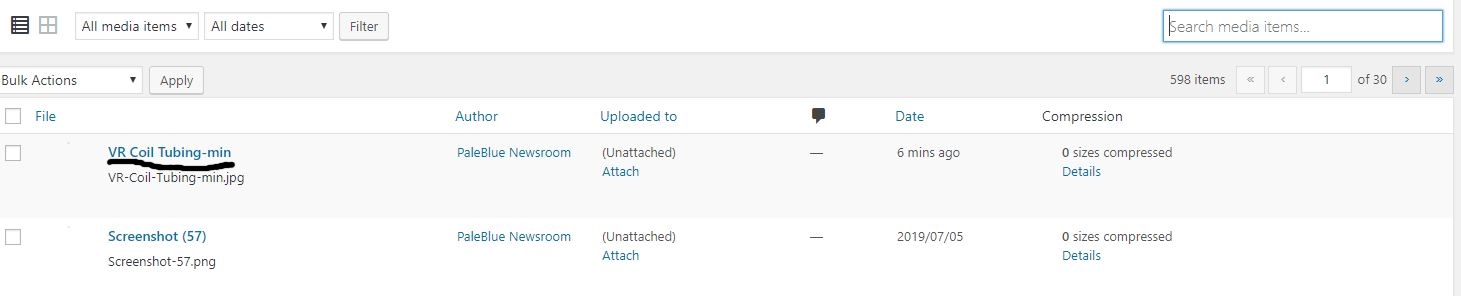
- I want to search the picture “VR Coil” which is the first picture on the list (we can not able to see the small version of the picture the identify it as well)
- I wrote VR Coil and I get this message: “[Not unique table/alias: ‘wplw_postmeta’]
SELECT SQL_CALC_FOUND_ROWS DISTINCT wplw_posts.ID FROM wplw_posts LEFT JOIN wplw_postmeta ON wplw_posts.ID = wplw_postmeta.post_id INNER JOIN wplw_postmeta ON wplw_posts.ID = wplw_postmeta.post_id LEFT JOIN wplw_postmeta AS sq1 ON ( wplw_posts.ID = sq1.post_id AND sq1.meta_key = ‘_wp_attached_file’ ) WHERE 1=1 AND (((wplw_posts.post_title LIKE ‘%VR%’) OR (wplw_postmeta.meta_value LIKE ‘%VR%’) OR (wplw_posts.post_excerpt LIKE ‘%VR%’) OR (wplw_posts.post_content LIKE ‘%VR%’) OR ( sq1.meta_value LIKE ‘%VR%’ )) AND ((wplw_posts.post_title LIKE ‘%Coil%’) OR (wplw_postmeta.meta_value LIKE ‘%Coil%’) OR (wplw_posts.post_excerpt LIKE ‘%Coil%’) OR (wplw_posts.post_content LIKE ‘%Coil%’) OR ( sq1.meta_value LIKE ‘%Coil%’ ) OR (wplw_postmeta.meta_key = ‘_cornerstone_data’ AND wplw_postmeta.meta_value LIKE ‘%VR Coil%’))) AND wplw_posts.post_type = ‘attachment’ AND ((wplw_posts.post_status = ‘inherit’ OR wplw_posts.post_status = ‘private’)) GROUP BY wplw_posts.ID ORDER BY (CASE WHEN wplw_posts.post_title LIKE ‘%VR Coil%’ THEN 1 WHEN wplw_posts.post_title LIKE ‘%VR%’ AND wplw_posts.post_title LIKE ‘%Coil%’ THEN 2 WHEN wplw_posts.post_title LIKE ‘%VR%’ OR wplw_posts.post_title LIKE ‘%Coil%’ THEN 3 WHEN wplw_posts.post_excerpt LIKE ‘%VR Coil%’ THEN 4 WHEN wplw_posts.post_content LIKE ‘%VR Coil%’ THEN 5 ELSE 6 END), wplw_posts.post_date DESC LIMIT”

Thank you