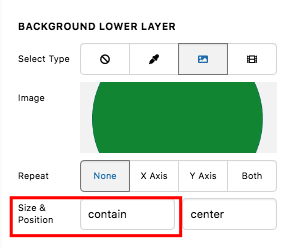
I want to replicate the “Our HR Advisors By The Numbers” block on this page: https://www.hrunlimitedinc.com/hr-on-demand-consulting-outsourcing/ (image also attached), but I can’t get the spacing quite right. I have tried using a background image with a text overlay, but the text looks a bit spaced out and the bottom of the circle gets cut off in mobile view. Is there a better way to do this?
Please find my dev page here: http://52.10.233.244/hr-on-demand-consulting-outsourcing/
Thanks!
Annmarie