Adding shortcode to menu

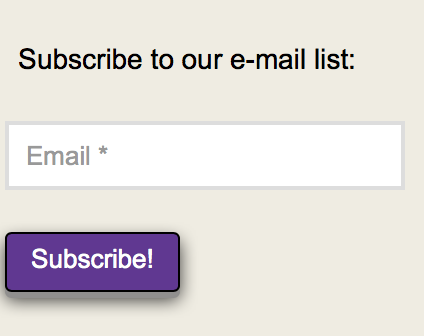
Hi. I’m using a shortcode for MailPoet email subscribing. It is placed on the home page just fine. But I would also like to have it appear at the bottom of the menu on the left side of the page. This image shows it on the home page. The line of text is Classic Text. The field for the email and the Subscribe button are the shortcode placed in a Classic Text element. How can I place both of those in the menu area so that users can subscribe no matter what page they’re on? Thanks!
URL: www.TheBillWaltonShow.com

1 Like

Hi There,

Thanks for writing in! One way is to use Javascript code to add your for there. For example, you can add the following code into your Theme Options > Global Javascript area.

jQuery(function() {
  jQuery('#menu-primary-menu').append('<p>Test</p>');
});

You can replace <p>Test</p> with your form code.

Hope that helps.

This topic was automatically closed 10 days after the last reply. New replies are no longer allowed.