Button on the bottom of cordialife.com, quote form. I can’t find the settings to center the button.
Hi Danny,
Thank you for reaching out to us. I checked your homepage and the button “Get a Quote” is already centered (see screenshot)

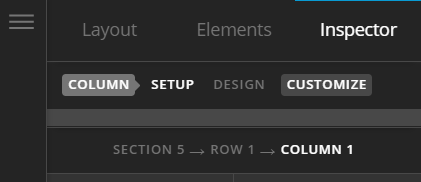
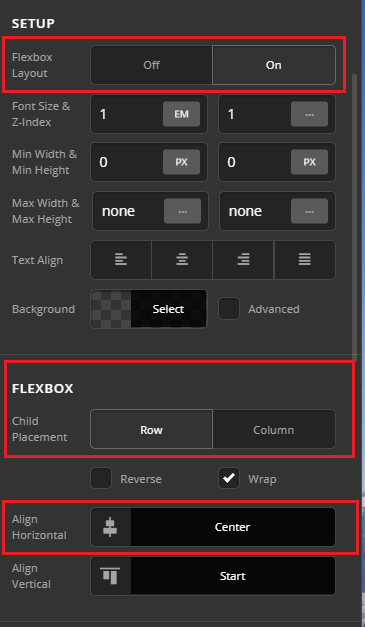
It seems like you’ve fixed it on your own, however you can center align any element easily now with Flexbox controls in the Column, simply go to the Column’s settings that has the button element in Cornerstone:
First enable the Flexbox Layout and then select center for Align Horizontal setting (see screenshot)
Hope this helps!
This topic was automatically closed 10 days after the last reply. New replies are no longer allowed.