Add to Cart Responsive and remove "OR"

Hi,

If you visit one of our pages e.g. https://www.vitstix.com/product/vit-stix-box-vitamins/

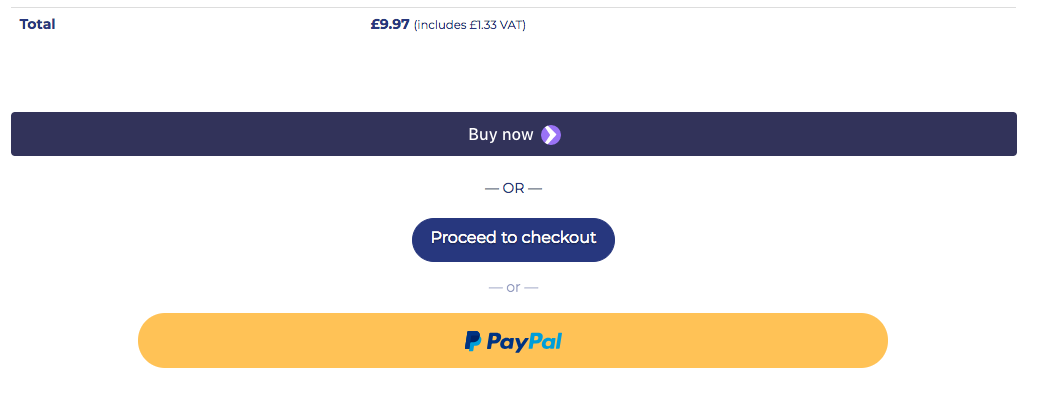
You can see Three buttons:
a. Stripe - Chrome Button (Buy Now)
b. Add to cart (Woo Commerce Button
c. Paypal
(Image also attached)

  1. I would like the Add to cart Button to be centralised and Responsive. Like the other buttons. How do I do this?

On the Cart page, the Proceed to Checkout button is also the same.
  1. How do I centralise and make responsive the Proceed to Checkout button on the cart page.

Thanks

Hi There @tomandersondixon

Thanks for writing in! Could you please try adding the following CSS rule into your X -> Theme Options -> CSS area to fix the first issue.

.single_add_to_cart_button {
    margin: 0 auto;
    max-width: 150px;
    display: block;
}

On the cart page, I already see the buttons are responsive and centralized. Could you please try clearing your browser cache and re-test.

Hope that helps.

This topic was automatically closed 10 days after the last reply. New replies are no longer allowed.