I don’t want to add another container above the customer header image.
How can I add icons on top of the image with live links in them?
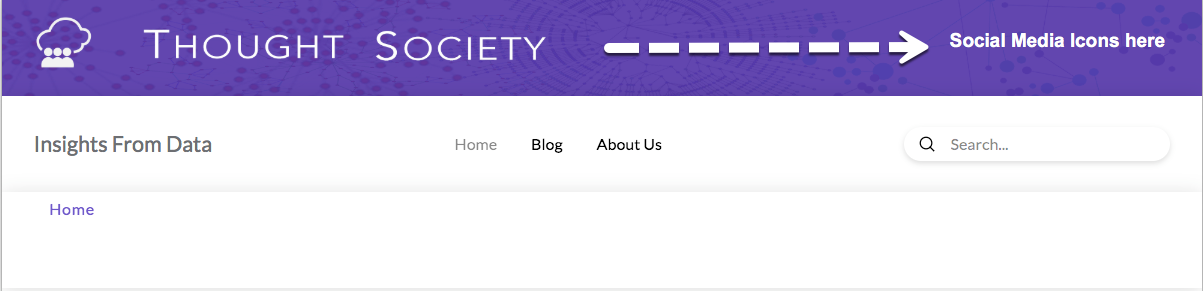
I don’t want to add another container above the customer header image.
How can I add icons on top of the image with live links in them?
Hi There,
Thank you for writing in, you need to have 2 containers on that bar, the first container is for your logo, the second container is for your social icon links using the Social Icon element.
You need to set the first container’s horizontal flex layout to start, and the second container to end.

Hope it helps,
Cheers!
thanks. That did it.
Another request:
Can the social media icons be on one row instead of lined up in a column?

Hello @thoughtsociety,
Thanks for updating the thread. 
Please inspect the Container and under Flex Layout > Layout select Row.

Thanks.
Choosing row makes them disappear.
Hi There,
Ok, instead of social icon element, let’s have another Navigation Inline element for your social links, please follow the guide provided here.
Hope it helps,
Cheers!
This topic was automatically closed 10 days after the last reply. New replies are no longer allowed.