Add inline styles to the shortcode custom headline

Hi
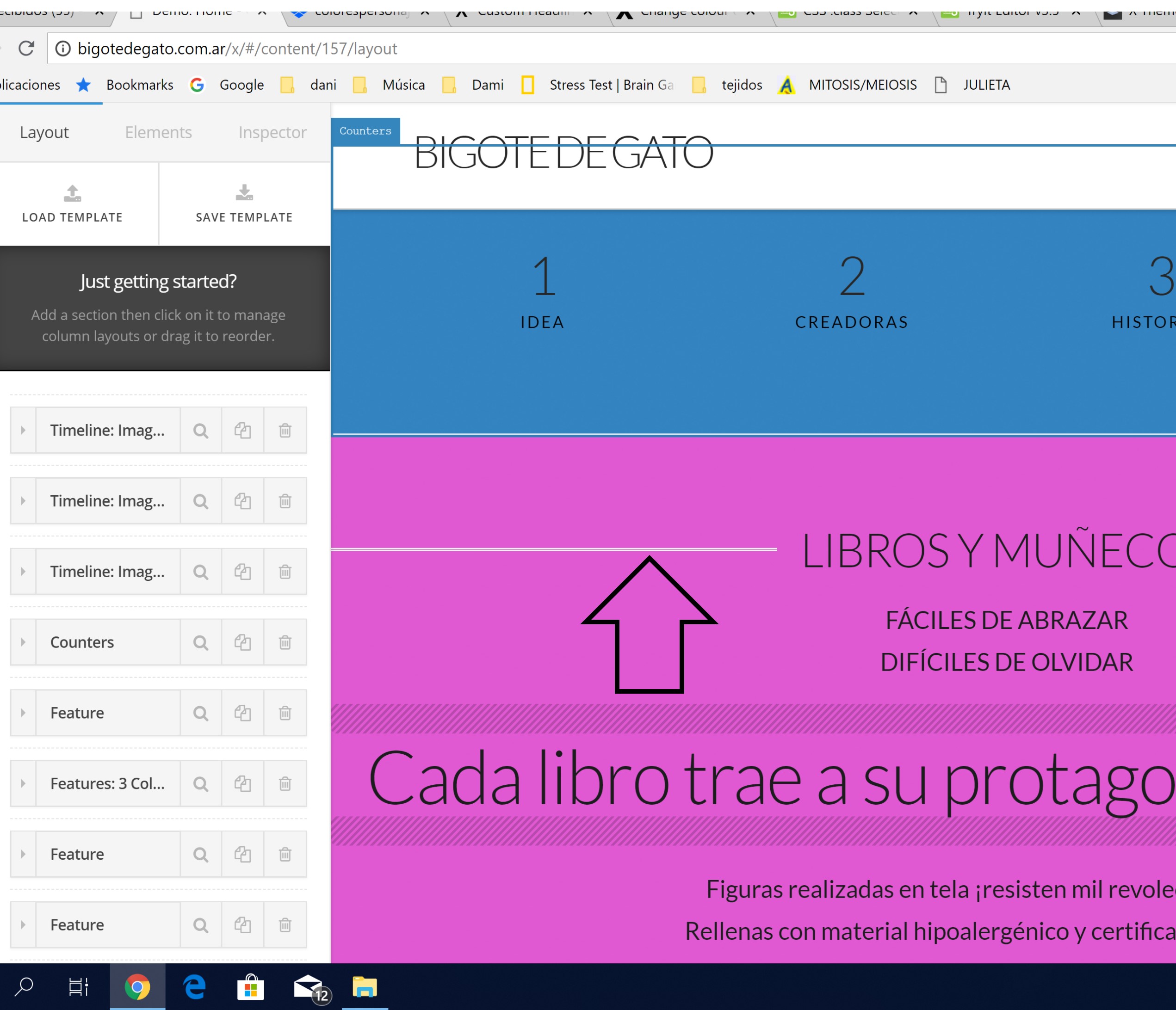
I ´ve been trying to change the colour of the lines of the custome headline shortcode
i don´t understand how to add inline style to that shortcode
I added style=“color:c1c1d1;” like this:

[custom_headline style=“color:#1C1C1D;” type=“center” level=“h2” looks_like=“h2” accent=“true” ] etc
but it only changed the color of the text (not the lines of the sides)

Hi There @virginiabonora

Thanks for writing in! The best way would be to achieve this by assigning a CSS class to your custom headlines.

In this example, we have assigned the class name custom-accent-color to the custom headline. Then we can add the following CSS rule into your page’s custom CSS area or X -> Theme Options -> CSS area.

.custom-accent-color span::before {
    border-top: 1px solid red !important;
    border-bottom: 1px solid blue !important;
}
.custom-accent-color span::after {
    border-top: 1px solid red !important;
    border-bottom: 1px solid blue !important;
}

Hope that helps.

yes!! Thanks you!!!

You are most welcome. :slight_smile:

This topic was automatically closed 10 days after the last reply. New replies are no longer allowed.