Add full length posts from a certain category on a single page

Hello,
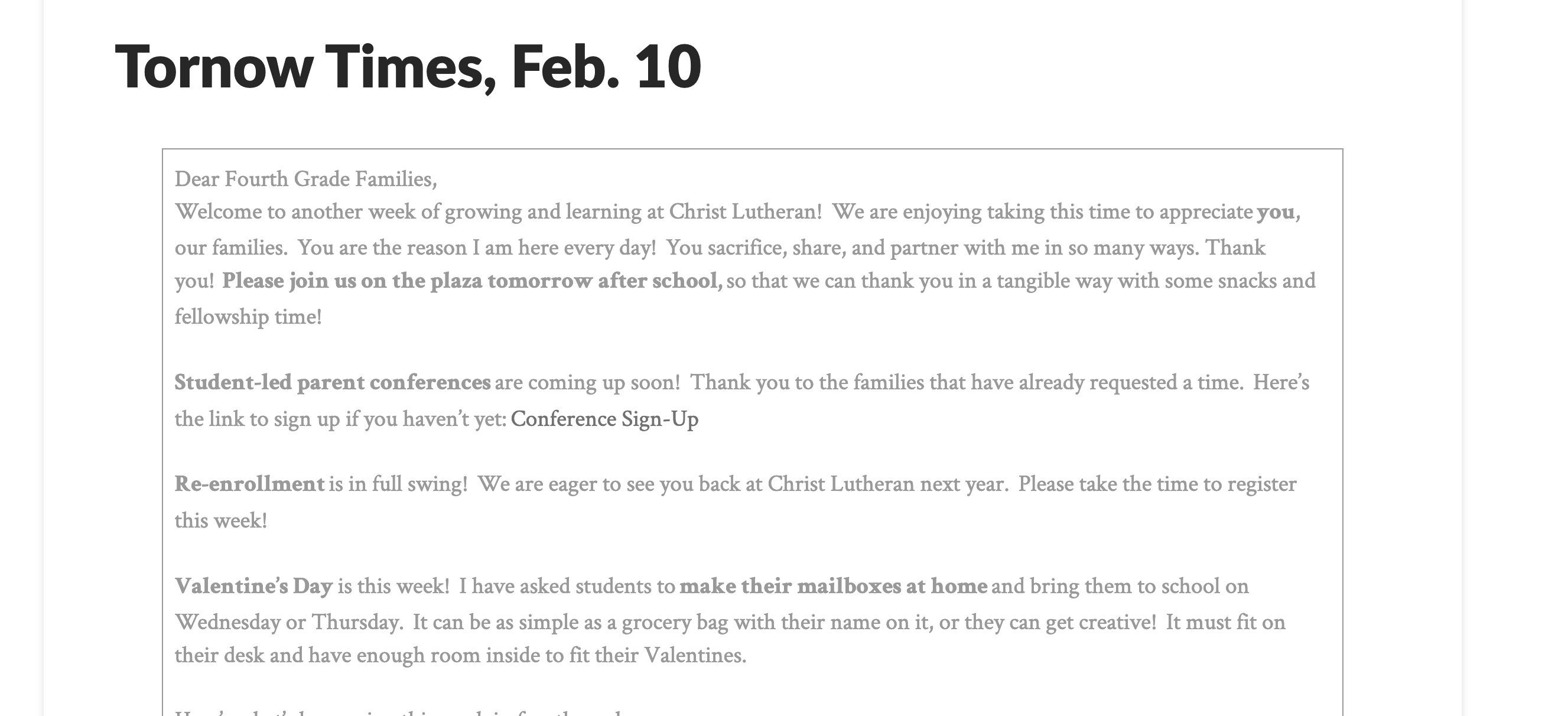
I am trying to figure out how to create individual teacher pages, in which the teachers can create a post, choose their specific category (for example, Fourth Grade) and have those posts show up on their page in full length.

Can you help me figure this out. I want the posts to populate on the pages in full length (not the post image, the heading and body of the post)

Here is the page I am trying to do this on, we will have one for each grade level.
https://clscm.org/teacher-pages/fourth-grade/

Thank you in advance for your help.
Hi @bcoplin,

Thank you for writing in, you can utilize the Essential Grid for creating a posts grid. Then you can place your created grid to your page using the Classic Essential Grid element.

Hope it helps,
Cheers!

Ok, but I don’t want a grid. I want a stream of the actual posts like a long running blog page. Is that possible with essential grid?

So I think I found a suitable options but I still need a little help.

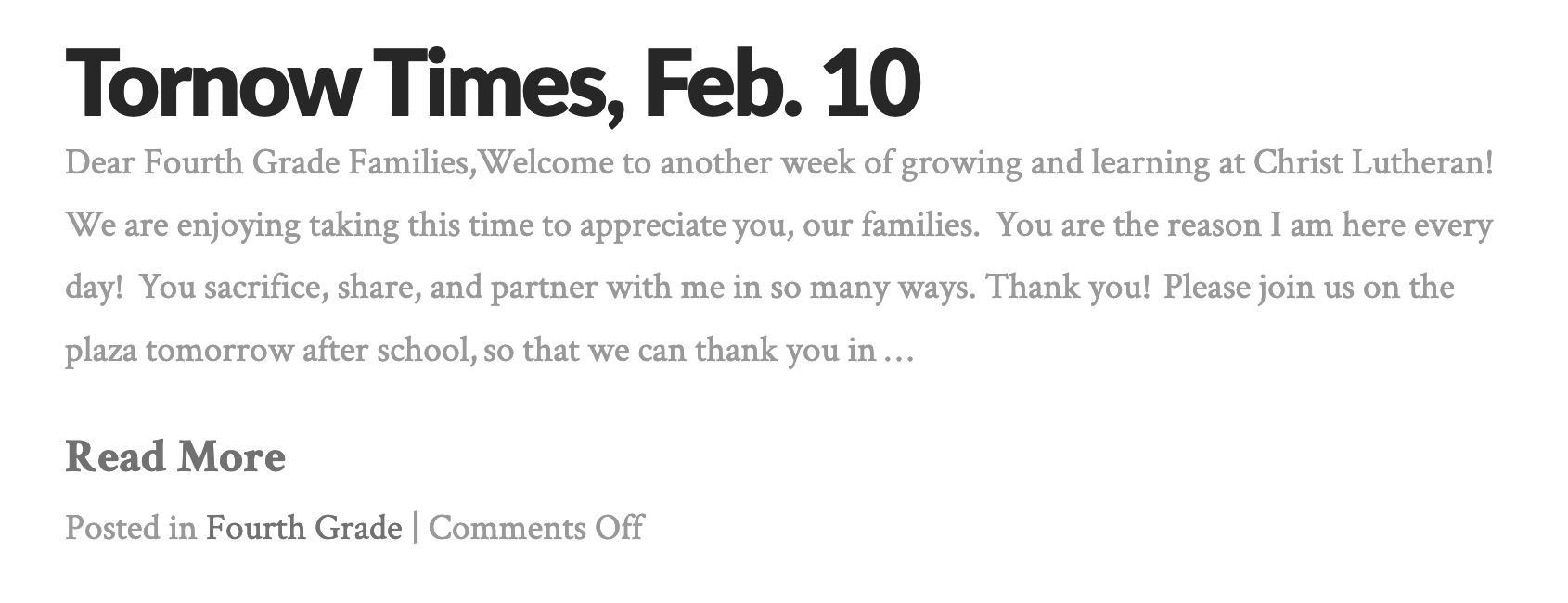
First: How can I remove the… “Posted in Fourth Grade | Comments Off” from the post page.

https://clscm.org/teacher-pages/fourth-grade/

Second: How can I remove the boarder and drop shadow boarder as well? On the individual posts page.

Hi @bcoplin,

To hide the “Posted in Fourth Grade | Comments Off”, please add this to Theme Options > CSS

.ivycat-post .entry-utility {
	display: none;
}

To remove the border and box-shadow, please add this to Theme Options > CSS

.ivycat-post .entry-utility {
	display: none;
}

.wp-block-table td,
.wp-block-table th {
	border-width: 0;
}
.entry-wrap {
	box-shadow: none;
}

Please be reminded that we can’t really provide support for 3rd party plugins, if you have follow up question regarding that post plugin, please contact the plugin support.

Thanks,

Worked perfectly! Thank you!

You’re very welcome, @bcoplin!

This topic was automatically closed 10 days after the last reply. New replies are no longer allowed.