Add button to Header Menu (img attached)

Hello there,

I am trying to add a button in the header menu that will eventually have a custom link but I am unable to figure out how to do it.
There is a current post in your forum with the CSS added but I have no idea how to add the button there. Is it a widget?

I have attached an image of what I am trying to do.

Thank you for your time!
Hi There,

Thanks for writing in!

There is no such option in the theme to ad similar button, but you can certainly do it with CSS to a menu item.
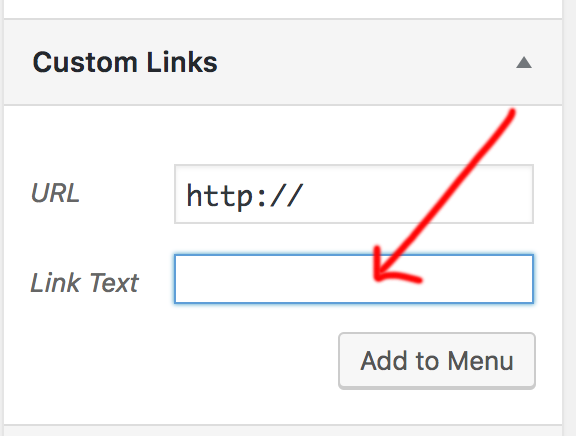
First add a custom link menu item in your main menu.

After that please add this CSS to your X-> Theme option -> Global CSS

.x-navbar .desktop .x-nav > li:last-child a {
 padding: 10px 15px;
 border: 2px solid #559D07; /*you can change the color code*/
border-radius: 5px;
color: #559D07;
}

Hope this helps!

Thanks

Perfect! Thank you : )