Add border to uber menu top level

Hello support team, I would like to add a border to specific top level menus, not for all my uber menus.

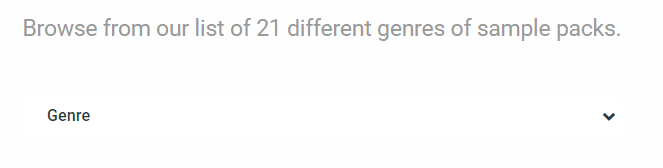
I would like to add a border to the menus on this page: https://www.soundshockaudio.com/trial-3/

I know there has to be a way to do this, but I can’t seem to find the option in the indivudual ubermenus.

Any help would be appreciated!

Thanks!

  • Daniel

Hi there,

Thanks for writing around! Are you referring to the drop down menu on that page?

If this is the case then add the following code in the Theme Options > CSS:

.page-id-7777 #ubermenu-main-628 {
    border: 1px solid #767676;
    padding: 0 5px;
}

Hope this helps!

Awesome! The code has worked! Thank you for the help.

Glad we could help.

Cheers!

This topic was automatically closed 10 days after the last reply. New replies are no longer allowed.