I currently have this pasted into the child functions.php to place the rev slider in the header because Themeco doesn’t seem to believe this is a function that is necessary.
add_action(‘x_before_view_global__slider-below’, ‘slider_above_blog_page’);
function slider_above_blog_page() {
if ( is_home() ) {
echo do_shortcode(’[rev_slider alias=“blog-home”]’);
}
}
As the slider is no longer necessary per client, I want to just add the image by itself so I added the following as it is the closest I’ve gotten to get this to work but it still does not add the image below the slider (which I will remove once I can get this to work).
add_action(‘x_before_view_global__index’, ‘x_image_above_blog_page’);
function x_image_above_blog_page() {
if ( is_home() ) {
echo do_shortcode(’[x_image type=“none” src=“https://sdrostra.com/wp-content/uploads/2017/07/Skyline1400x350.jpg” alt="" link=“false” href="#" title="" target="" info=“none” info_place=“top” info_trigger=“hover” info_content=""]’);
}
}
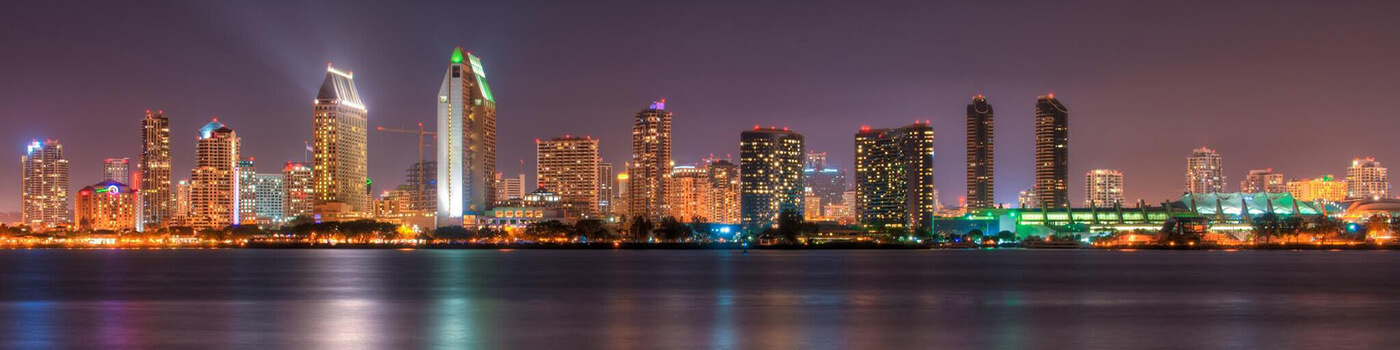
As you can see this works but places the image above the top of the Blog stack and not in the header. What the hell am I missing here.