Hi,
How do I add a main image to the whole of the header. I want ti to look like this:

But currently looks like this

Hi,
How do I add a main image to the whole of the header. I want ti to look like this:
But currently looks like this
Hi Emily,
You can make use of the Revolution Slider plugin that comes bundled with X.
Firstly, you need to create the slider which is a full width slider. You can add the text, button, and set the background image there.
You may check on this link to read more about the features of Rev Slider:
https://www.themepunch.com/revsliderjquery-doc/slider-revolution-jquery-5-x-documentation/
Once you have created the slider, edit the page where you want to put it then set the slider in the Slider Settings: Below Masthead
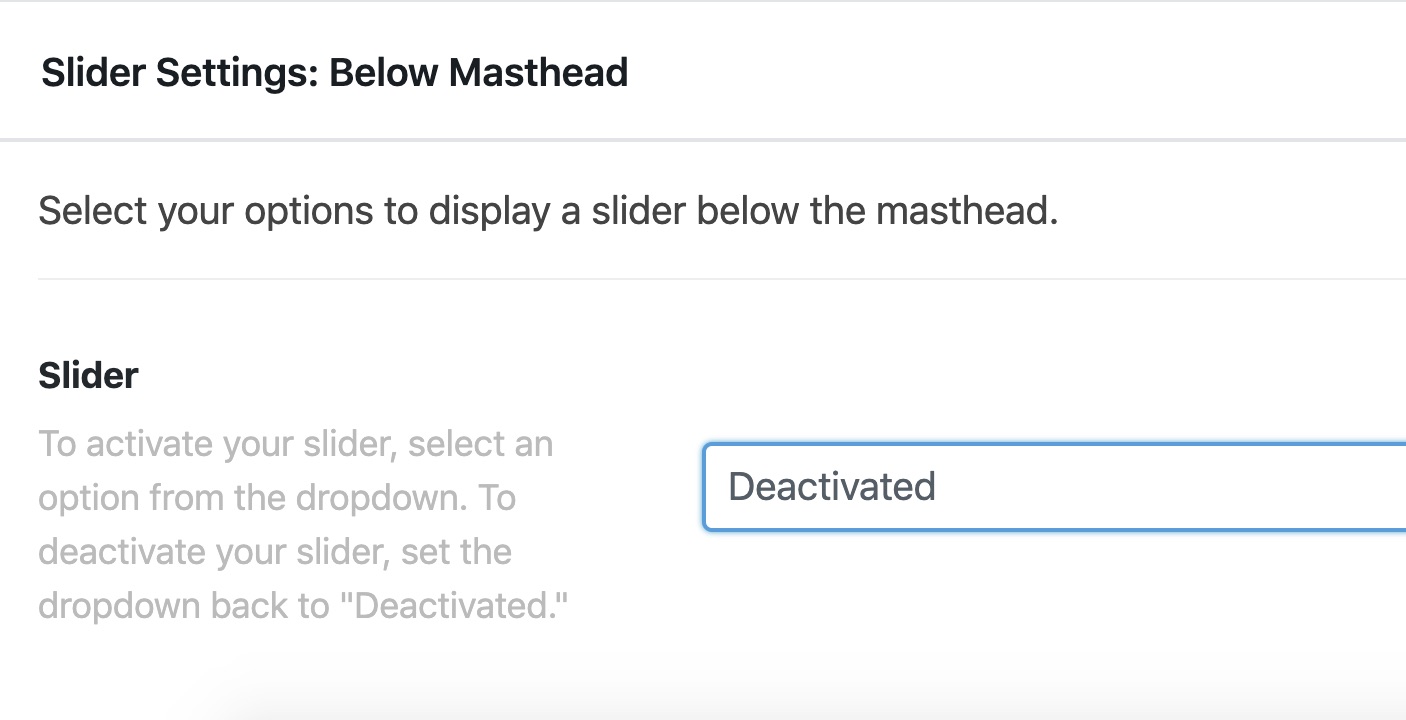
then add this code in X > Theme Options > CSS:

.masthead {
    position: absolute;
    width: 100%;
}

.x-navbar-wrap .x-navbar {
    background-color: transparent !important;
}
Hope this helps.
This topic was automatically closed 10 days after the last reply. New replies are no longer allowed.