Dear apex- / Theme.co-Team,
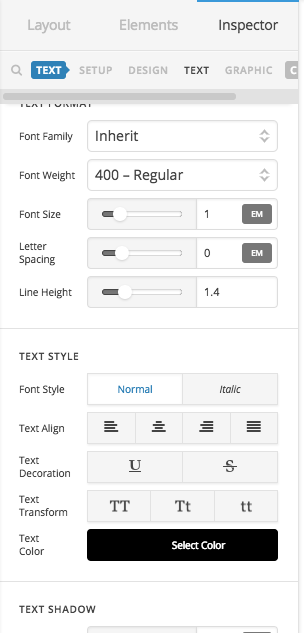
I use the renew stack and can set different fonts and font sizes in the stack options. When I enter a text on my homepage, I get a selection of sizes and formats (paragraph, heading 1/2/3 etc.), which I would like to customize to realize more font sizes. Where can I make this adjustment? (please also see the screenshot).
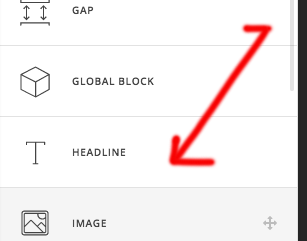
PS: I’ve read the post by @Prasant (see below), but I only have one object “classic custom headline” in my element library. Or do I have to enter that somewhere else? I can not get on there … 
Thank you very much!
Steffen
Post from Prasant:
Staff
Jan 10
Hello @Beattie,
Thanks for asking.
If you are using Pro, then the font size can be changed under Custom Headline > Setup > Base font size. I am asuming that you are using custom headline element.
In case you are using X Theme, please add following CSS under X > Launch > Options > CSS:
h1, h2, h3, h4, h5, h6, .h1, .h2, .h3, .h4, .h5, .h6 {font-size: 150%;}
Thanks.