Hi there,
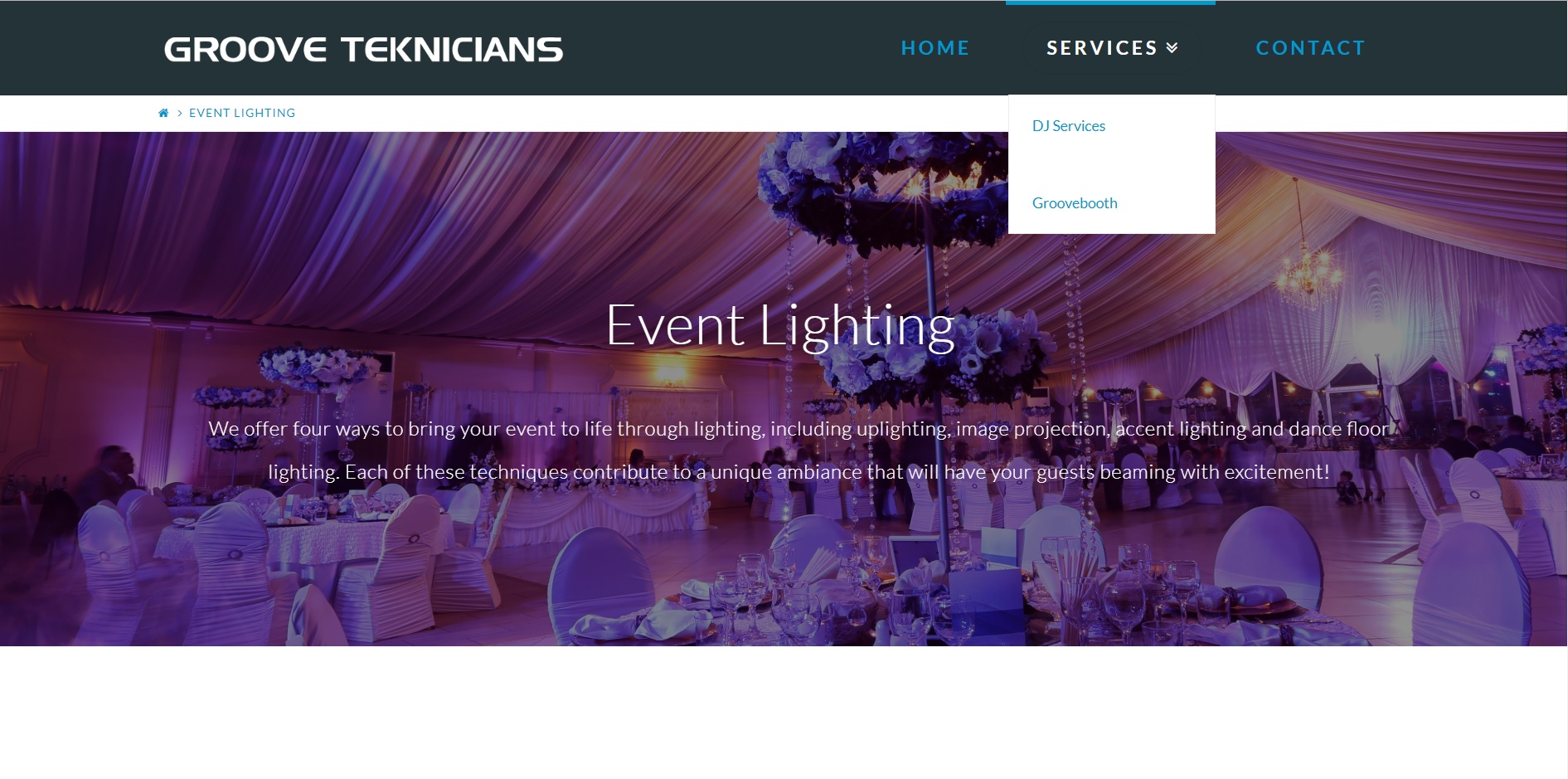
I’m encountering an issue with my website’s menu. Under the ‘services’ tab, whenever I click on one of the links, the active page’s text is not showing up/is white. For example, when I click on the 'Event Lighting" page and then look at the ‘services’ tab, the active tab’s (“event lighting”) color is white. Would you happen to know how I can fix this issue, where the active tab is black colored instead of white? I have tried looking at the theme’s appearance settings, but I couldn’t find the option to change the color of the active tab.