Hey,
I’m using X Pro and created a header via the pro builder and added a menu to it.
I used ACF to create a custom field in the menu selection.
All I need now is a way to display the entered value on the frontend in the menu. I think since the navigation is edited through the X Pro header Builder that my solution is NOT working. At the moment I am using this code:
add_filter('wp_nav_menu_objects', 'my_wp_nav_menu_objects', 10, 2);

function my_wp_nav_menu_objects( $items, $args ) {

// loop
foreach( $items as &$item ) {

	// vars
	$icon = get_field('icon', $item);


	// append icon
	if( $icon ) {

		$item->title .= ' <i class="'.$icon.'"></i>';

	}

}


// return
return $items;

}
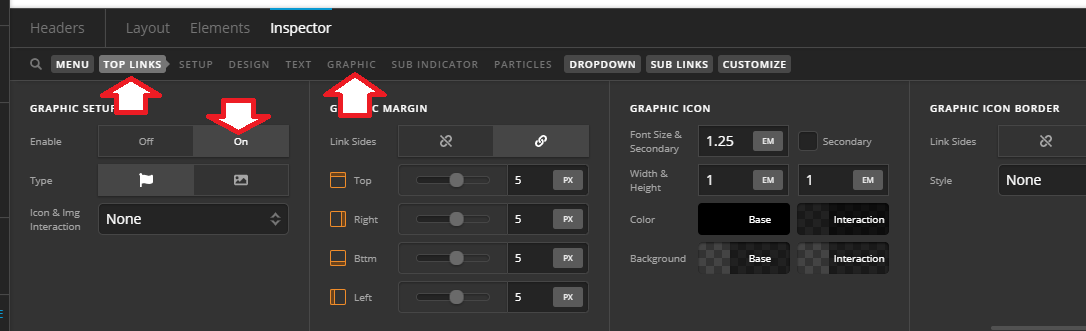
 , that feature also allows you to use theme built-in icons, or image icons which needs adding the image URL within the menu item’s setting.