Accessibility regression after update — <ul class="x-menu"> has role="navigation" causing Lighthouse list errors

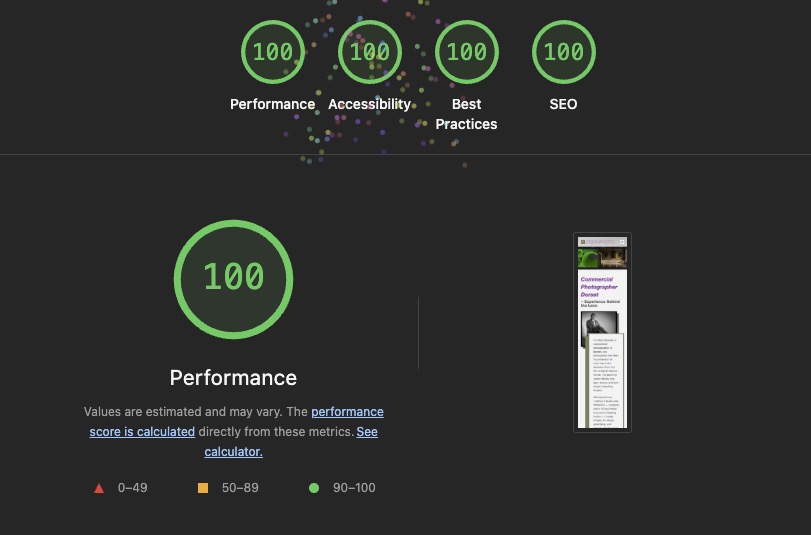
After updating X Pro/Cornerstone, Lighthouse accessibility dropped from 100 to 96.

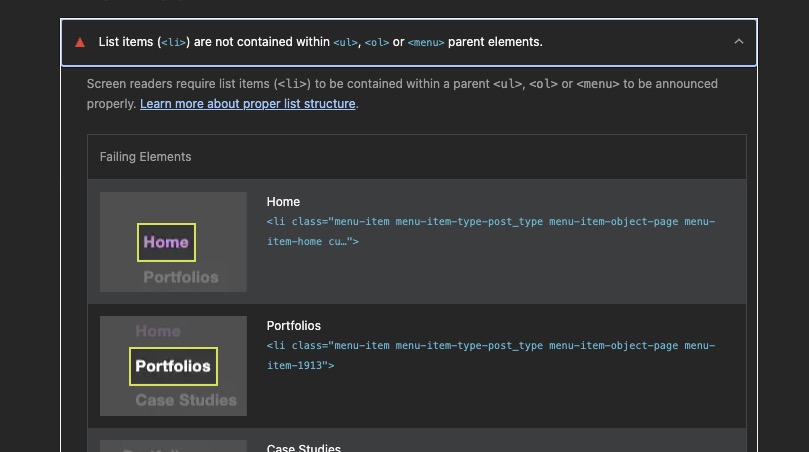
The failing audit is:

List items ( <li> ) are not contained within <ul> , <ol> or <menu> parent elements.

The menu markup being generated is:

<ul class="x-menu ..." role="navigation">
  <li class="menu-item ...">Home</li>
  <li class="menu-item ...">Portfolios</li>
  ...
</ul>

The <li> elements are correctly inside a <ul> , but because role="navigation" is applied directly to the <ul> , Lighthouse appears to no longer recognise the parent as a list in the accessibility tree.

If I remove role="navigation" from the <ul> in DevTools, the structure is semantically correct again, although Lighthouse reloads the page and the attribute is regenerated.

This appears to have been introduced by the recent update, as the site previously scored 100 for Accessibility.

Could you confirm whether role="navigation" should be applied to the <ul> , or whether this is a regression in the menu output?

We recently received an accessibility report from another user stating the navigation <ul> needed to have a role="navigation". I’m not sure why lighthouse would give you this warning, but I can take a look today.

Hi Charlie, just checking whether you had a chance to look at this. The Lighthouse accessibility score is still being affected by the menu markup. Thanks.

Hey @Pixel8r,

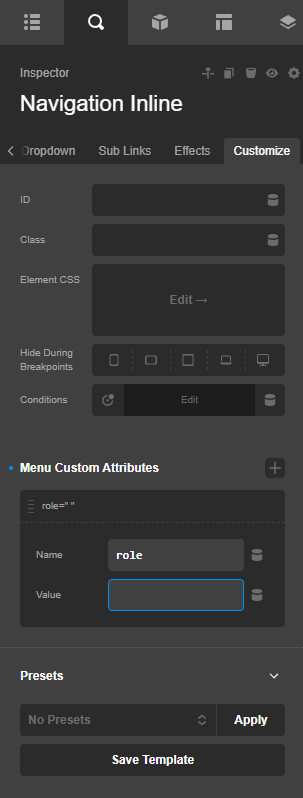
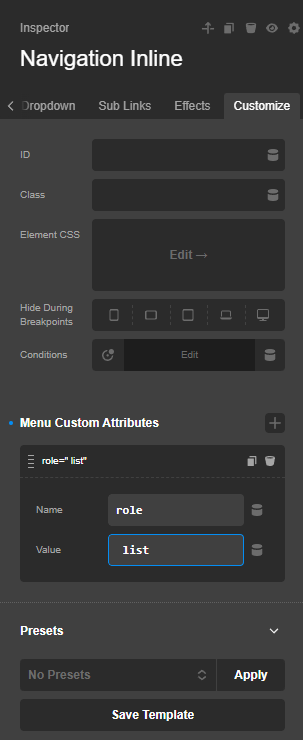
All Cornerstone Navigation elements have the role="navigation" attribute. You can bypass it by adding a custom attribute to the element itself.

You can insert an empty role or assign a different one.

Check again with Lighthouse after removing or changing the role.

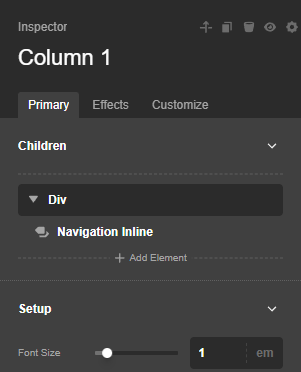
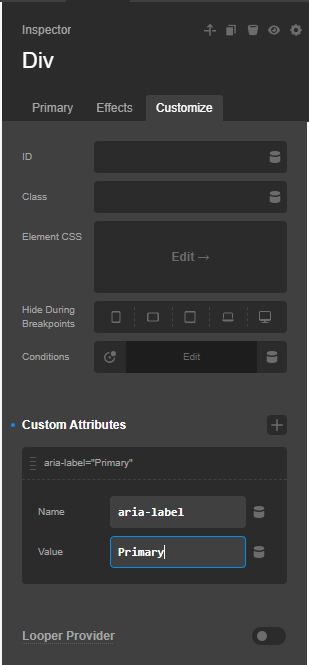
I would recommend that you wrap the Navigation element with a DIV element. For exampl;
image

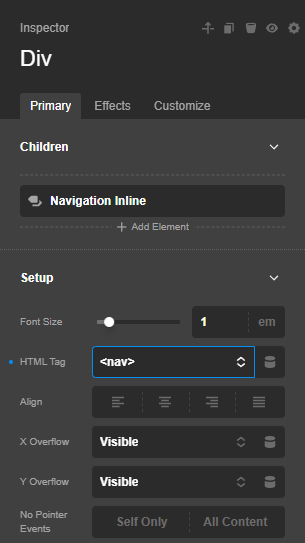
And in the DIV element, the HTML tag will be assigned to nav with an Aria Label:

Thus, the output will be like this structure:

<nav aria-label="Primary">
  <ul class="x-menu ..." role="list">
    <li class="menu-item ...">
      <a href="/" aria-current="page">Home</a>
    </li>
    <li class="menu-item menu-item-has-children ...">
      <a href="/portfolios/">Portfolios</a>
      <ul class="sub-menu" role="list">
        <li class="menu-item ..."><a href="/portfolios/web/">Web</a></li>
      </ul>
    </li>
  </ul>
</nav>

Thanks.

1 Like

Thanks — that did the trick. I updated all of the Navigation Inline elements, including the hidden mobile and footer versions, so the menus now use role="list" . Lighthouse is back to 100 across the board. :fireworks:

Glad to hear this is sorted out.

This topic was automatically closed 10 days after the last reply. New replies are no longer allowed.