To get straight to the point, I want to integrate my Super Fly menu button directly into the navbar.
The header is inline, meaning that the logo displays on the left and the menu on the right in the header.
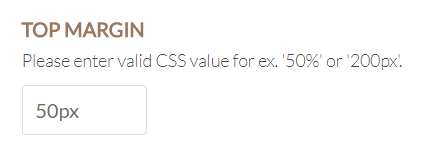
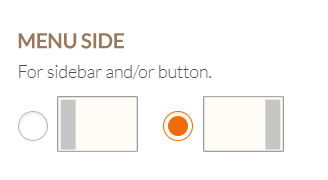
Now, I’ve activated the superfly menu but have to set its position manually by assigning pixel and/or percent distance between it and the right and top border of the browser.
I want to place the Super Fly menu button right where the normal header menu would be if I hadn’t hidden it.
Is there a way to solve this issue? Thanks ahead for any help.