Hi!
This is the layout on a site with version 5.0.5:

This is the version updated to 5.0.7:

This is how it is laid out:
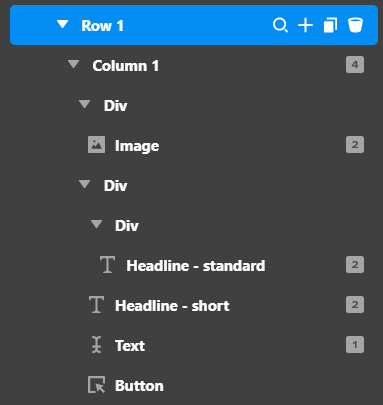
Credentials are in the Secure note.
Thanks!
Hi!
This is the layout on a site with version 5.0.5:
This is the version updated to 5.0.7:
This is how it is laid out:
Credentials are in the Secure note.
Thanks!
Hey @Misho,
The Row Layout setup in 5.0.5 looks inappropriate. The Columns is set to 50% 50% when you want to display 100%. 5.0.7 actually fixes that so you must set the layout to 100%.
If you wish to stay with 50% 50% setup, the Column Fill must be set to Auto (see secure note).
Hope that helps.
That fixed it, thanks!
So, a Fix in 5.0.7 reversed the logic of the Column Fill settings, so all websites that had it on Grow now need to set it to Auto, with a 50% 50% setup?
This means all pages need to be inspected on all websites, because what worked previously is now reversed. OK, good to know.
Thanks!
Hey @Misho,
It’s not reversed but just corrected because if in 5.0.5, the column is 50% 50% and set to Grow and it displays 100%, that is not correct because Grow should force the column size even if the Row has just 1 column.
In the 50% 50% and Auto setup, if you just have 1 column, Auto will make that single column span 100%. It will only be 50% 50% if you have 2 columns.
This depends on what you’re trying to achieve so it’s best that you know what Auto and Grow does to columns.
Hope that helps.
christian,
just to clarify, does it work on all sites or only those that were previously updated to 5.0.5? because on one of the sites i made i updated from 4.x to 5.0.5 and then to 5.0.7 and had the same problem. it all worked uper to 5.0.7.
thanks
Hi @deranaloge,
It should work on all sites, but you might have a different case since you’re coming from version 4. Please create your own thread, explain the issue, and provide us login credentials in a secure note so we can take a closer look.
Cheers,
This topic was automatically closed 10 days after the last reply. New replies are no longer allowed.