404 Error for Launch (beta and current)

Hi Guys,

I’m having a 404 error while to trying access launch. It’s a brand new wordpress install, about to go into production the end of this week.

It works if I select default permalinks but obviously, I’m not going to use default permalinks for a production site.

Please advise.

Matt

Hi Matt,

The 404 issue should be fixed when you select Post Name in the Permalinks setting.

Have you tried that setting? If you did and it still does not work, please provide us with your admin access so that we can check it.

Thank you.

1 Like

This doesn’t resolve the issue.

Login details for this server have been provided above in the secure note.

Hey,

Try to clear your cache after that because I am accessing the launch normally on your site: http://prntscr.com/gkn2e6

As I’ve said in the previous messages it DOESN’T WORK when set to POST NAME. I’ve already cleared the cache and proven it works when set to PLAIN.

I’m in the process of building this site, so naturally I left it set to PLAIN while I was developing, so I’m guessing you may not have checked the permalinks setting when you took that screen shot.

Please can you recheck your findings and expedite this.

The screen shot is from a Safari, a total brand new installed version with zero cache… as you can see it’s still reporting a 404. I use Chrome for development… just to be sure you don’t miss it a third time!!
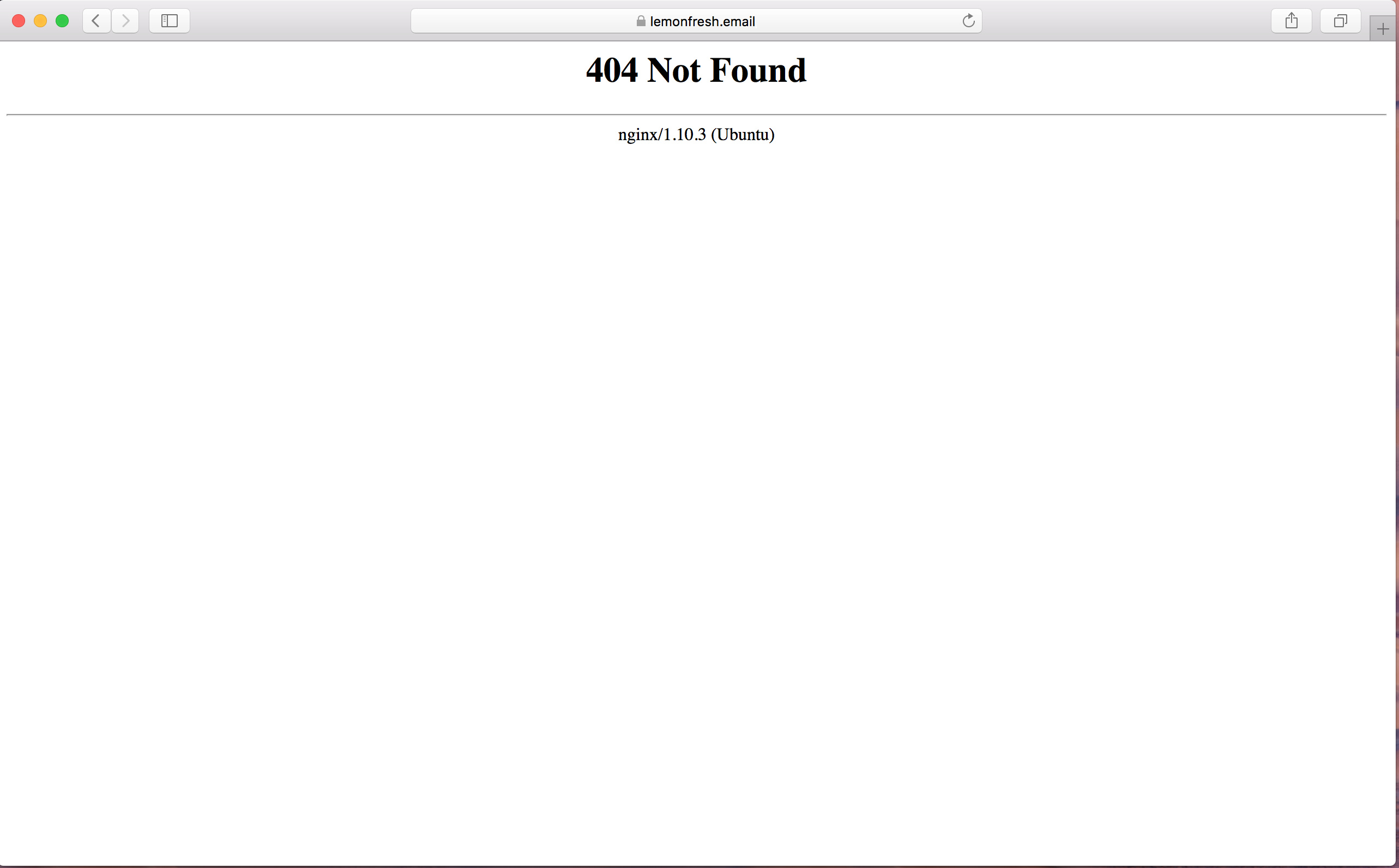
Hi There,

Thank you for the clarification. I can see the issue. Permalink is set to postname when I check and I got the 404.
Please make sure that mod_rewrite is enabled in your new hosting server. For more information see this: https://wordpress.stackexchange.com/questions/189006/changing-permalinks-gives-me-404-errors-on-nginx

1 Like

Thank you Lely for spotting that and reading the support message correctly! It’s a new install, so the rewrite wasn’t enabled on correctly on the nginx server.

You’re welcome!
Thanks for letting us know that it has worked for you.