Hello, I am not sure why, but previously when updating to 4.0.10 I had this problem on just one of my sites. 4.0.10 also for some reason had a couple other bugs, with the content screen not showing the new dark mode appearance and when clicking to go back to the Wordpress dashboard, it as broken, but both of these issues are fixed with 4.0.11. The only problem I am having now is it showing “Uh Oh – Failed to Save!” on my homepage when I go to edit it. I had a couple pages not have the issue, and it seemed pages that were simpler were saving, while page that have more content are showing the error. As I update my other sites this morning, I will see if any of them have this issue as well. Any help is appreciated, thanks!
1 Like
Hey @ArizonCo,
We now use the WordPress Rest API for saving and it looks like your web host does not support it.

Please ask your web host to support WordPress Rest API or whitelist the URL in the following screenshot.

Hope that helps.
Thank you for the information, I will see if I can whitelist the URL. I use GoDaddy hosting, so I am a bit surprised this would be an issue with such a large hosting/url company. Also I have a few other sites that have not encountered the issue and they are all under the same hosting, but as I said simpler pages were not encountering the issue.
1 Like
From articles I read GoDaddy says they are using Rest API, so I’m not sure about them supporting it or not, but adding the URL to path to our whitelist, then I cleared the cache of the site through my hosting, then checking if I could save a page afterwards, seems to have fixed the problem, as I am able to save again. The other site I had that was having issues as well, also is able to save, though it is still having the other problems detailed in the secure note previously.
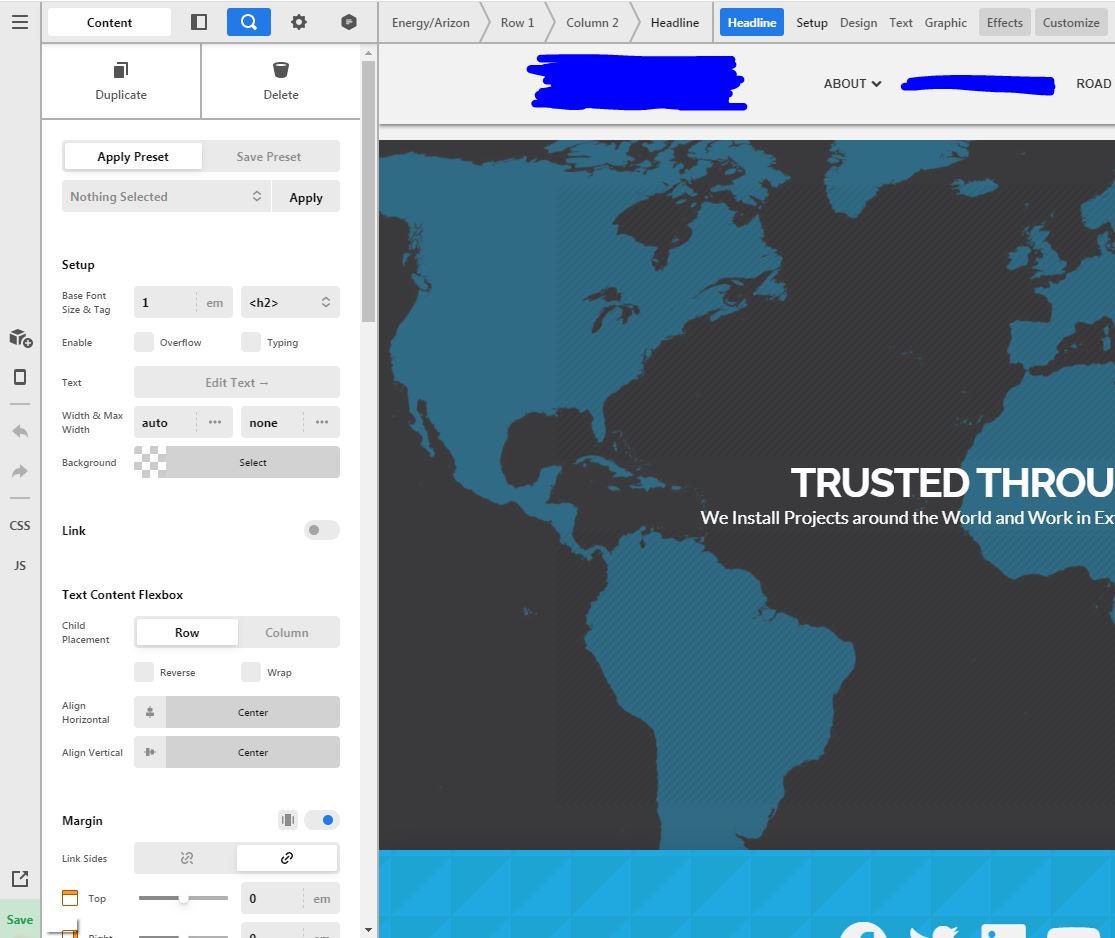
The other site is still not displaying the new dark mode and when going back to the dashboard it doesn’t show the full Wordpress admin for some reason, this started after the theme update as well. I had this problem previously on another site, with 4.0.10 and while the next update fixed it on that site I am having the problems now on this one with 4.0.11.
Dark Mode Not Working:
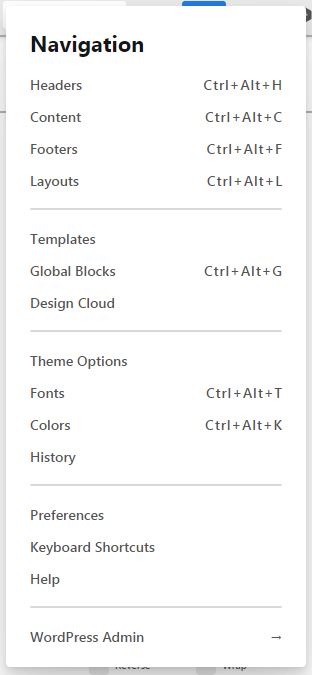
Going Back to admin
Page After Hitting Wordpress Admin:

Let me know if you have any ideas, I will share the site info in a secure note.
Hi @ArizonCo,
It seems that the Dark mode is already enabled on your site, still, if you need the same in your other sites you can set it from Preferences > UI Theme. Please find the screenshot below.

While checked your issue with the WordPress Admin link, it work as it is, and load the Admin Dashboard, please let us know if you still having this issue.
Thanks
Strangely enough, eventually all of my sites ran into problems with saving. I use GoDaddy Hosting, and under security, went to Firewall, and then hit the gear icon for settings and went to Access Control. There you can add a whitelist URL path. My host does not allow for certain special characters, so I did URL path “Begins With” then just put “wp-json/themeco/” then I Cleared the Website cache through my host.
This seemed to fix the error. I ran into the problem again with one of my sites after adding the Whitelist URL, I think due to having the site installed in a sub folder, so I just added it for both and cleared the cache and saving worked again. I am not sure if clearing the cache or adding the whitelist URL is what is fixing the problem. I would assume clearing the cache since sites I did not have problems with last week had issues this week. Just wanted to provide an update if anyone else is experiencing a similar issue.
1 Like
Hello @ArizonCo,
Thanks for sharing the information. Glad that things are well for you. Please feel free to reach us if you have any query regarding theme and theme options.
Have a great day!
Thanks
This topic was automatically closed 10 days after the last reply. New replies are no longer allowed.