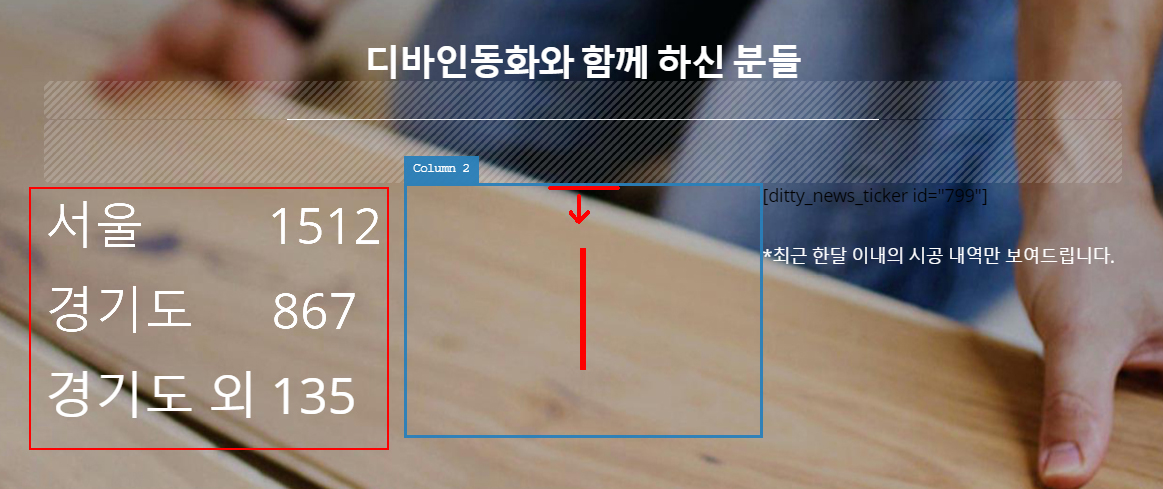
2 questions about counter and line

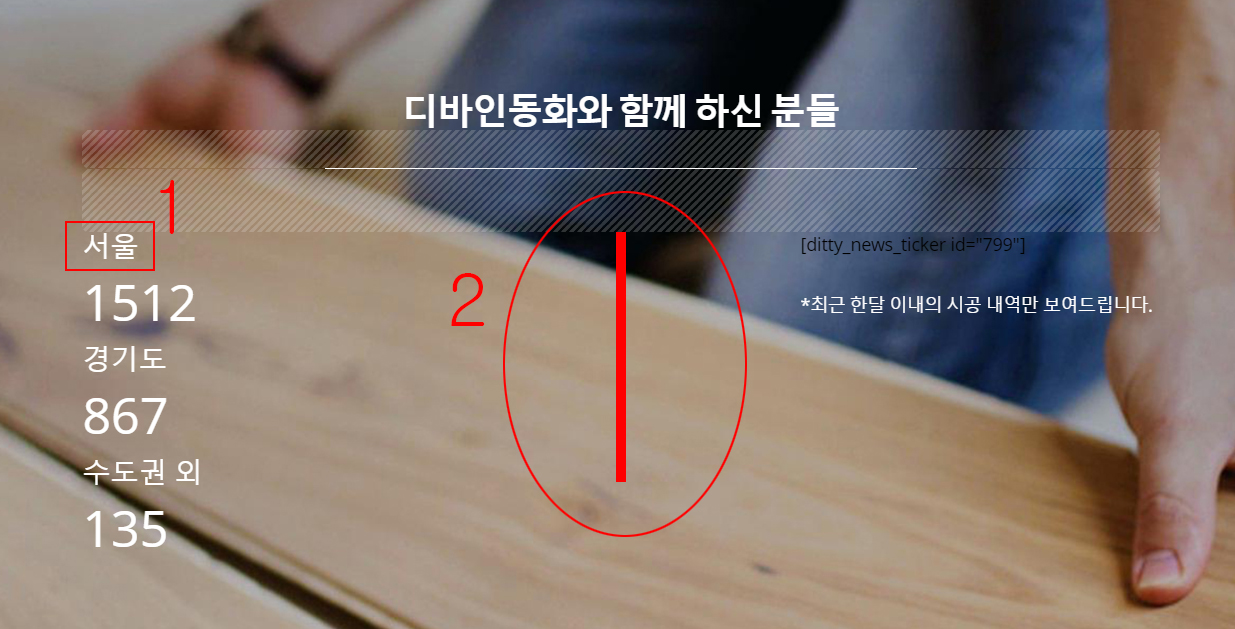
  1. Is there any way that i can change a position of text of counter? I know i can put it on top or bottom of number but I would like to put it on left or right side of number if possible.

  2. If i put vertical line on column, how can i position it in the middle? At the moment, it is aligned to the top of column.
Hi there,

Thanks for writing in!

  • To add text before or after in the counter element, use Prefix & Suffix field

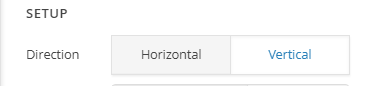
  • To add a vertical line in the middle, you can change your layout to 3 columns, add the line element in the middle column and change the direction to Vertical (see screenshot)

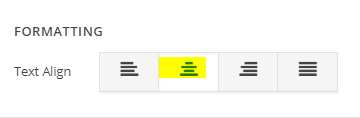
To center the line, Inspect the column, under Formatting > Text Align, select the center format (see screenshot)

Finally go to element CSS of the line element and add:

$el {
  display: inline-block;
}

Hope this helps!

Thank you for your help.

1st problem is solved!

But 2nd problem still needs your help. I did as you advised me to do and its not working.

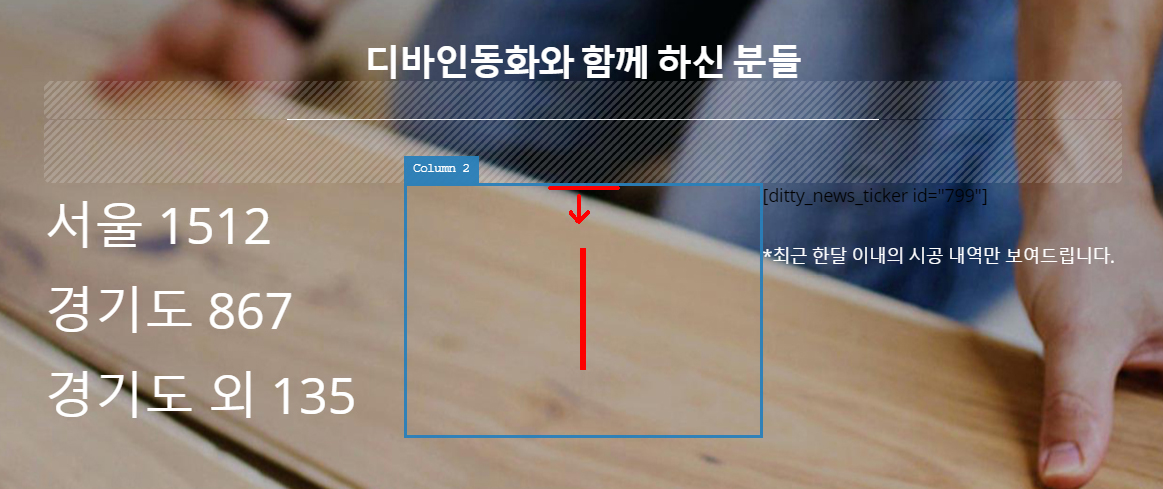
This is what i want to do. Please check the screenshot below.

Line at the moment attached to the top of column and i want to align it vertically middle.

Hi again,

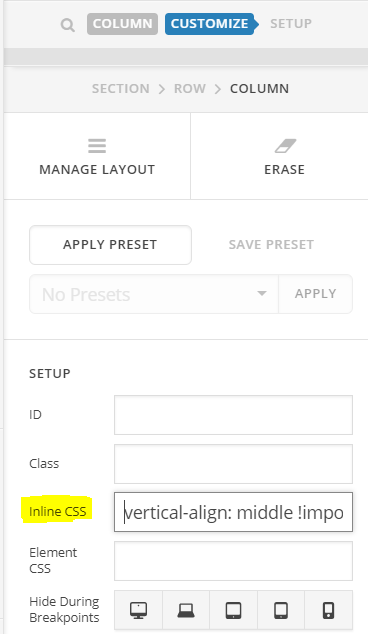
To vertically middle the line add the following code in Column’s Inline CSS:

vertical-align: middle !important;

You’ll have this outcome:

Make sure to clear the cache as well.

Let us know how this goes!

Okay! Now it works!..

I had put ‘vertical-align: middle;’ before but missed !important; and clearing cache. This might be the reason it didnt work before. Thank you!

One more question! Sorry about bothering you.

Is there any trick that i can align numbers as shown on red box on picture below? Is it possible to achieve this?

Hi again,

Try adding the following code as well:

.x-counter-number-wrap span.x-counter-number {
    float: right;
}

Hope this helps!

Thank you so much!

1 Like