Hi,
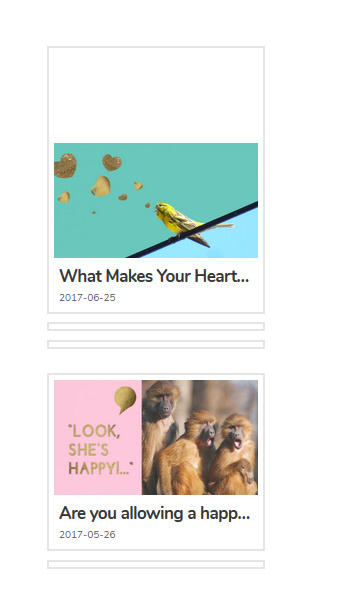
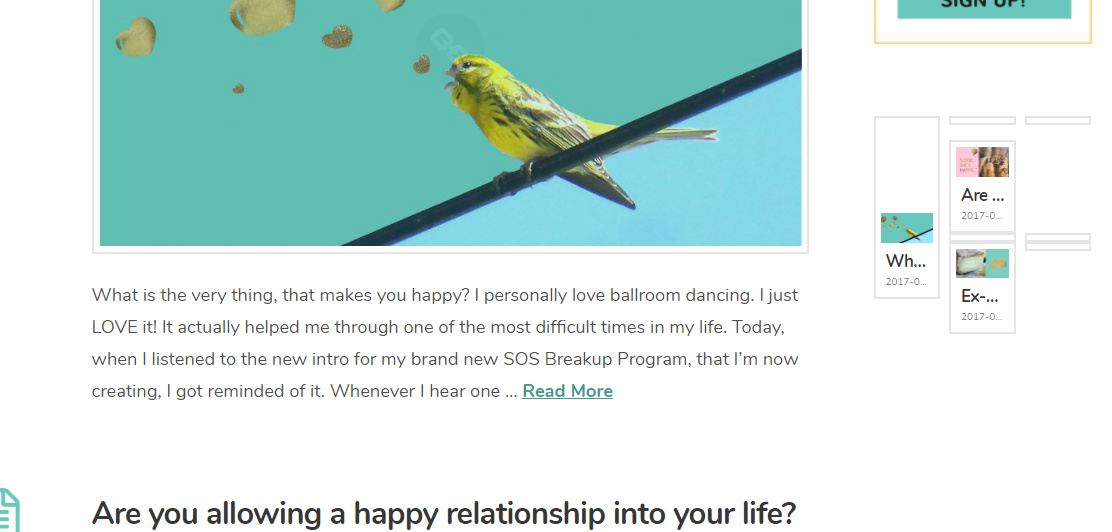
I have a problem with the “recent posts” on the right widget of my blog.
It looks like this:
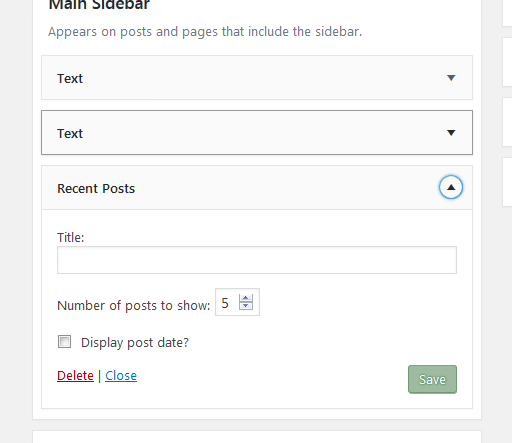
This is how the setting looks:
Thanks for your help!
Nimue
Hi,
I have a problem with the “recent posts” on the right widget of my blog.
It looks like this:
This is how the setting looks:
Thanks for your help!
Nimue
Hello Nimue,
Thanks for writing in!
Can you please share website URL in a secure note for us to take a closer look?
Thanks.
Thank you!
Done 
Hi Nimue,
Please double check credentials. It is not working.
Thank you, can you please try again?
Thanks!
Nimue
Hi Nimue,
This is actually a bug with Wordpress 4.8. WP 4.8 changed the Text Widget functionality. For now to fix this please remove the recent post shortcode from your text widget (copy & paste it to a notepad).
Install and activate this plugin and add your recent post shortcode back to your text widget.
Hope it helps,
Cheers!
I have downloaded the plugin, but I didn’t use the shortcode but the widget option to display the recent post.
So I deleted the widget option,
installed the pluging,
added again the widget option recent post.
And so far nothing changed, same error.
Can you please describe me how to do it differently?
Hi,
We need your wordpress admin login to be able to check on this.
The login provided does not have admin access.
Thanks
done! Thank you!
Nimue
Hi Nimue,
In order for us to investigate the issue, we need an “admin role” account. The one you provided has a little access to your dashboard.

Thanks,
Sorry, I oversaw this! Now it should work.
Thanks a lot
Nimue
Hi Nimue,
It seems to be cached content. I just went to Appearance > Widgets and then save the content again of the second text widget with the recent post element and it is displaying fine now.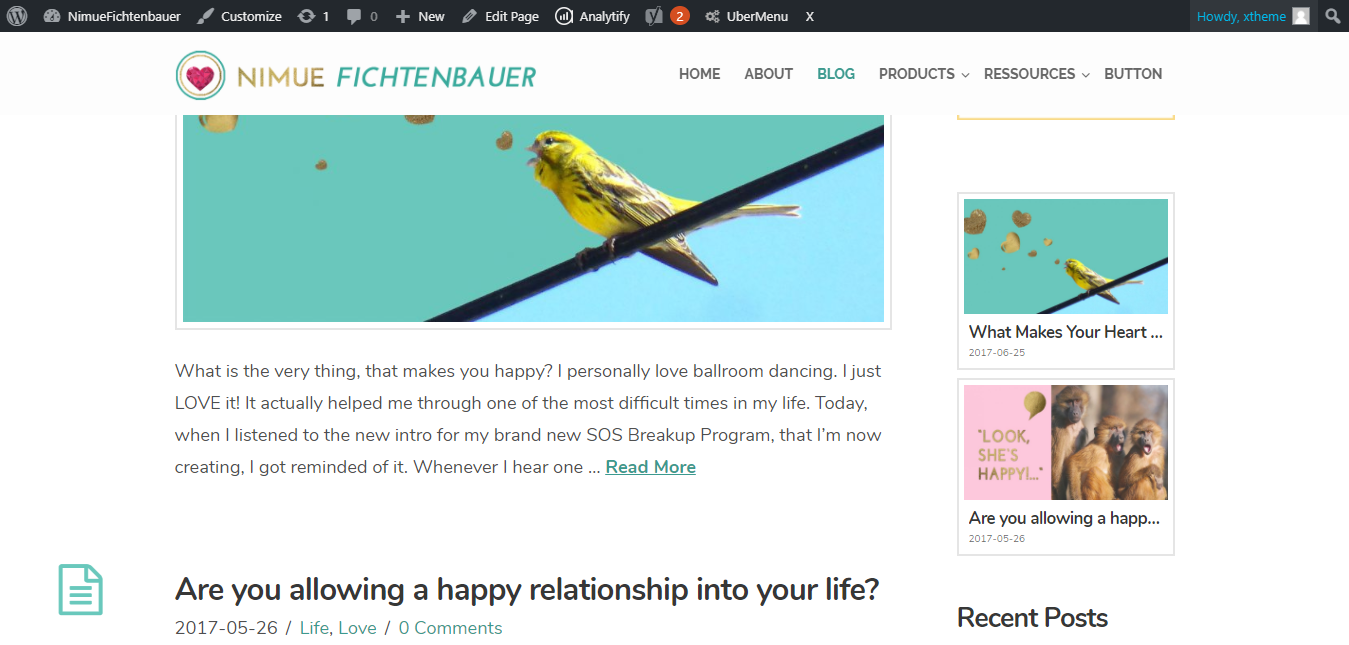
Cheers!
Hi
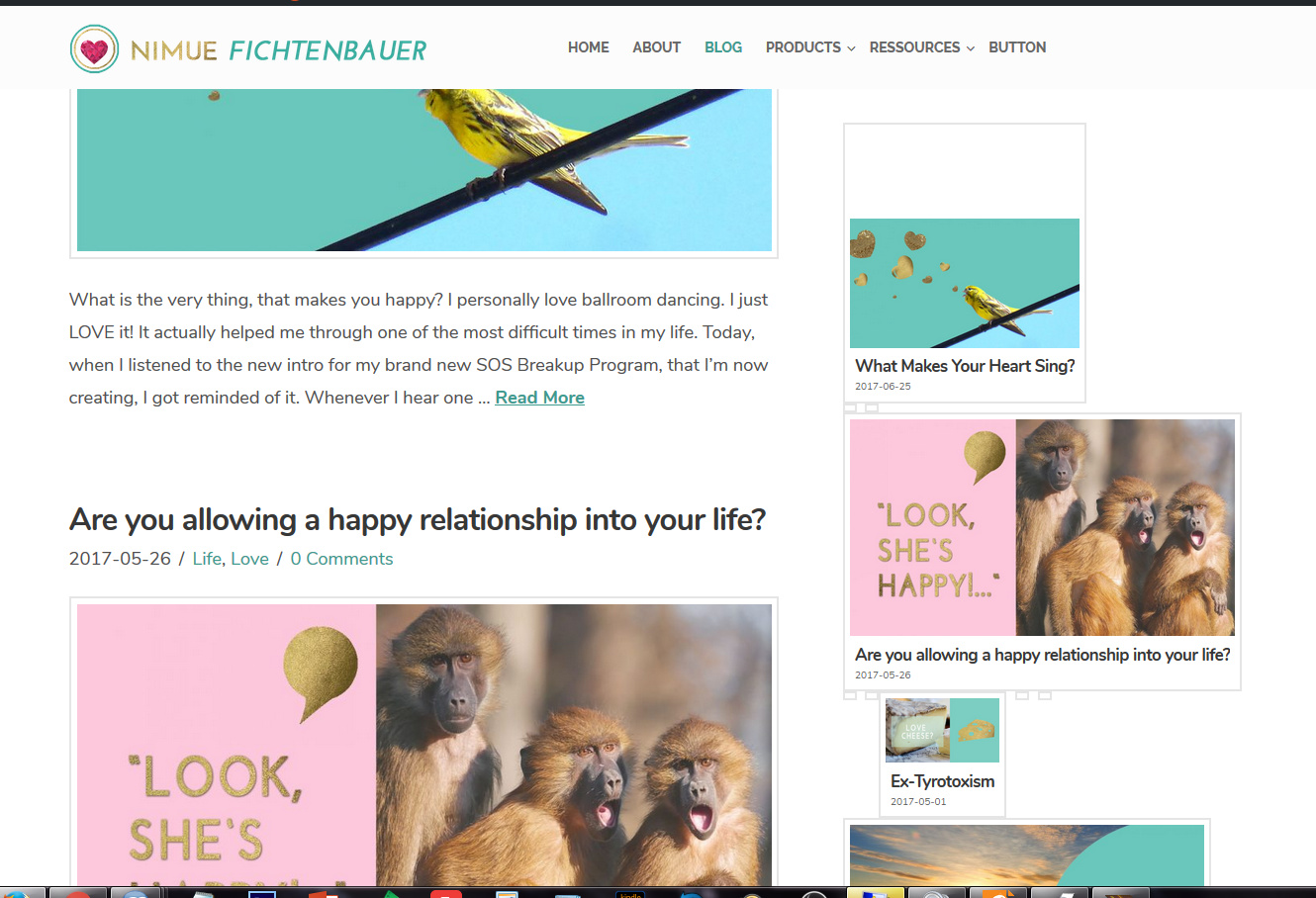
when I went to widgets to check (I wanted to change the number of shown posts to 5) the complete main sidebar area was empty. No photos nor recent posts were shown there. Once I added everything again, it looks like this
Hi There,
Recent Posts shortcode can only display up to 4 post count. If you need 5 add another recent posts shortcode and offset that second one with 4, so it start the at the 5th recent post.
e.g.
[x_recent_posts count="1" orientation="vertical" offset="4"]
Hope it helps,
Cheers!
Hi,
I changed the number from 5 to 3, emptied the cache, but it still looks awkward.
Thank you!
Nimue
Hi There,
I did go ahead and resolve the issue:

What I did is I just follow my instruction above, please clear your browser’s cache on your end.
Cheers!
Glad it works now, cheers!
This topic was automatically closed 10 days after the last reply. New replies are no longer allowed.