Unable to Get the Author Box to Show on my single blog posts

Hi there,

I’ve added the shortcode you’ve provided in other solutions to my functions.php in my child theme,

function add_author() {
if(is_singular(ā€˜post’)) {
echo do_shortcode(’[author title=ā€œAbout the Authorā€]’);
}
}

add_action( ā€˜x_before_the_content_begin’, ā€˜add_author’, 10 );

But that code doesn’t seem to appear on my website’s single blog posts. If I manually add the shortcode to the post itself, the author box will show but i think the above php isn’t firing? Or maybe it’s something in my temaplte?

Here’s a blog post example: https://sitecompli2.wpengine.com/blog/new-residential-updates-local-law-55-bedbug-reporting/. It should be appearing after the related articles.

Thanks for any insight!
Hello Jon-Sun,

The code is correct and it should work. Please try to add the code again on your child theme and make sure to clear cache before checking again. Let us know how this goes.

Hi Lely,

I’ve added it multiple times, to the child and even the parent theme’s functions.php but it hasn’t shown. I’ve cleared my local browser cache. my server cache, and my Autoptimize cache but it hasn’t shown up.

I’ve also checked in multiple browsers (Firefox, Edge, IE, and Chrome) but no luck.

Does it show up for you?

Hi @sitecompli,

Upon checking your website, I could see that you’ve NOT added the custom code to the functions.php file.

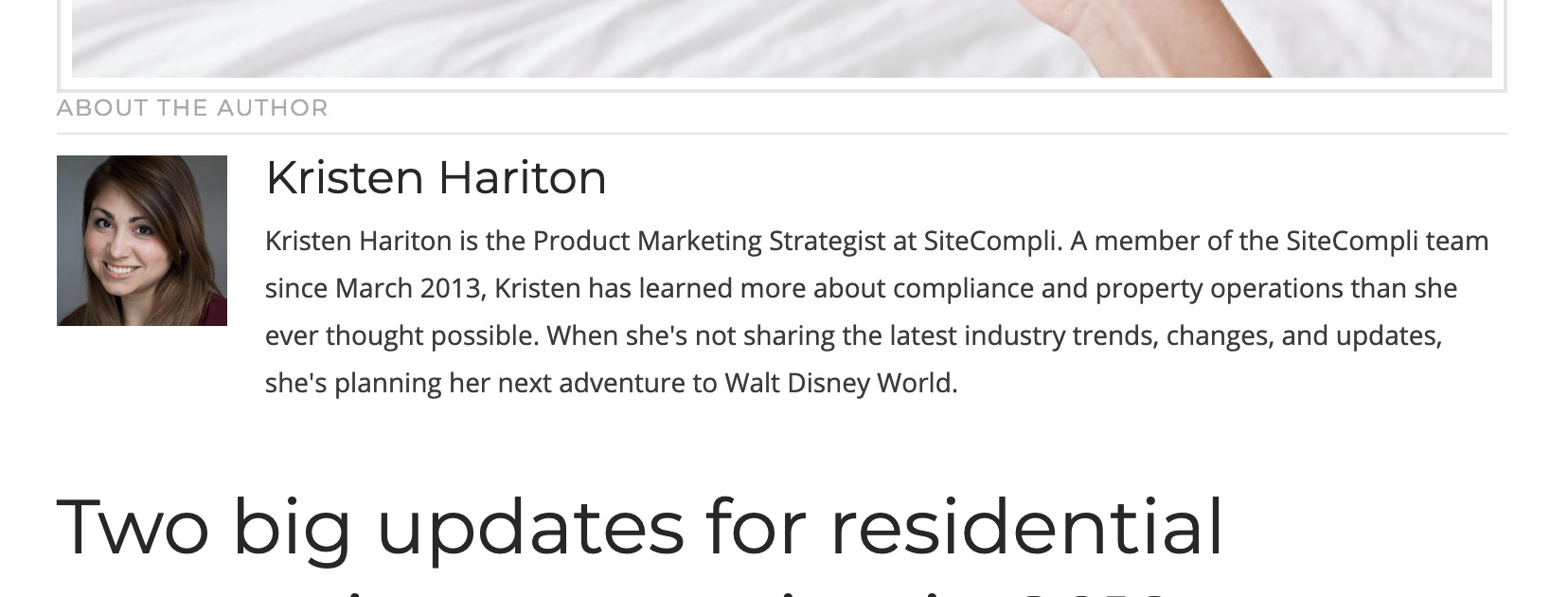
So I went ahead add it and the author box is showing up right now:

The top margin doesn’t look good. Please also add the following CSS under Theme Options > CSS:

.single-post .x-author-box.cf {
    margin-top: 30px;
}

Hope it helps :slight_smile:

Hi Thai,

Oh wow okay, I guess i wasn’t correctly replacing the file when I was using filezilla. Appreciate you looking into that!

Thanks! looks great and i’ll now add CSS to make it look clean.

Best,

Glad we were able to help :slight_smile:

This topic was automatically closed 10 days after the last reply. New replies are no longer allowed.