so I have activated secondary text on my menu- where do I add this secondary text for each item?
Hi There,
Thanks for writing in!
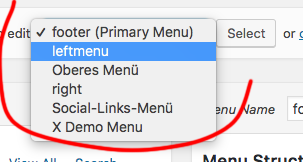
Please go Dashboard -> Appearance -> Menus then select the menu you want to add the secondary text.
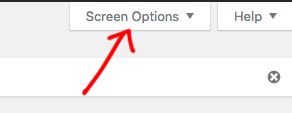
Click on the Screen Option in the top right corner.
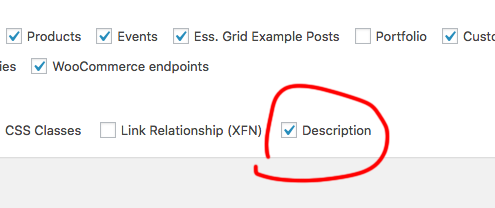
In the screen Options window, you can check the Description option.
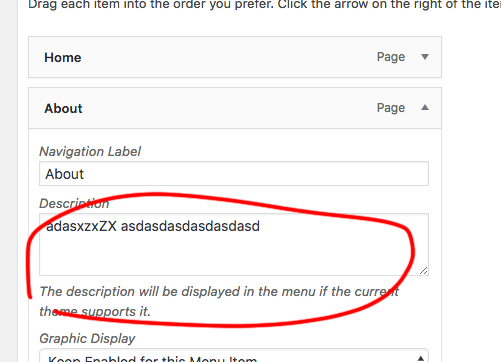
Now you can able to add secondary text to any menu item.
Hope this helps!
This topic was automatically closed 10 days after the last reply. New replies are no longer allowed.