Footers Not Working

Hi there,

I have updated the footers for our corporate services page as well as our hawaii home page, and they are not being reflected correctly on the live website. I have updated both footers, and all of the other locations are working but for some reason just hawaii corporate isn’t working. You can see the difference if you go to our website click hawaii --> go to services --> go to corporate --> scroll down to footer and see that they are all stacked. If you go to another location such as san Diego this should be correct. The same with the hawaii footer for the hawaii home page, the logo on the left should be left aligned as I see on the backend but it doesn’t show left aligned on the page.
Thank you
Hey Ashley,

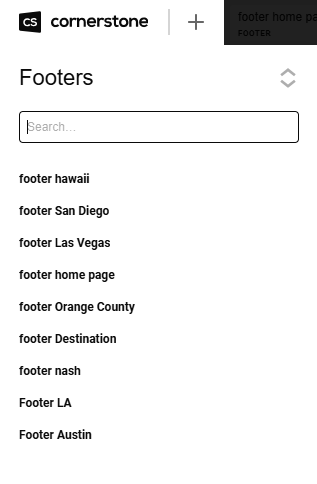
I have checked your custom footers.
image

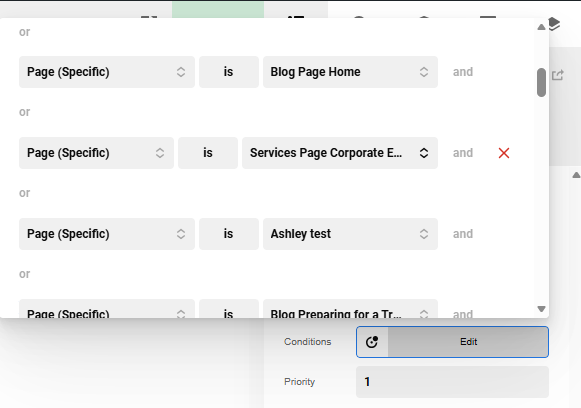
It seems that the Footer Home Page is assigned to the Corporate Events page.
image

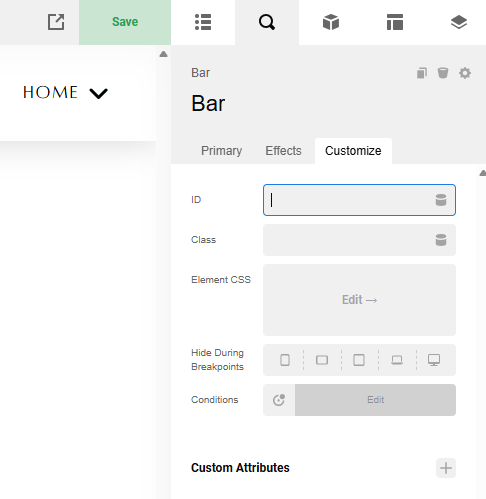
When I am logged in, the footer menus display correctly. If I log out, the issue occurs. Here’s what I want you to do: edit your custom footers and add a UNIQUE ID in the bar element so we can distinguish which footer displays when the issue occurs.
image

Hope this makes sense.

Hi Ruel, Thank you so much for g getting back to me. I think I am a little confused. Why do the footers display correctly when you are are logged in vs logged out? What am I supposed to put in the unique ID portion?

Thank you

Hey Ashley,

I have cleared your WP Engine cache. I think that the issue is now resolved. Bar IDs have been added as well to easily identify which custom footer is being displayed.

Check the page again.

Hi Ruel,

This looks great, thank you so much for taking care of that. I appreciate it!

You are most welcome, Ashley.