After I updated my pro theme, shortcodes menu disappeared. How can I bring it back.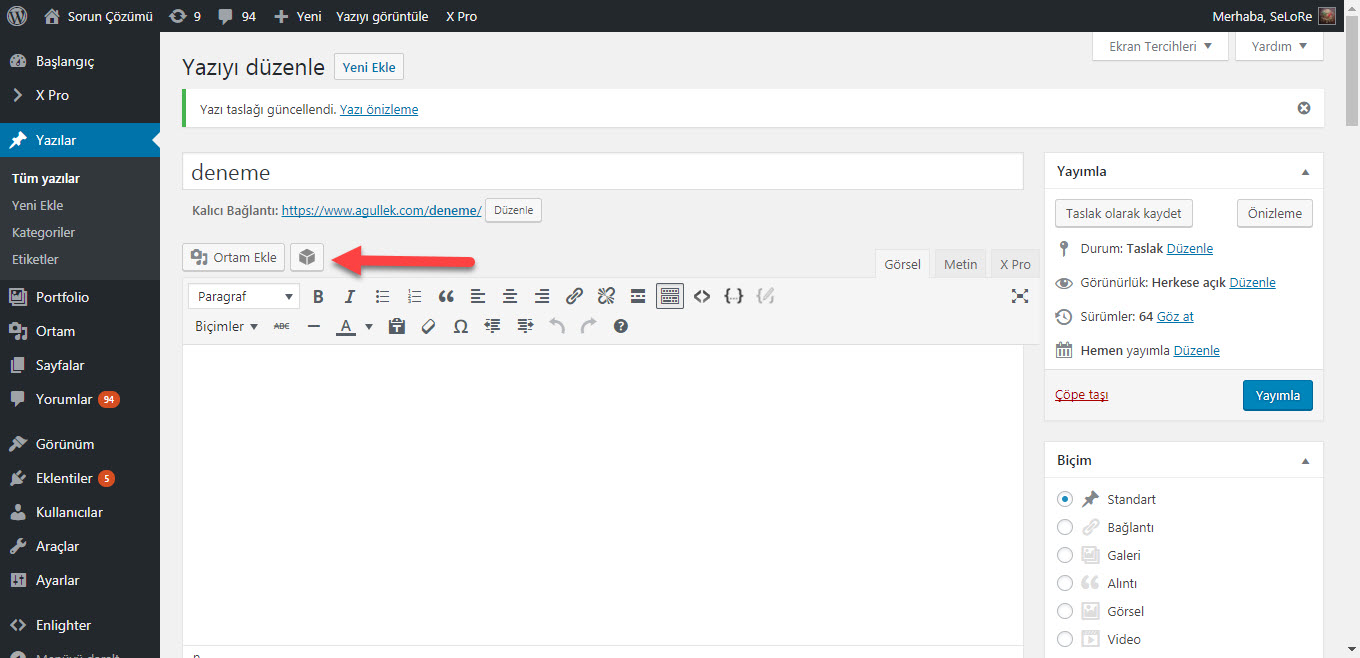
It’s now hidden by default as it only works with classic elements. You can show it again from Pro > Settings in your dashboard.
Oky, I found it thank you.
You’re welcome!
I have a similar question, but for X 5.2
I don’t see a Settings menu under the X section of the dashboard, but I really miss being able to enter shortcodes without having to build them by hand using a browser tab for reference, mostly into “classic” controls like Tab.
If it’s not showing up under setting, you might not be on the latest version. Regretfully the shortcode manager is something we needed to move away from because it doesn’t work with V2 elements. It will still be available for classic elements, but not in the content builder.