Hi Antoine,
Thanks for writing in! There could be many ways to achieve this. So I will just mention couple of options. The easiest method is to use Gap element in Cornerstone and place it above and below your content, so that it will create an equal gap according to what you have set. You can also check shortocde version of Gap element from here (http://demo.theme.co/integrity-1/shortcodes/gap/).
Then other method is by using custom CSS. First place your element in your Column. In my example, I have placed a Text element.
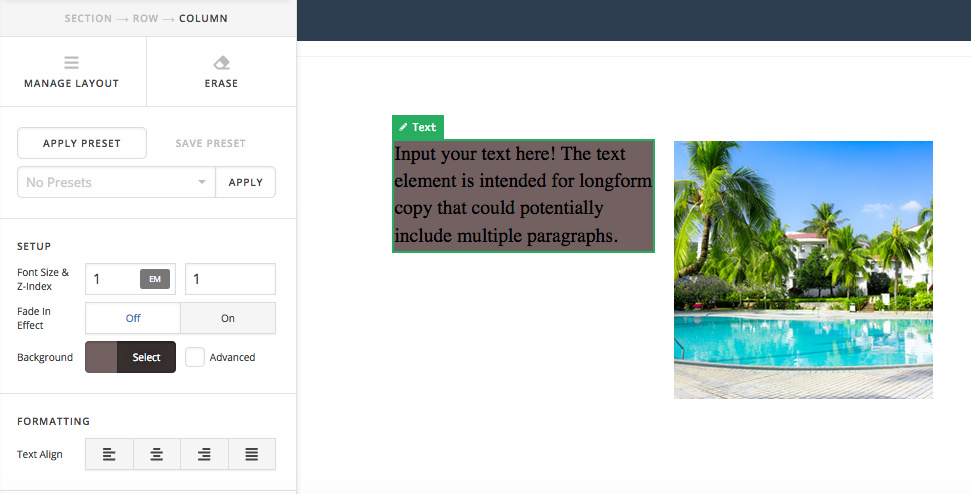
Then go to your Column -> Customize -> Element CSS area and add the following CSS rule.

$el {
    height: 50vh;
    display: flex;
    align-items: center;
}
Then it should display as follows. You can then change the height according to your requirement.

Hope that helps.
