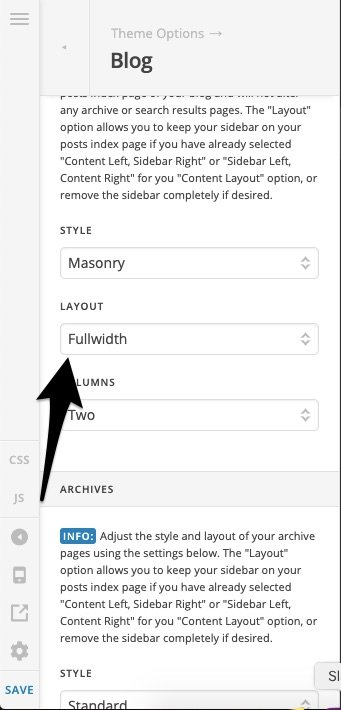
I’m using the Integrity stack.
For posts, there’s a full width option to eliminate sidebar.
For pages, there’s a template option: Blank Container | Header Footer that hides the sidebar
I’ve set a different page to be the blog.
In other words, I have a homepage ---- website.com
And, on the homepage a link to ----website.com/blogpage: and, that’s where the ten latest blog posts are…
settings>reading>
Homepage set to static page
Posts page: set to website.com/blogpage
For some reason, when I’m editing blogpage, there is no option for Template Blank Container | Header Footer … is there a way to achieve this???
thank you!