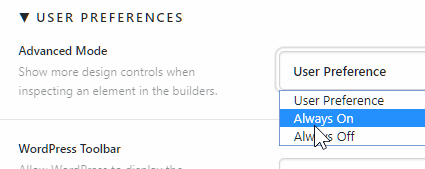
Hello,
last two days we have problem with content editation in cornerstone. Left panel doesn’t contain all editing options like he did before and It applies to all parts (section, rows even collumns). For exmaple I want to put border to one of my collumns, so normally I would go to collumn and i just set-up border (like on left picture - it’s from our second web), but now there is not options like this (like on right picture).
Just now I realize that on the problem web there’s not a bar with name of web which I have no idea what that means…if there is some correlation or not.
On updated problem web last friday, so it’s probably somehow related (I´updated all plugins, whole cornerstone and WP).
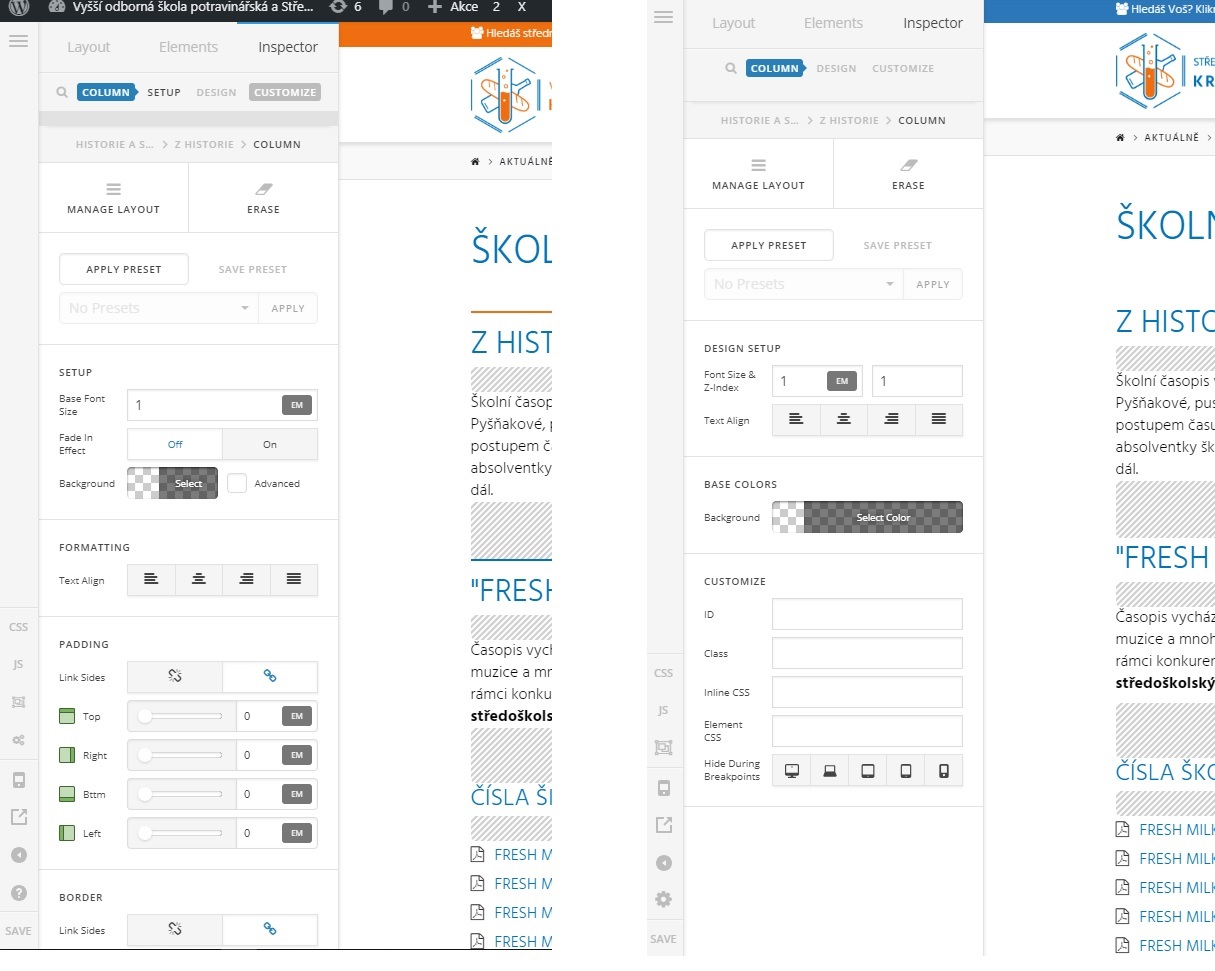
Thanks very much for your advice, Nezzazvoni