Center two columns in a row

Hey Themeco!

I have 2 columns, 1 with text and 1 with an image.
Of course, these columns are in a row.

Now what I’m trying to achieve is to center the columns, or the content of the columns, in the row.
So that the vertical center of the text and the image are the same.

Vertical-align doesn’t work for me as far as I know… Don’t know what to try next.

http://beingsmart.nl

Thanks!

Hi There,

Thanks writing in! Upon checking, I could not identify the issue that you’re referring to (check secure note).

Could you please provide us with a screenshot along with the URL to your page, so that we can look into your issue.

Thanks!

Thanks for you response!
Coincidentally you have the same resolution as I do, so you won’t see the problem.
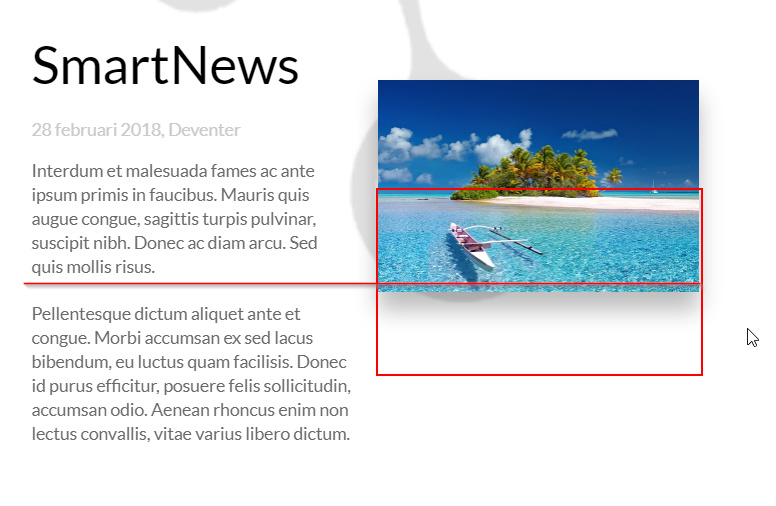
But for bigger and smaller screens, this happens:

What I’m trying to achieve is this:

(This is also needed for the second white part of the page, where there is another image.)

Hi There,

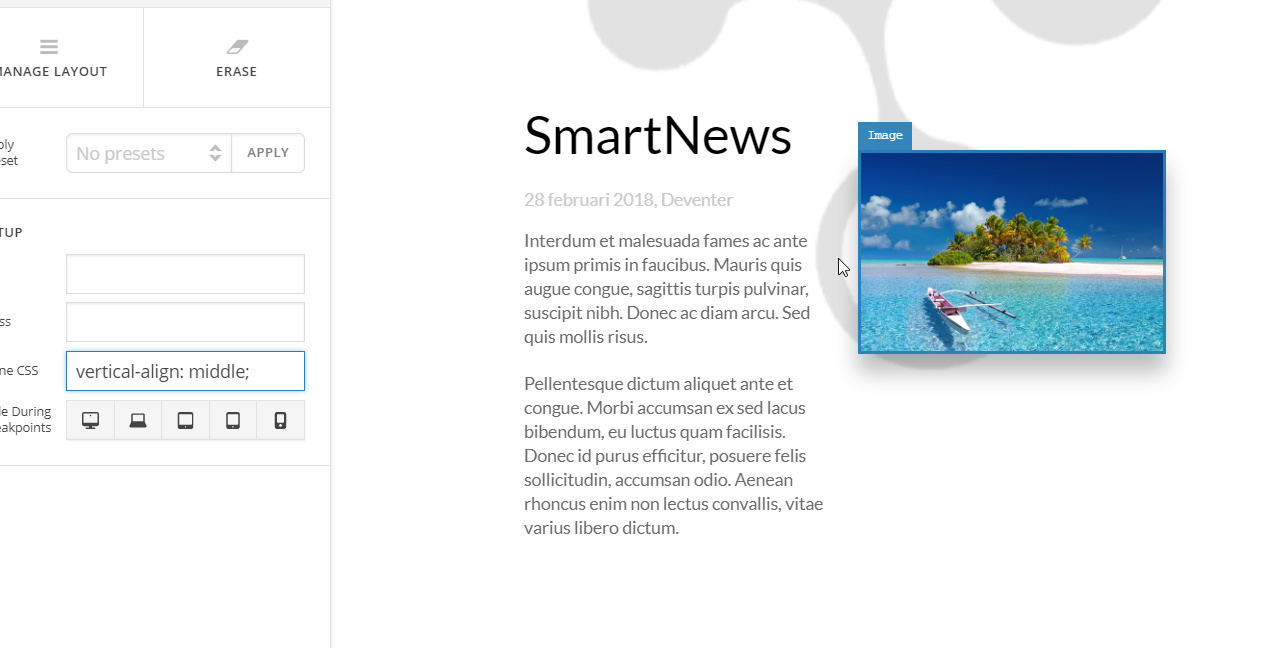
Please add the following CSS to the column where the image is placed, you can find the Inline CSS Box on the customize tab of the column.

vertical-align: middle;

Hope it helps

As I said, sadly that doesn’t work:

Hi There,

Try adding this CSS to Pro > Launch > Theme Options > CSS.

@media (min-width: 768px){
    #News .x-container.max.width {
        display: flex;
        align-items: center;
    }
}

Hope it helps.

Works like a charm, thank you very much!

Glad to hear it!

Cheers!

This topic was automatically closed 10 days after the last reply. New replies are no longer allowed.